Industry
3D scanning for media and entertainment
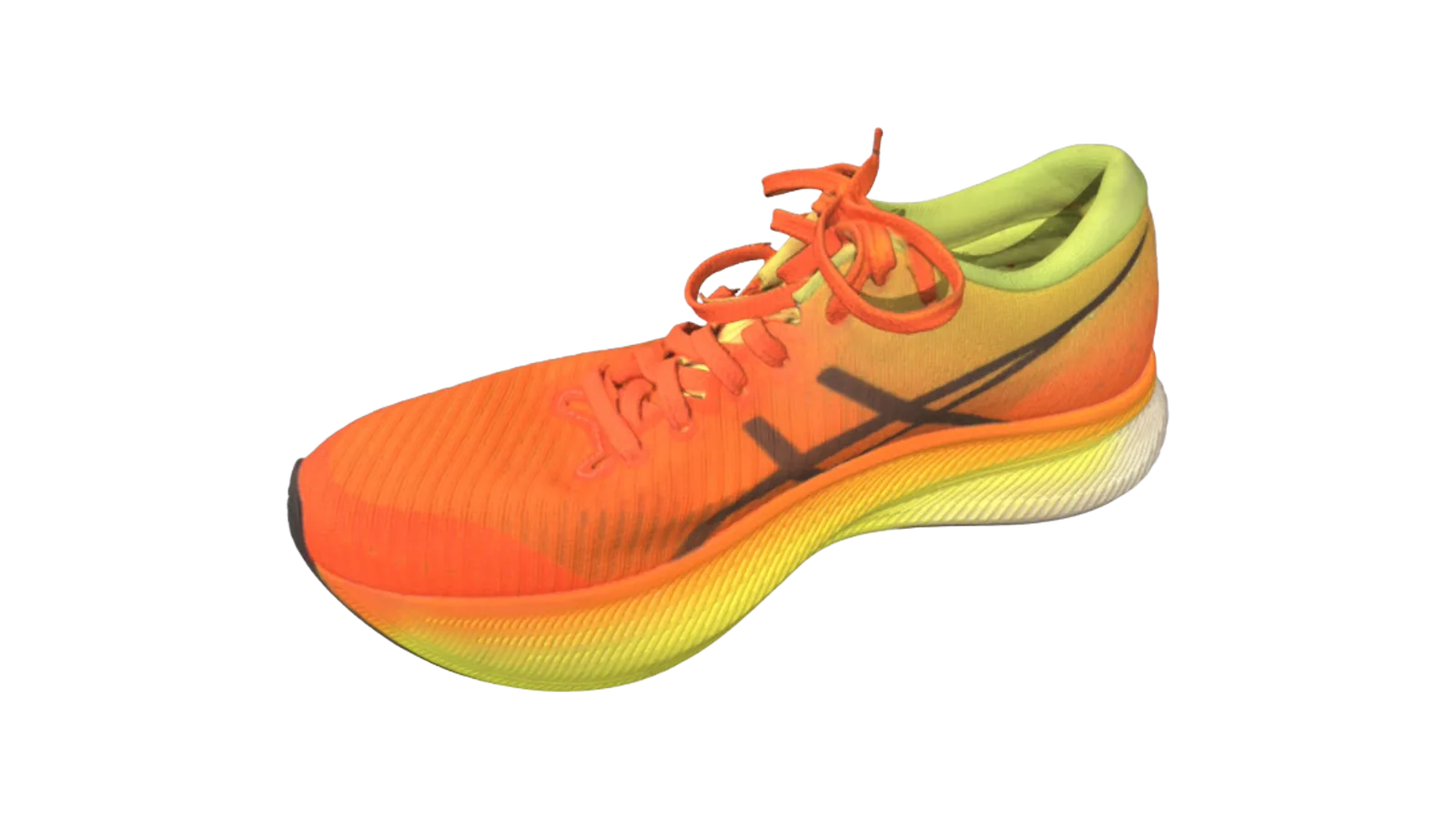
Turn actors, props, costumes and sets into accurate color models for VFX, games and virtual production, instead of sculpting them from scratch.
Key takeaways
- Color scanners capture shape and texture in one pass, so a digital asset matches the real object.
- Artec states the Eva's white light is safe for scanning people, and it needs no targets on the skin.
- The Artec Leo scans actors, costumes and props with no cable, using its own screen and battery.
- AI Photogrammetry in Artec Studio builds models from photos for subjects too large or too far for a handheld.
Where does 3D capture slow media and entertainment work down?
In the gap between the physical object and the digital one. A prop, a costume, an actor's face or a set piece already exists on the stage, but rebuilding it by hand in a modeling tool takes a skilled artist a long time, and the result still drifts from the real thing. Schedules leave little room: a set is struck, a costume goes back to the department, an actor moves on. A color 3D scanner captures shape and texture together in one session, so the asset matches the object on set and is captured before the object is gone. Artists then clean, retopologize and texture a scan instead of starting from an empty scene.
Typical applications
Digital doubles
Capture an actor's head, face and body in color as the base for a VFX or game character.
Props and costumes
Scan hero props, armor and costume pieces so digital and physical versions match.
Sets and locations
Record set pieces and locations for set extension, previsualization and virtual production.
Game and AR assets
Turn real objects into textured models for games and AR and VR scenes.
What do we scan for film, VFX and game teams?
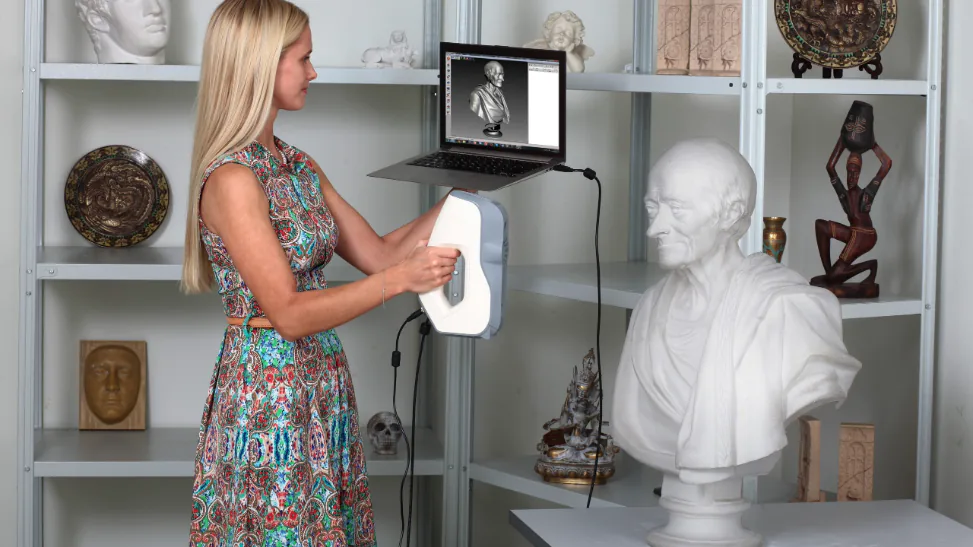
People, props and places. Actors' faces, heads and full bodies become the base for digital doubles; hero props, armor and costume pieces become assets that match the physical version; maquettes and sculpts become digital models; set pieces and locations become geometry for set extension and virtual production. The table pairs each with what a scan records and the scanner class that suits it. Color texture matters in every row.
| What we scan | What is checked or rebuilt | Scanner class that suits it |
|---|---|---|
| Faces and heads | Shape and skin texture for digital doubles | White-light structured-light handheldEva |
| Full bodies and costumes | Pose, silhouette and fabric in color | Wireless structured-light handheldLeo, Eva |
| Hero props and armor | Fine detail, edges and surface texture | High-resolution color handheldSpider II, Go!SCAN SPARK |
| Sculpts and maquettes | Hand-sculpted forms turned into digital models | Color structured-light handheldGo!SCAN SPARK, Eva |
| Set pieces and vehicles | Large forms and color for set extension | Wireless handheld or tripod LiDARLeo, Ray II |
| Locations and large objects | Models from photos or from long-range scans | Photogrammetry software or tripod LiDARAI Photogrammetry, Ray II |
What we scan for media and entertainment
Faces and heads
- What is checked or rebuilt
- Shape and skin texture for digital doubles
- Scanner class that suits it
- White-light structured-light handheldEva
Full bodies and costumes
- What is checked or rebuilt
- Pose, silhouette and fabric in color
Hero props and armor
- What is checked or rebuilt
- Fine detail, edges and surface texture
- Scanner class that suits it
- High-resolution color handheldSpider II, Go!SCAN SPARK
Sculpts and maquettes
- What is checked or rebuilt
- Hand-sculpted forms turned into digital models
- Scanner class that suits it
- Color structured-light handheldGo!SCAN SPARK, Eva
Set pieces and vehicles
- What is checked or rebuilt
- Large forms and color for set extension
Locations and large objects
- What is checked or rebuilt
- Models from photos or from long-range scans
- Scanner class that suits it
- Photogrammetry software or tripod LiDARAI Photogrammetry, Ray II
Which props, costumes and surfaces are hard to scan?
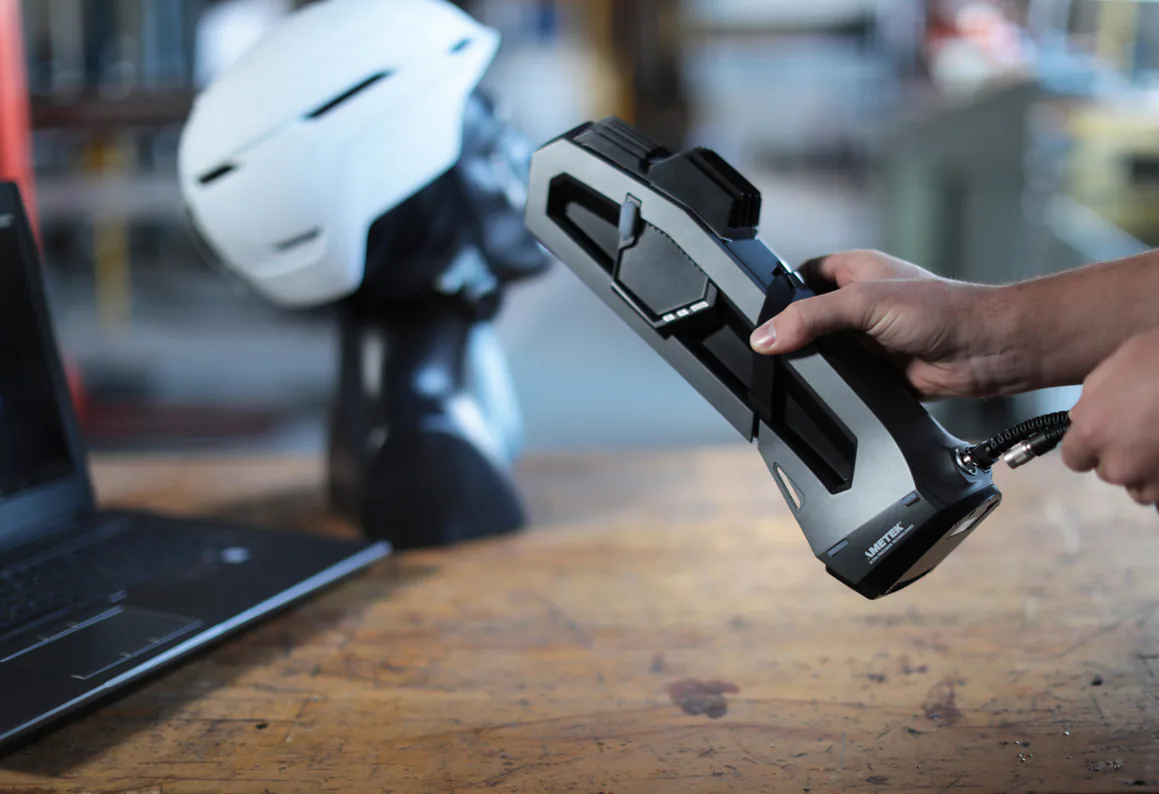
Matte paint, fabric, leather, foam, resin and skin all scan well in color. The hard cases are the shiny ones productions love: chrome, mirror-finish armor, gloss-black plastic, glass and clear acrylic, sequins and metallic fabric. Hair is also difficult for most structured light. The usual answers are adjusted settings, more passes from different angles, a removable scan spray applied only after color is captured, and artist cleanup for hair and transparent parts.
Fabric, leather and foam
Scan well in shape and color; support soft costume pieces so they keep their shape.
Painted resin and fiberglass props
Matte paint is ideal. Glossy clear coats may need adjusted settings or extra passes.
Chrome, mirror armor and sequins
They scatter light. Capture color first, then use a removable spray or extra passes for the geometry.
Hair and glass
Hard for most structured light. Artists usually rebuild hair and transparent parts from the scan and photographs.
Which media and entertainment jobs do we scan most often?
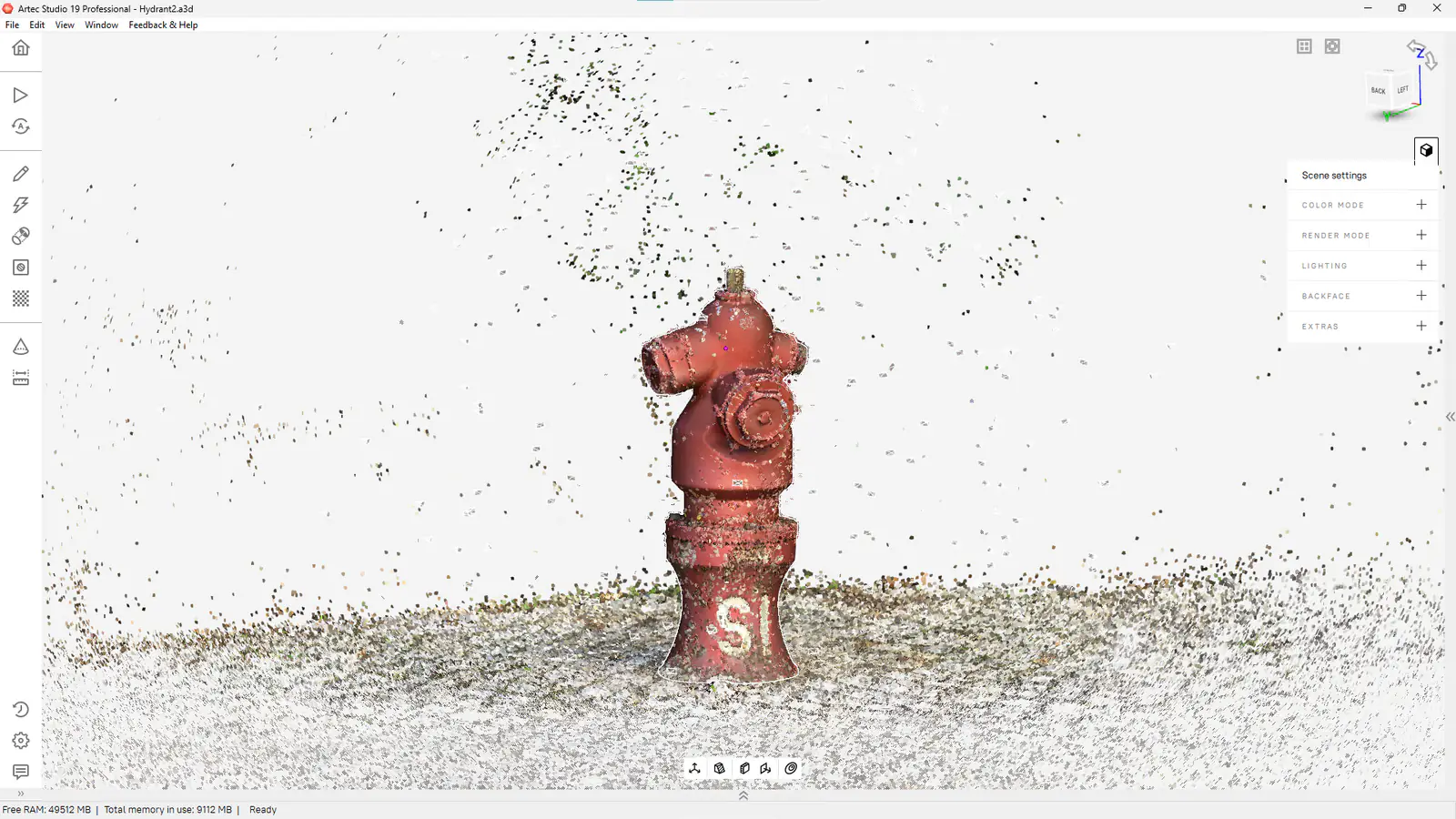
Four: capturing an actor for a digital double, digitizing props and costume pieces so digital and physical versions match, recording set pieces for set extension, and turning real objects into textured game and AR assets. Each needs color. People need speed and light that is safe for them; props need detail; sets and locations need reach, which is where photogrammetry and LiDAR come in. Two of the jobs below are documented by Artec.
Digital double of a costumed actor
Artec documents how Second Chance Games & Visual Effects scanned an actor in a heavy robe for the series Sleepy Hollow, using the Eva for the robe and an earlier Spider model for the face.
Props and prosthetics without lifecasting
Artec documents how Blue Whale Studios scanned a lead actor's body with the Eva and face with an earlier Spider model to build a full-body double, instead of lifecasting.
Set extension
Record set pieces and practical builds so digital set extensions line up with what was shot.
Game and AR assets
Scan or photograph real objects and turn them into textured, optimized models for real-time use.
Where does Creaform fit in media and entertainment?
Creaform's color scanner is the fit here. The Go!SCAN SPARK records shape and 24-bit color texture at 50 to 200 DPI in one pass and tracks on geometry or color texture, so most props, costume pieces and sculpted objects from 0.1 to 4 m need no targets. Creaform describes its color models as suited to virtual presentations and digital archives. Creaform's blue-laser HandySCAN scanners record geometry without color, which suits engineered props, rigs and mounts where precise fit matters more than texture.
Creaform products named here:
Where does Artec fit in media and entertainment?
Artec lists CGI and media among the Eva's industries and CGI and visual effects among the Spider II's. The Eva's white light, which Artec states is safe for people, captures heads, faces and bodies with 1.3 MP color texture and no targets. The wireless Leo walks around a full-body pose, a costume or a large prop with 2.3 MP color, and the Spider II adds fine detail on props and surface textures with 5 MP color. AI Photogrammetry in Artec Studio builds models from photos for subjects too large for a handheld, and all of it merges in Artec Studio.
Artec products named here:
Which scanners are best for media and entertainment?
For media and entertainment, these four scanners are the strongest fits across the Creaform and Artec ranges: Eva, Leo, Spider II and Go!SCAN SPARK. Each card says why it fits and shows one headline fact taken from the maker's published specifications. They are not ranked against each other, because the right choice depends on the size of what you scan, the accuracy you need and your surfaces. Compare them side by side in the table, then see the one you favor scan your own work before you decide.
Artec
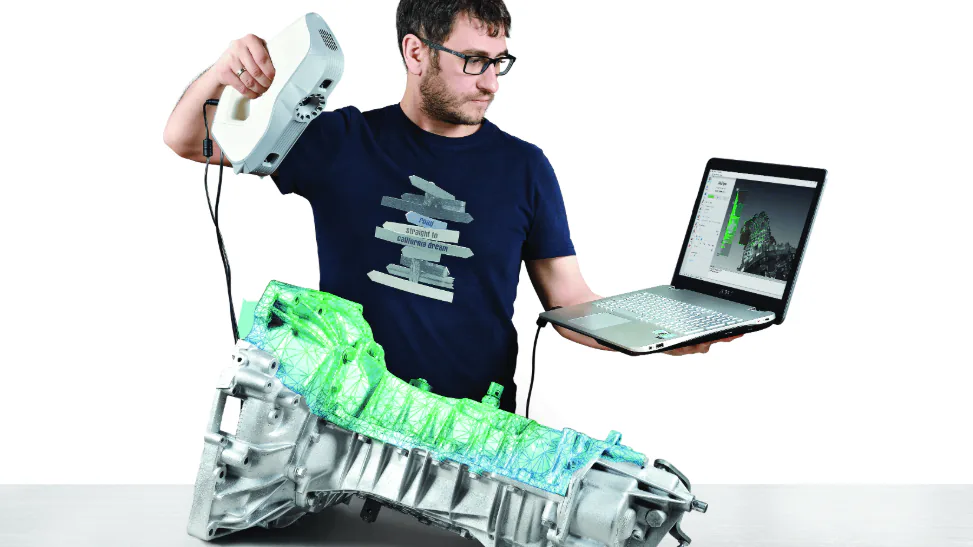
Eva
Handheld structured-light 3D scanner
White light that Artec states is safe for people, no targets and fast color capture, for faces, heads and props.
- Color texture
- Yes
Artec
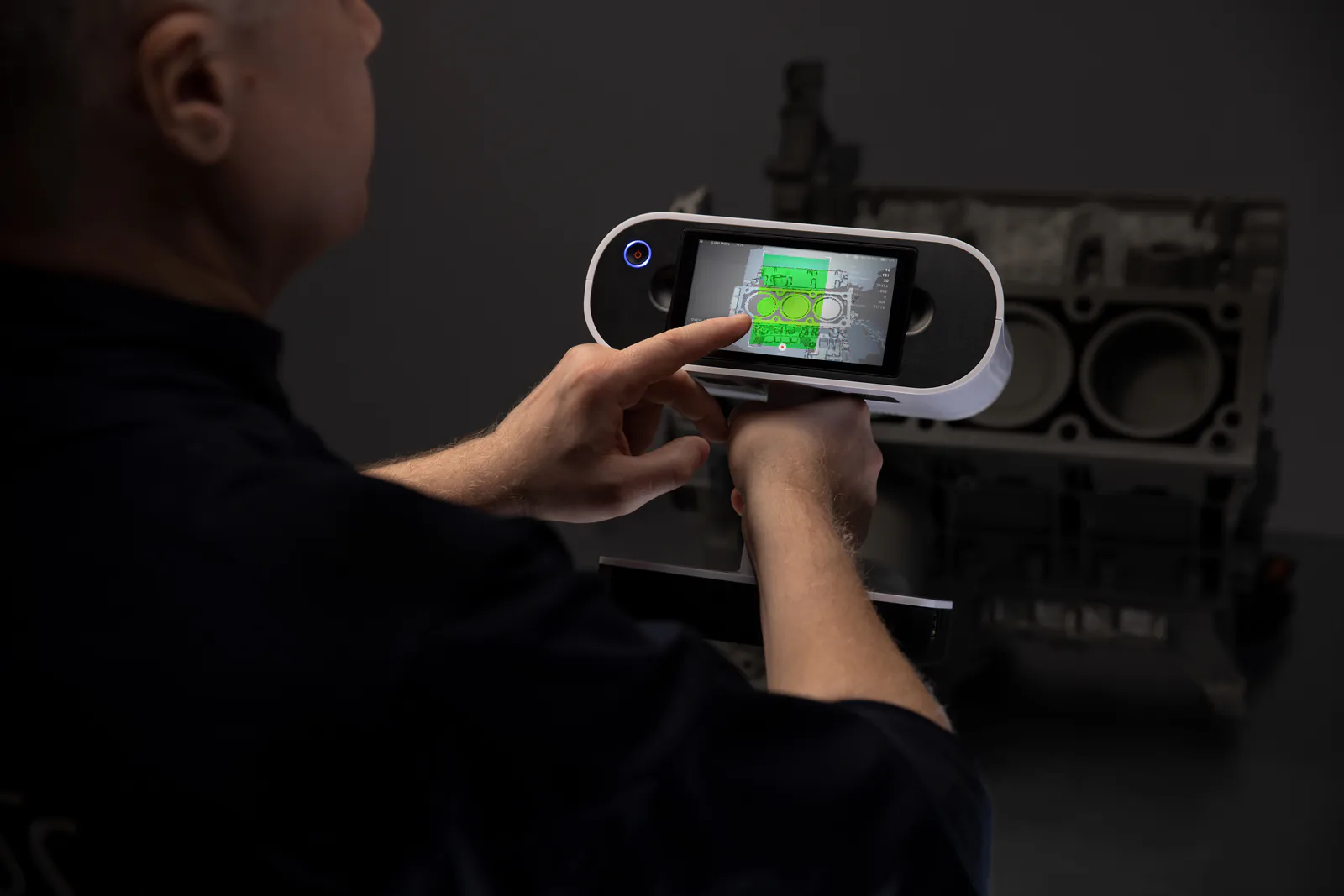
Leo
Wireless handheld 3D scanner with onboard processing
Walk around an actor, a costume or a large prop with no cable, watching coverage on the scanner's own screen.
- Wireless operation
- Yes
Artec
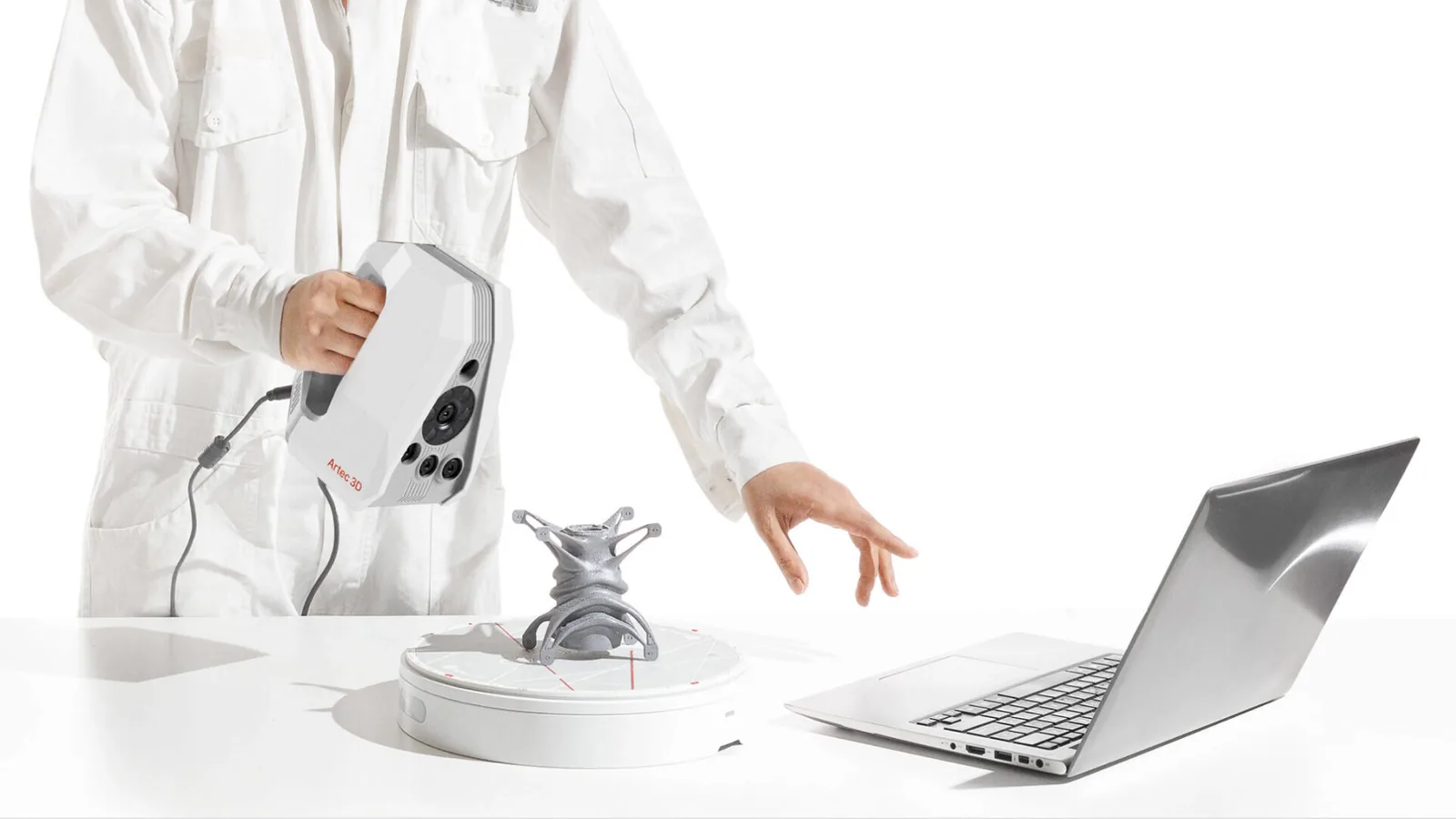
Spider II
Handheld high-resolution blue-light 3D scanner
Fine detail and color texture on small props, jewelry and surface finishes.
- Resolution
- 0.05 mm
Creaform
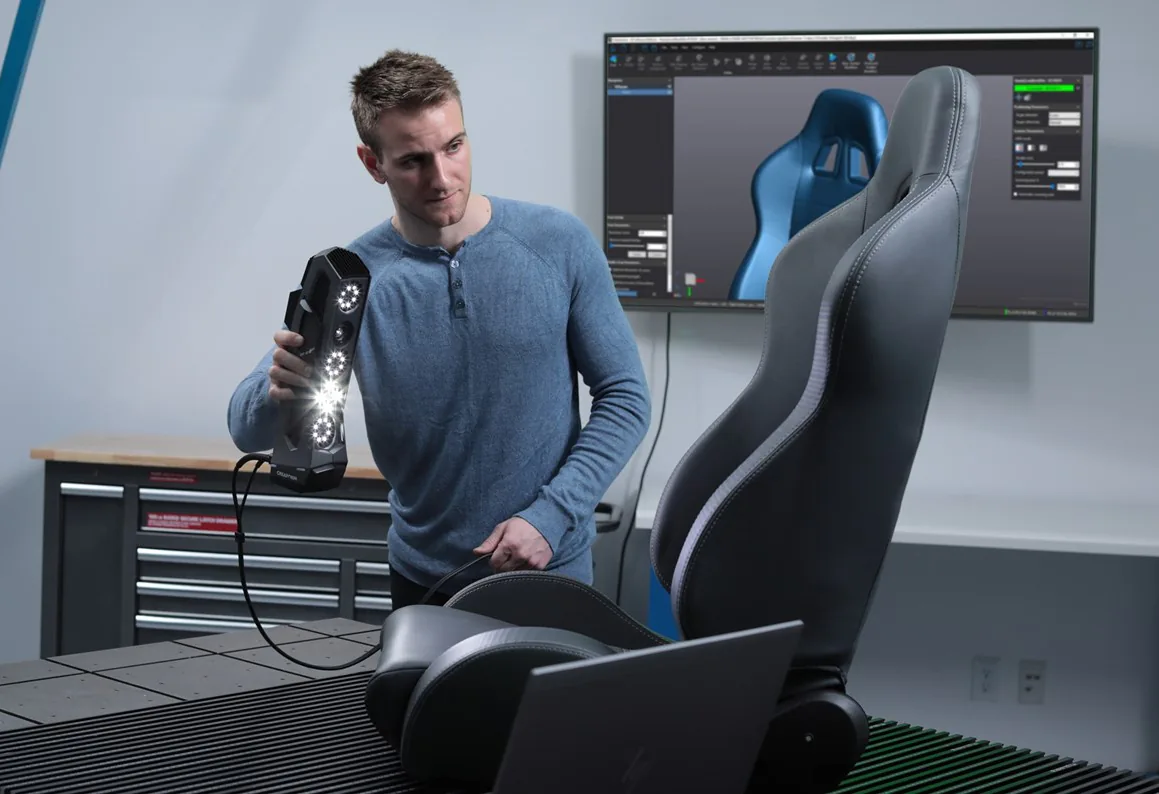
Go!SCAN SPARK
Handheld white-light 3D scanner with color capture
Creaform's color scanner for props and sculpted objects, tracking on shape or color texture.
- Color texture
- Yes
| Specification | Eva | Leo | Spider II | Go!SCAN SPARK |
|---|---|---|---|---|
| Technology | White structured light | Structured light (VCSEL) | Blue-light structured light | White structured light |
| Accuracy | Up to 0.1 mm | Up to 0.1 mm | 0.05 mm | Up to 0.050 mm |
| Recommended part size | 0.1–2 m | 0.2–2 m | 50–500 mm | 0.1–4 m |
| Positioning targets | Not needed | Not needed | Not needed | Optional |
| Color texture | Yes | Yes | Yes | Yes |
| Wireless operation | No (cable) | Yes | No (cable) | No (cable) |
| Weight | 0.9 kg | 2.6 kg | 0.95 kg | 1.25 kg |
Specs checked:
What does a demo for a studio or production show?
Pick the objects that are hardest for your pipeline: a glossy prop, a detailed costume piece, a face or a set piece. We scan them with the scanners you want to compare and show you the color mesh, how much fine detail it keeps, and how it exports to your modeling and texturing tools. Say in your request whether you scan people, so we bring scanners suited to it. On-site demos are available in most areas; ask when you request.
What else do media and entertainment teams ask?
Which 3D scanner is best for digital doubles?
For faces and heads, the Artec Eva is a common choice: white light that Artec states is safe for people, no targets and 1.3 MP color texture. For full bodies and costumes, the Leo moves around the subject with no cable and records 2.3 MP color. Both capture quickly, which matters because a person cannot hold perfectly still; fine features such as hair usually need artist cleanup afterward.
Can scans go straight into a game engine or VFX pipeline?
After processing, yes. Artec Studio and Creaform.OS export color meshes as OBJ, PLY, STL and other formats that modeling, texturing and game tools import. Raw scans are dense, so artists usually simplify or retopologize them and bake the fine detail into textures before an asset goes into a real-time engine.
Can a scanner capture shiny props and costumes?
Often, with care. Matte props, fabric and painted surfaces scan well in color. Chrome, mirror-finish armor, glass and glossy black plastics reflect light or let it through, so they may need adjusted settings, extra passes or a removable scan spray, applied only after color is captured. Artec states that HD mode helps the Leo and Eva on black and shiny areas.
See it scan a performer, a prop or a set
Choose a performer, a hero prop, a costume or a set piece, and tell us which shiny or fine-detail cases worry you. We scan it at your studio or location and show you the mesh and color. On-site demos are available in most areas; ask when you request.