Creaform
Inspection
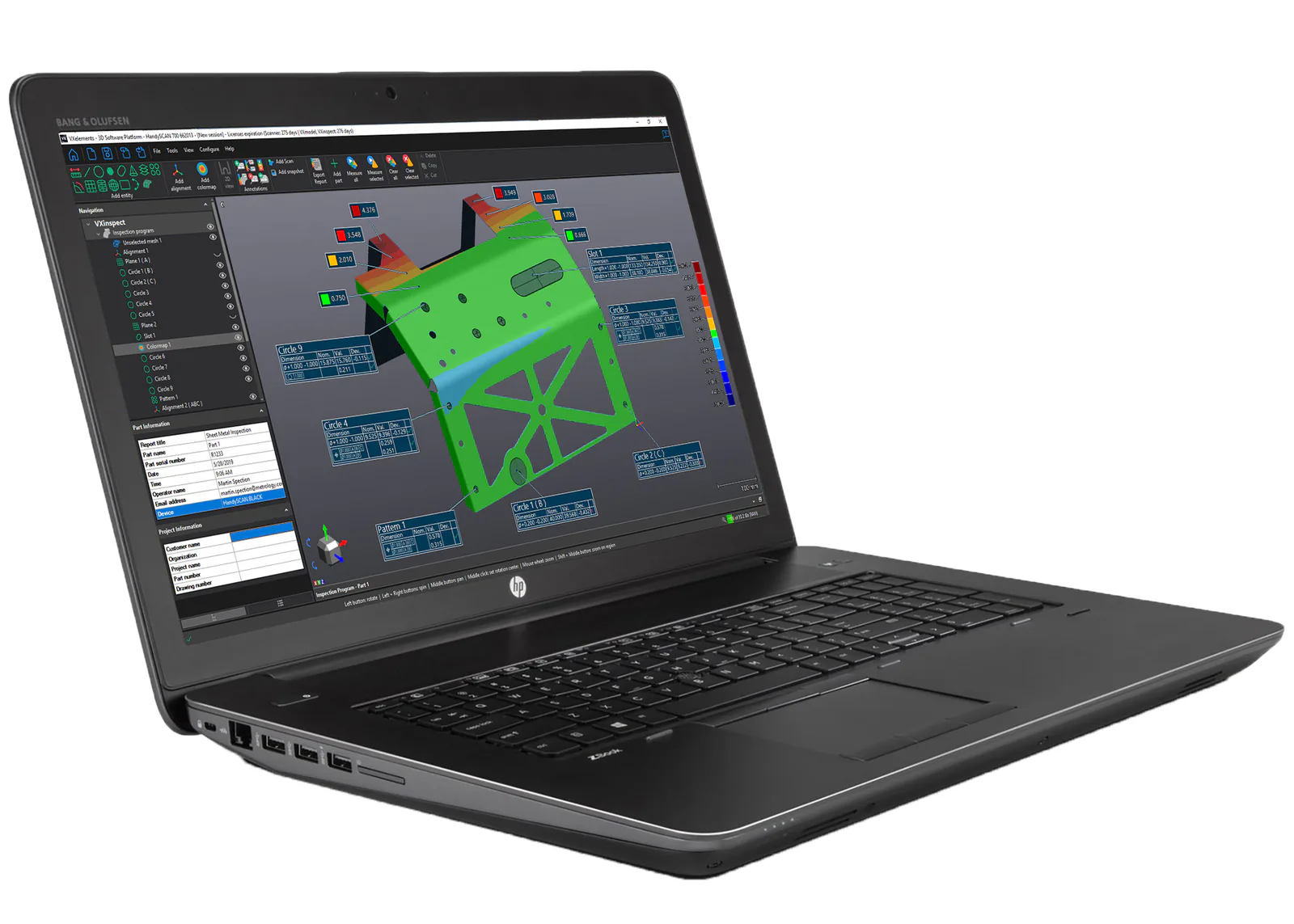
Dimensional inspection software module
Dimensional inspection module for scan, probe and photogrammetry data, from root-cause checks to full first-article inspection.
- CAD import
- IGES, STEP
- Mesh inspection (scanning)
- Included
Scanning software
The software decides how fast a scan becomes a CAD model, an inspection report or a mesh ready to print. Here is every Creaform, Artec and Geomagic package we sell, grouped by the job it does, with what each one does.
It depends on the scanner and on what the scan is for. Each scanner brand has its own capture software: Creaform.OS runs Creaform's scanners, probes and cameras, and Artec Studio runs every Artec scanner except the Jet. The job then sets the next tool. For inspection, Creaform's Inspection module and Geomagic Control X compare scans with CAD, and Creaform's Dynamic Tracking follows objects while they move. For reverse engineering, Creaform Scan-to-CAD, Geomagic Design X and Geomagic for SOLIDWORKS turn scans into CAD, and Geomagic Wrap turns them into clean meshes and surfaces. Geomagic Freeform designs new organic shapes from scan data. Tell us what you need to deliver and we will match the software to it.
Compare scans and probe data with CAD and report the results, or follow objects as they move: Creaform Inspection, Dynamic Tracking and Geomagic Control X.
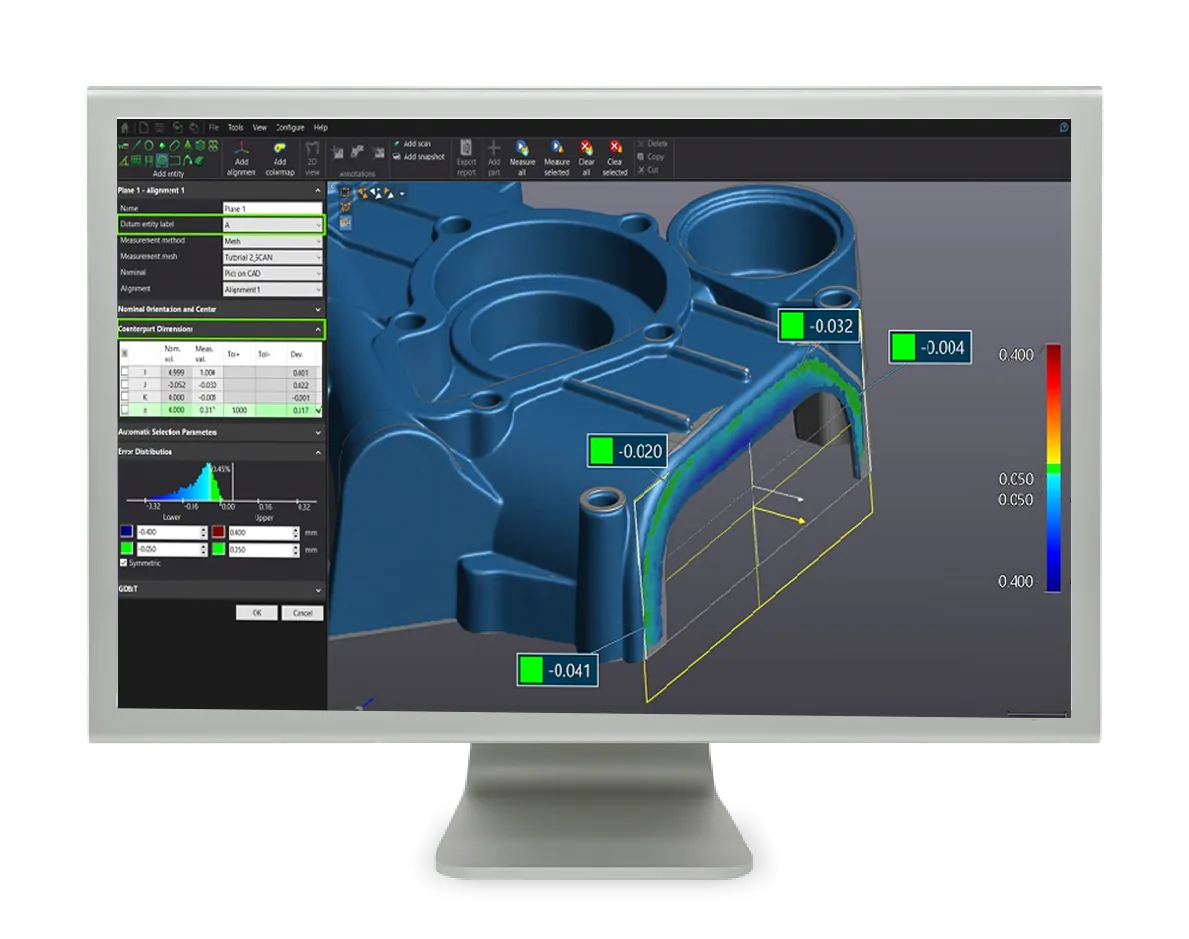
Dimensional inspection software module
Dimensional inspection module for scan, probe and photogrammetry data, from root-cause checks to full first-article inspection.
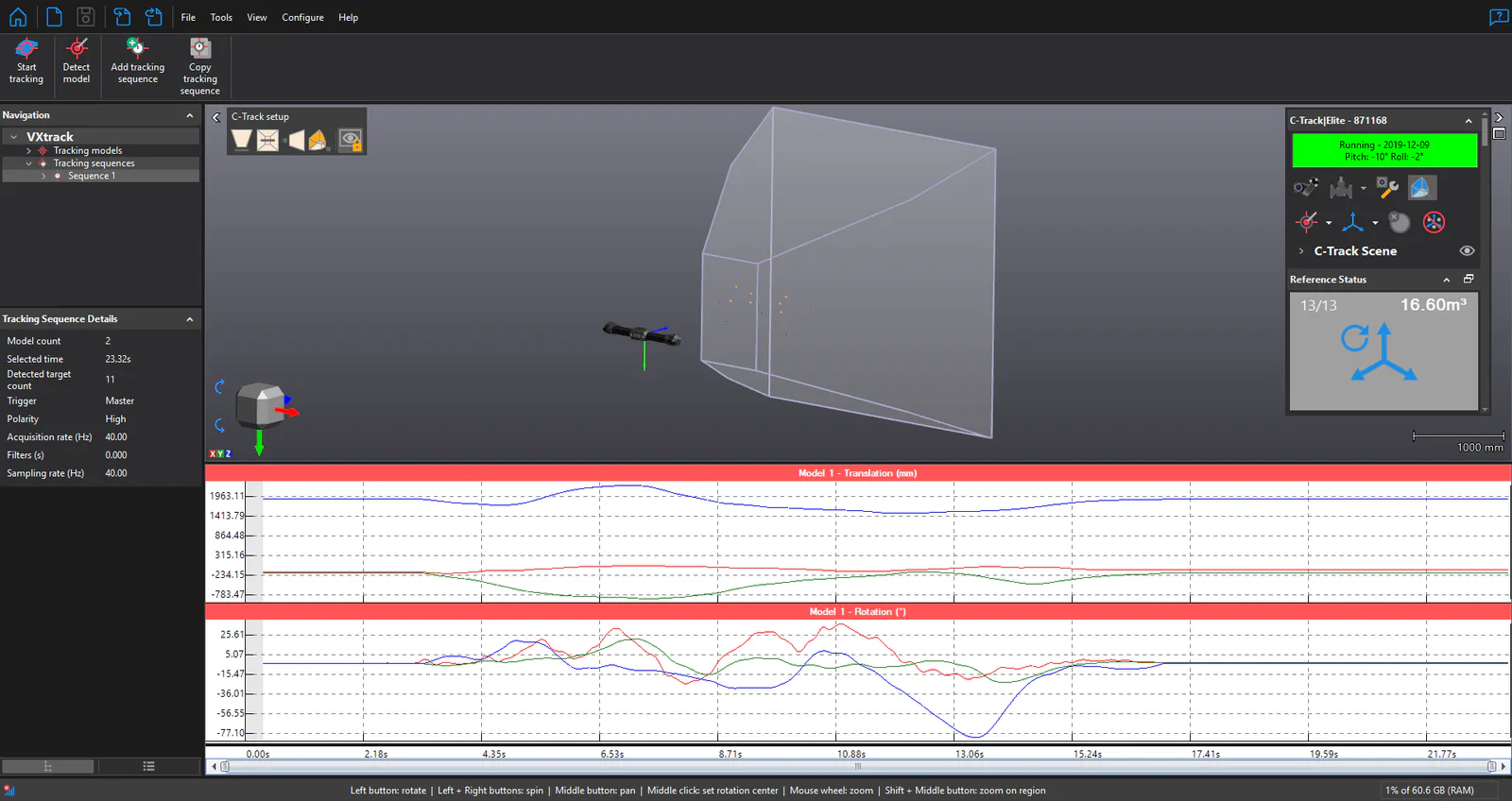
Dynamic tracking software module for the C-Track optical tracker
Creaform's module that follows the position and orientation of several objects over time with the C-Track optical tracker.
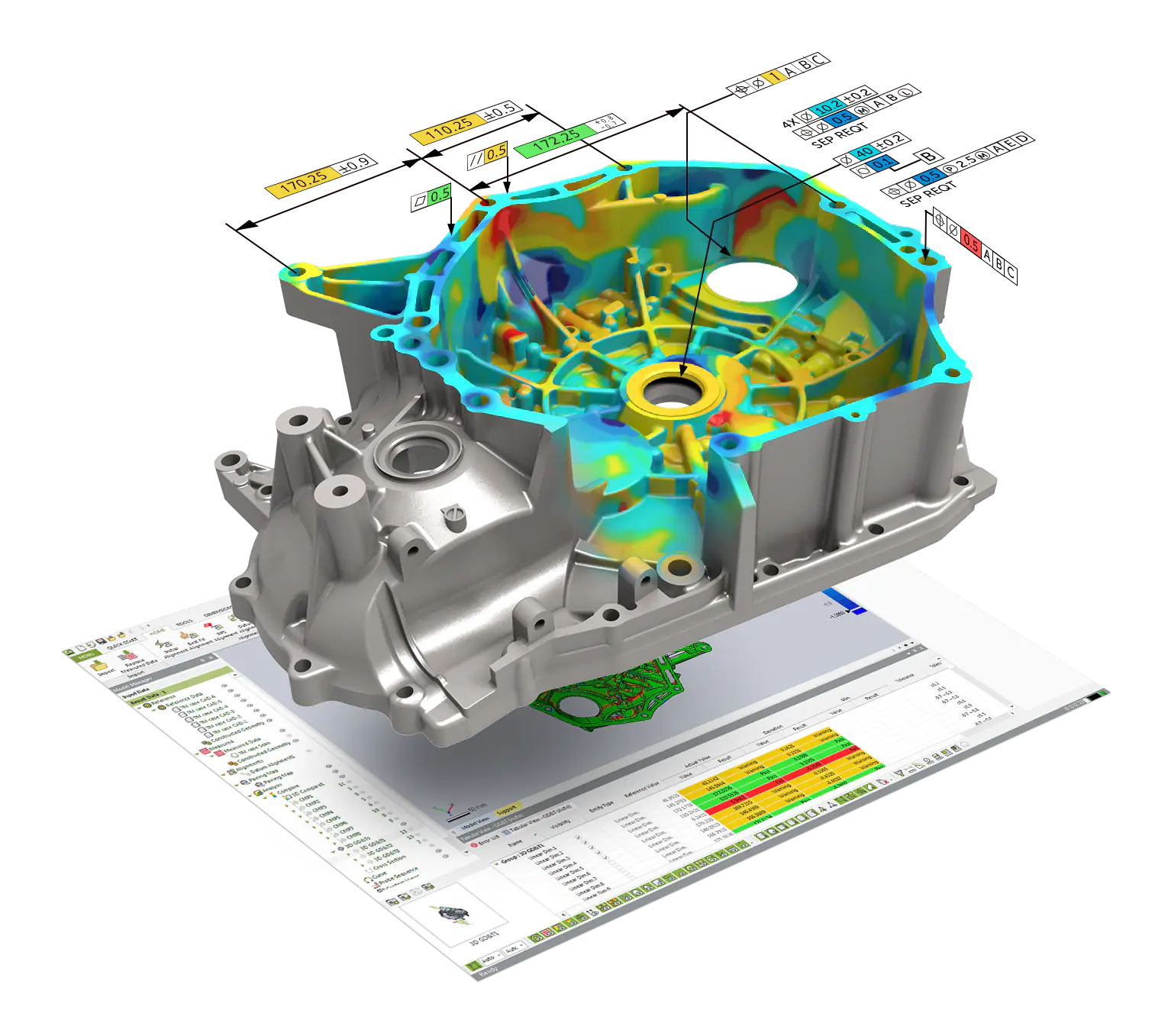
3D inspection and metrology software for scan and probe data
Inspection software that turns scan and probe data from any scanner or portable CMM into GD&T results and reports.
Turn scans into CAD models, clean meshes and surfaces: Creaform Scan-to-CAD, Geomagic Design X, Geomagic for SOLIDWORKS and Geomagic Wrap.
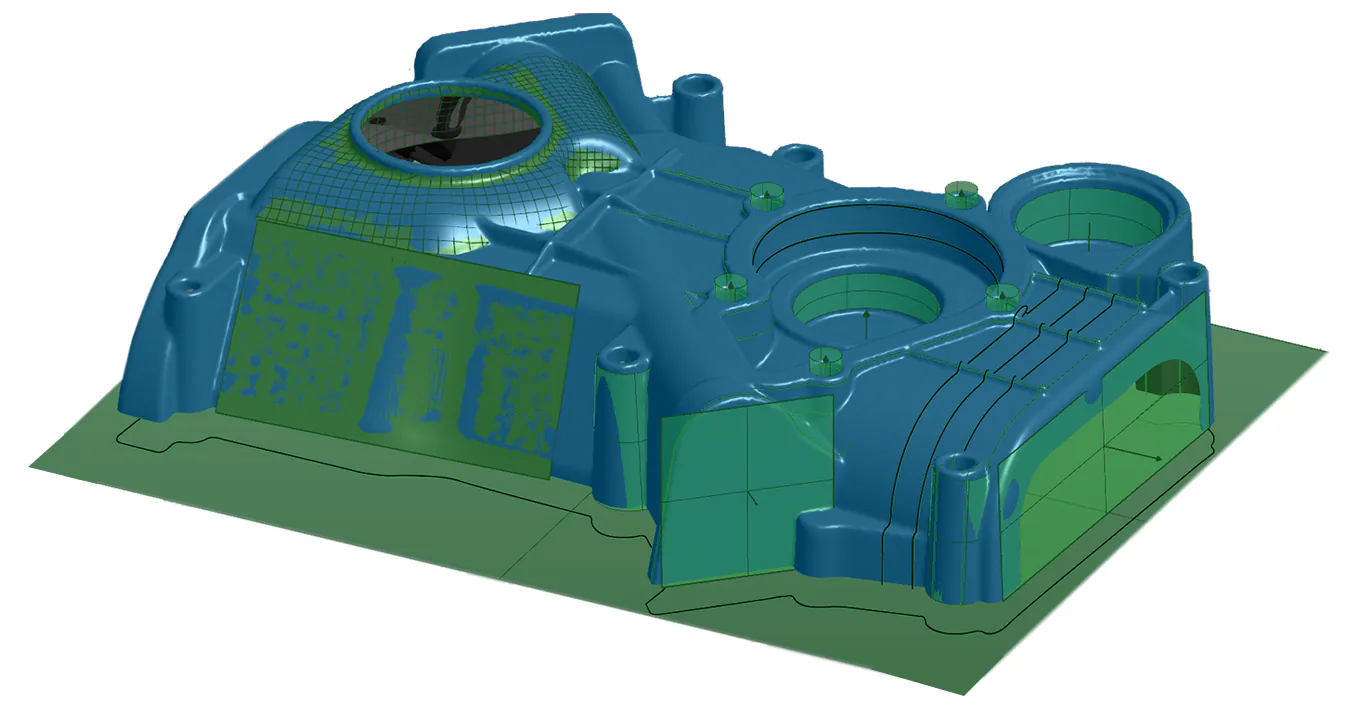
Reverse-engineering software module for 3D scan data
Reverse-engineering module that turns scans into CAD-ready meshes, entities and, in the Pro version, solid models.
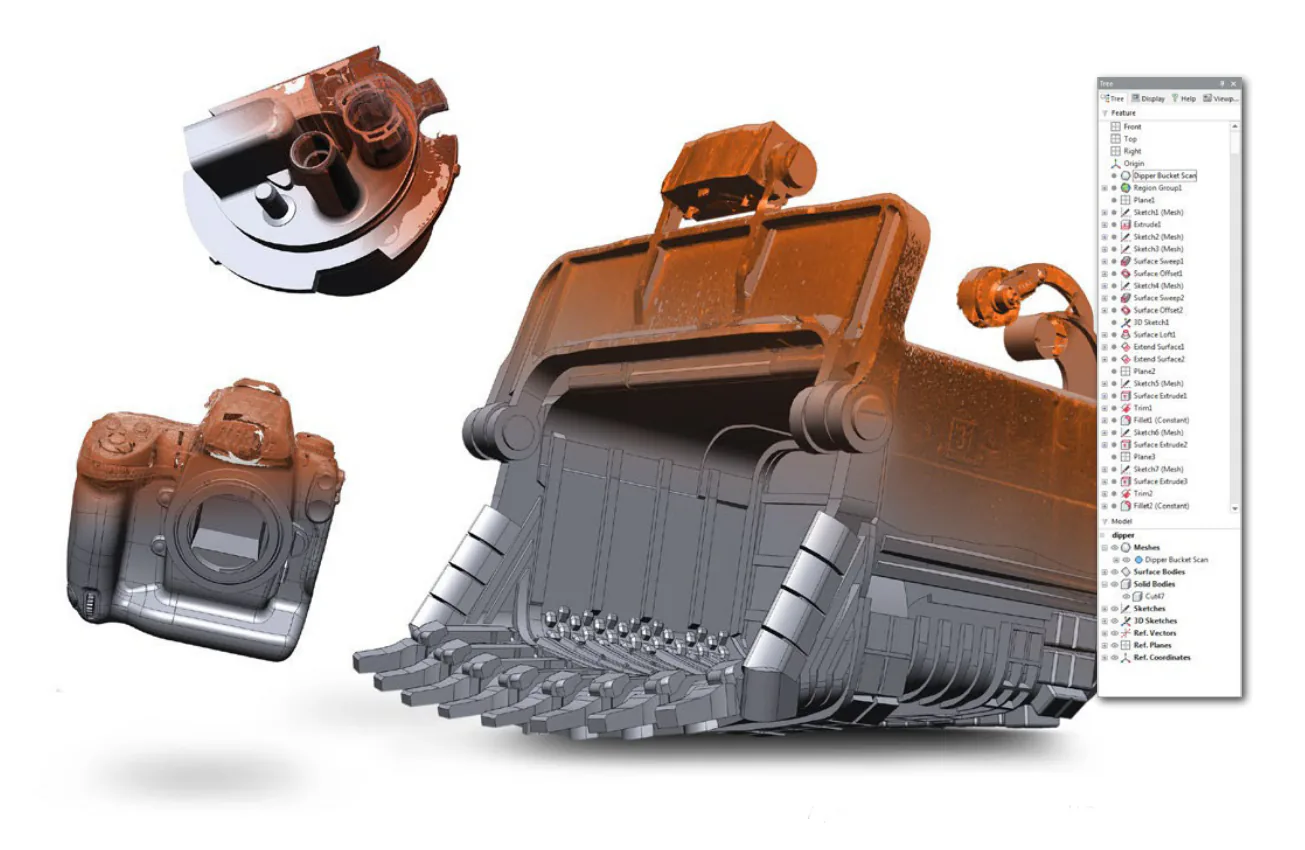
Reverse engineering software that turns 3D scans into editable CAD
Reverse engineering software that rebuilds 3D scans as editable, feature-based CAD and sends the history tree to your CAD system.
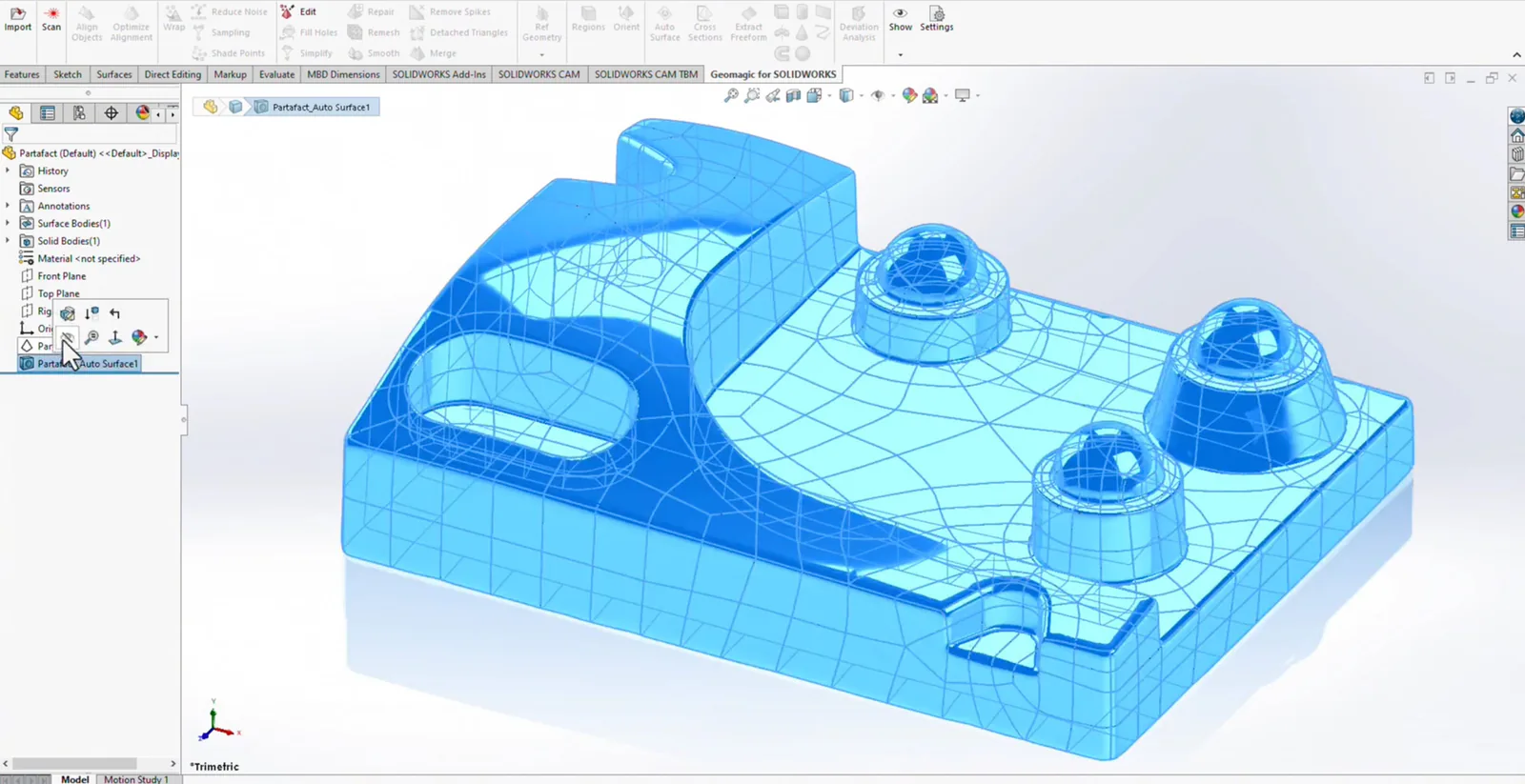
Scan-to-CAD add-in that runs inside SOLIDWORKS
A scan-to-CAD add-in that brings point clouds, meshes, surfacing and deviation analysis into the SOLIDWORKS window.
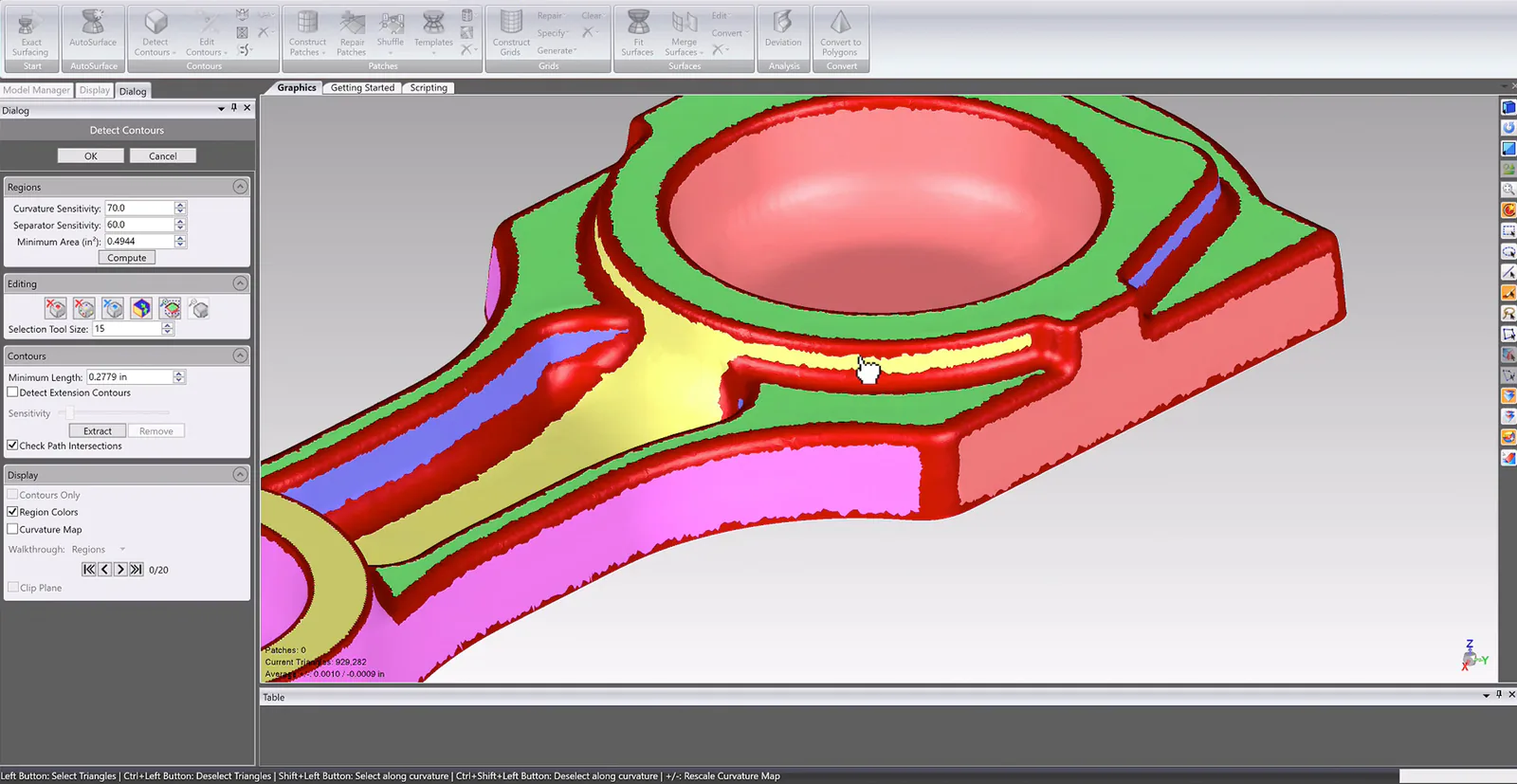
Point cloud, mesh and surfacing software for 3D scan data
Point cloud, mesh and surfacing software that turns raw scans of organic shapes into clean meshes and NURBS surfaces.
Creaform.OS runs acquisition for Creaform scanners, probes and photogrammetry cameras. VXelements is the platform's former name.
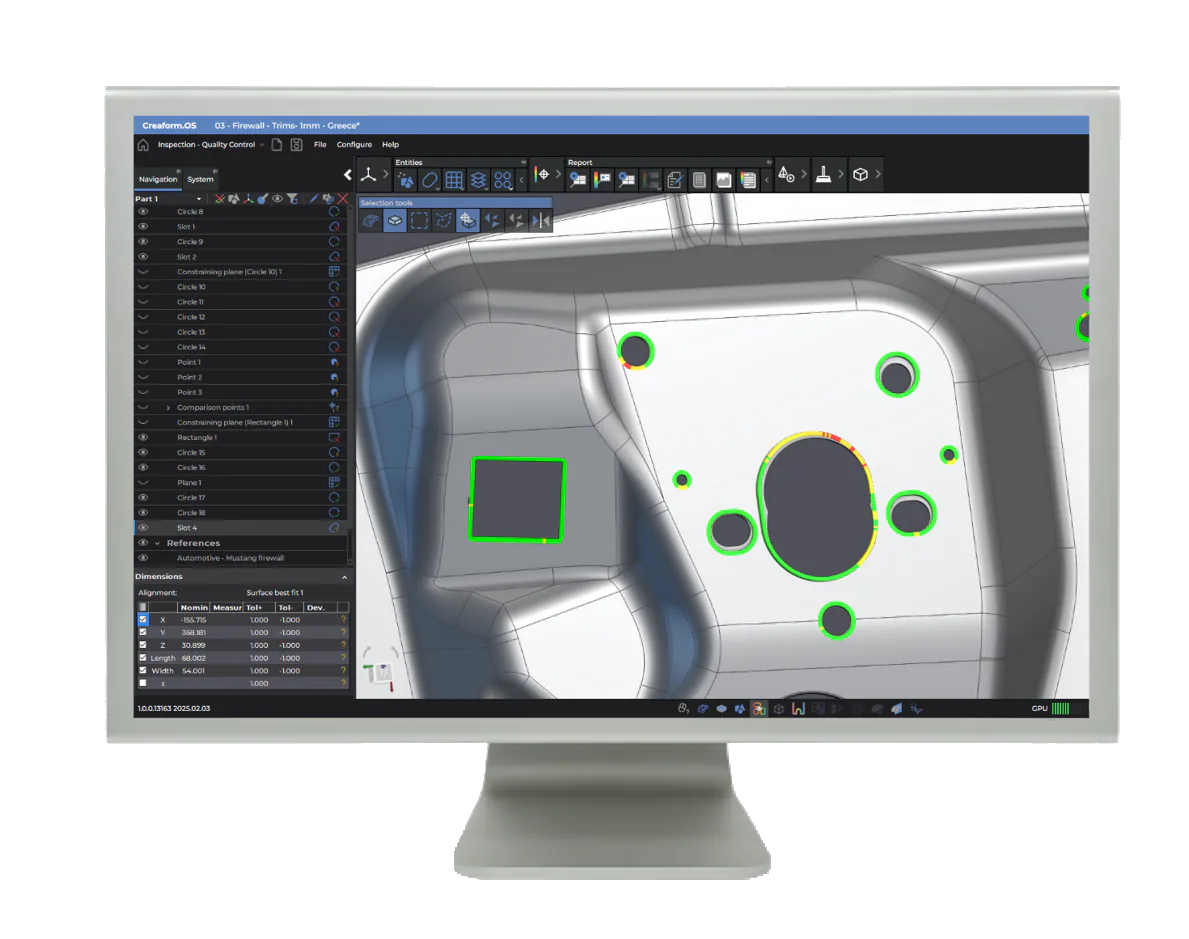
Acquisition and operating software for Creaform scanners, probes and photogrammetry
The operating software that runs every Creaform-branded scanner, probe and photogrammetry camera (the peel 3 uses its own Peel.OS), included with the hardware.
Former name of Creaform's 3D measurement software platform
Creaform's former 3D software platform, now Creaform.OS and the Creaform Metrology Suite, with each VX module's new name.
Artec Studio for capture, processing and scan-to-CAD, AI Photogrammetry for models from photos and video, and the Metrology Kit for large objects.
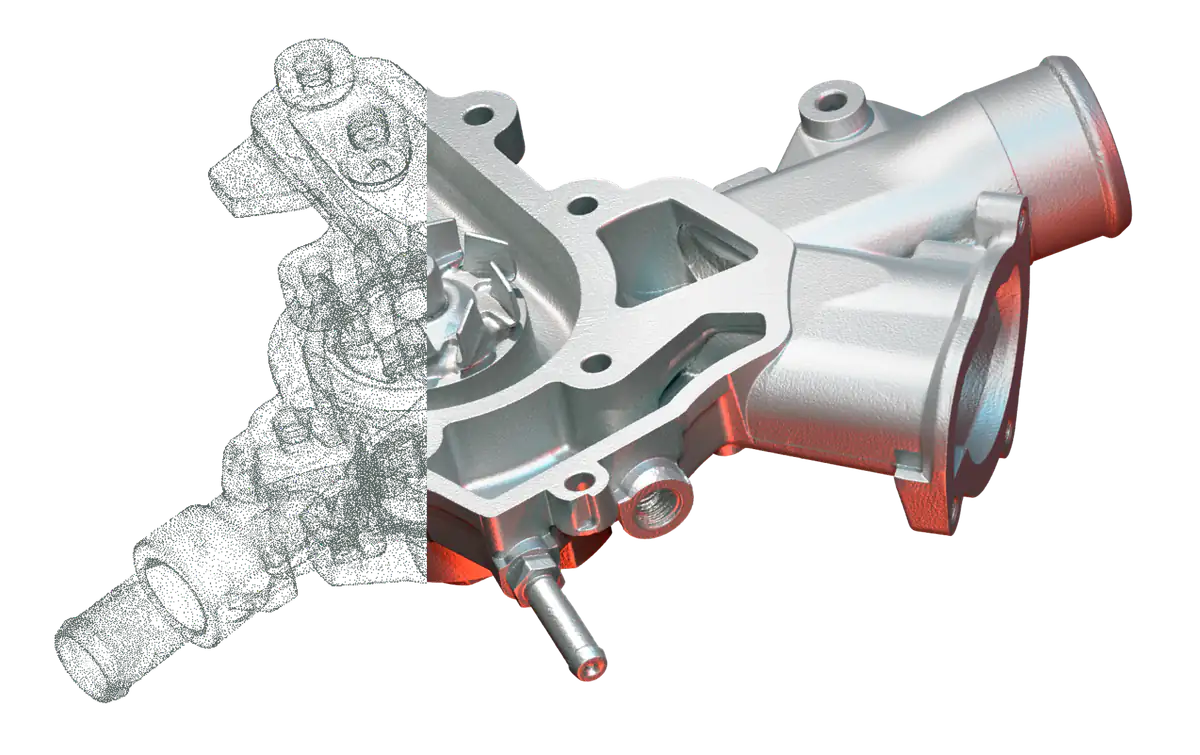
3D scan capture and processing software
The capture and processing software for current Artec scanners, with scan-to-CAD and inspection tools built in.
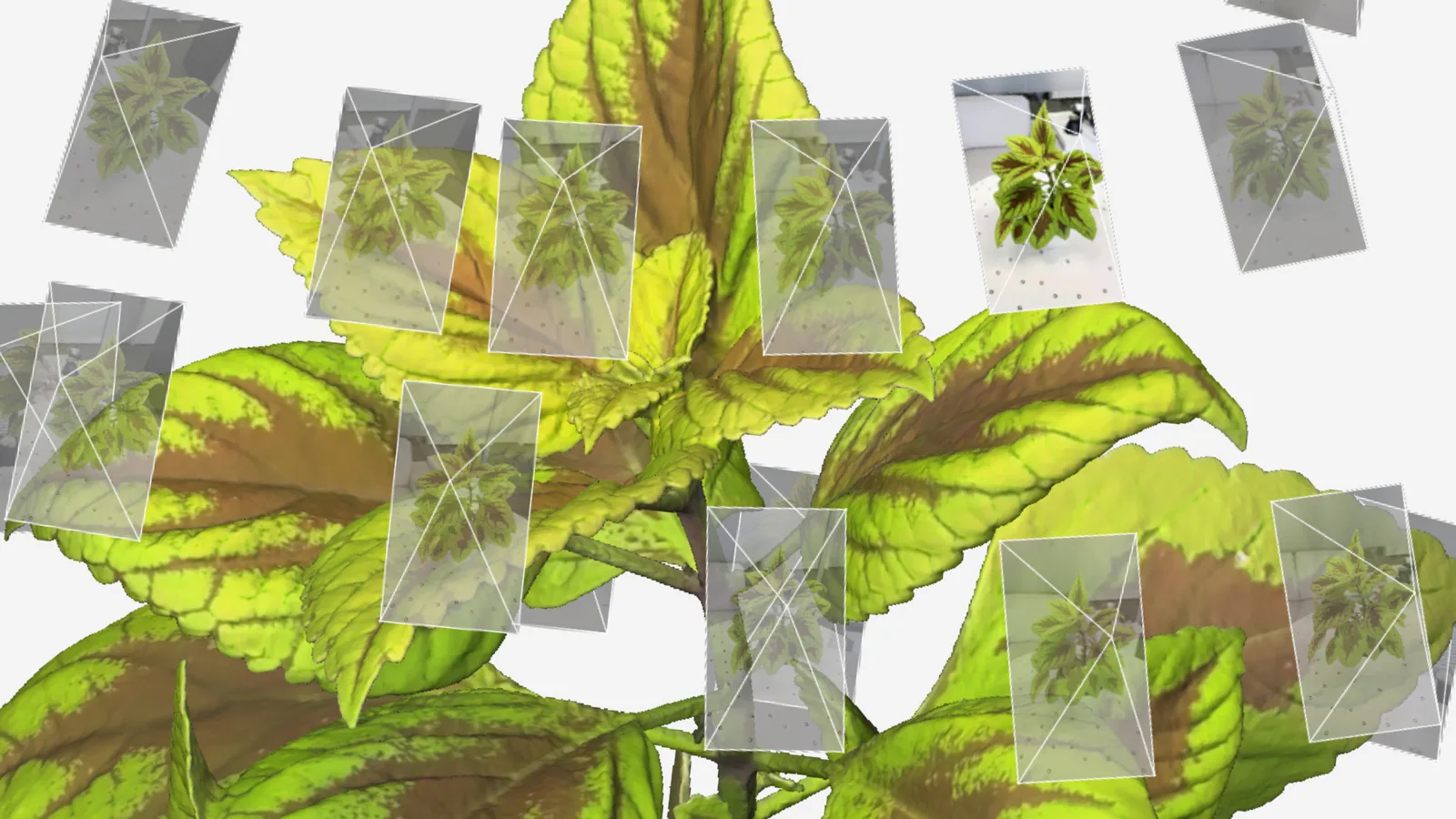
Photogrammetry software for 3D models from photos and video
Build 3D models from photos or video taken with any camera, inside Artec Studio Pro or the scan-free Lite edition.
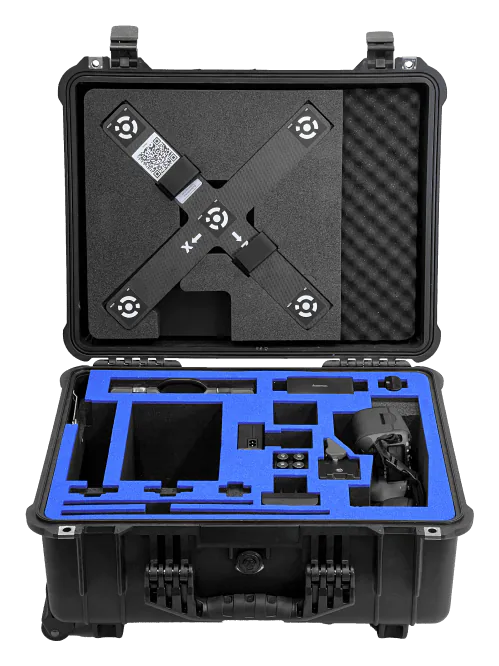
Photogrammetry measuring kit with an Artec Studio plugin
A camera-based photogrammetry kit and Artec Studio plugin that holds scanner accuracy across large parts.
Geomagic Freeform designs new organic shapes from scan data or CAD, for 3D printing, machining or molding.
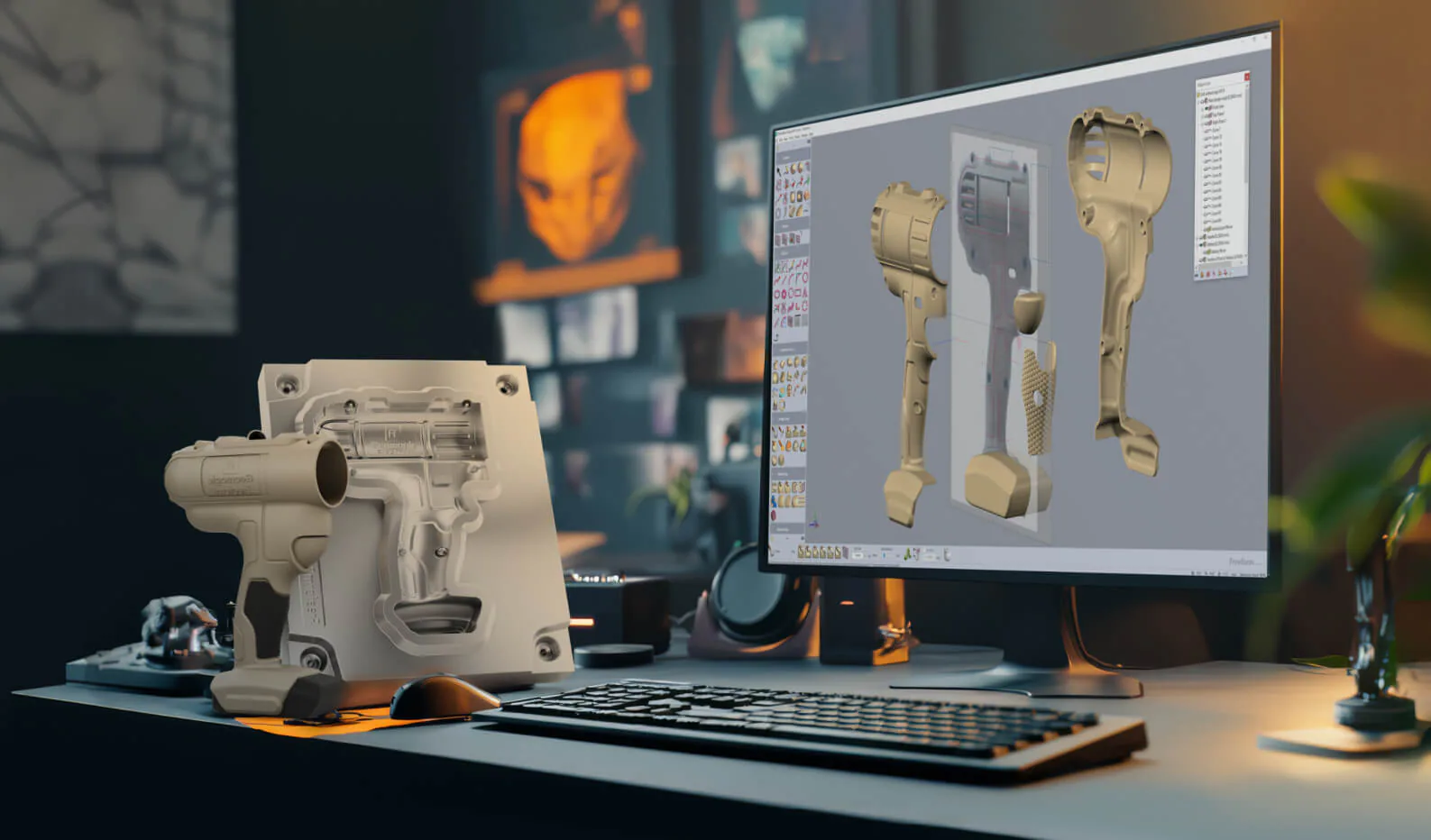
3D design software for organic shapes, with an optional haptic interface
3D design software for organic shapes that traditional CAD handles poorly, with sculpting tools and an optional haptic interface.
Yes. Both scanner brands export standard meshes such as STL and OBJ, and their scan-to-CAD tools export STEP and IGES geometry. Creaform's Scan-to-CAD module sends entities, sections and surfaces straight into SOLIDWORKS and other CAD programs, and Artec Studio exports to SOLIDWORKS and to Geomagic Design X and Control X. Geomagic Design X sends a full feature tree to your CAD system, and Geomagic for SOLIDWORKS works inside SOLIDWORKS itself. Tell us which CAD system your team uses, and we will show the path from scan to model at a demo.
Yes, through the scan data. Artec states that its scanners work with Geomagic Design X, Control X and Geomagic for SOLIDWORKS, and Artec Studio exports straight to Design X and Control X. Control X also lists a hardware interface for Creaform portable 3D scanners. Other Creaform scans go into Geomagic software as standard meshes such as STL, OBJ or PLY. Tell us which scanner you own or plan to buy, and we will show the path at a demo.
They are the same platform under two names. VXelements was Creaform's 3D measurement software for years, and Creaform now calls it Creaform.OS. Older quotes, training material and scanner documents still say VXelements, and the reverse-engineering module once called VXmodel is now Scan-to-CAD. If you run an older Creaform scanner, ask us which version your hardware supports before you plan an upgrade.
Yes. A scan is only half the job, so at an on-site demo our specialists take the scan of your own work into the software: a deviation map against your CAD model, a scan-to-CAD rebuild or a clean mesh ready to print. Tell us what you deliver today when you request a demo. On-site demos are available in most areas; ask when you request.
Tell us what you need to scan and what you deliver from it, a CAD model, an inspection report or a mesh. We scan it on site and take it through the software with you. On-site demos are available in most areas; ask when you request.