Industry guides
3D scanning vs lifecasting for prosthetic makeup: what each method captures and asks of the actor
3D scanning vs lifecasting for prosthetic makeup: what each captures, how long the actor sits, what happens after capture, and when a cast still makes sense.
Key takeaways
- A lifecast records the face by contact, so it transfers skin texture well but asks the actor to sit still under a heavy, enclosing material while it sets.
- A structured-light scan records the face without contact or markers, and Artec states that the white light of its Eva is safe for scanning people.
- Artec documents an Academy Award-winning artist's face scans taking one to two minutes, against twenty to thirty minutes for a silicone lifecast.
- After the scan, the model is cleaned, refined in a sculpting program and printed as a positive, and the appliance is sculpted in clay as before.
- A cast still earns its place when a shop needs a physical mold today, and existing casts scan easily into a digital archive.
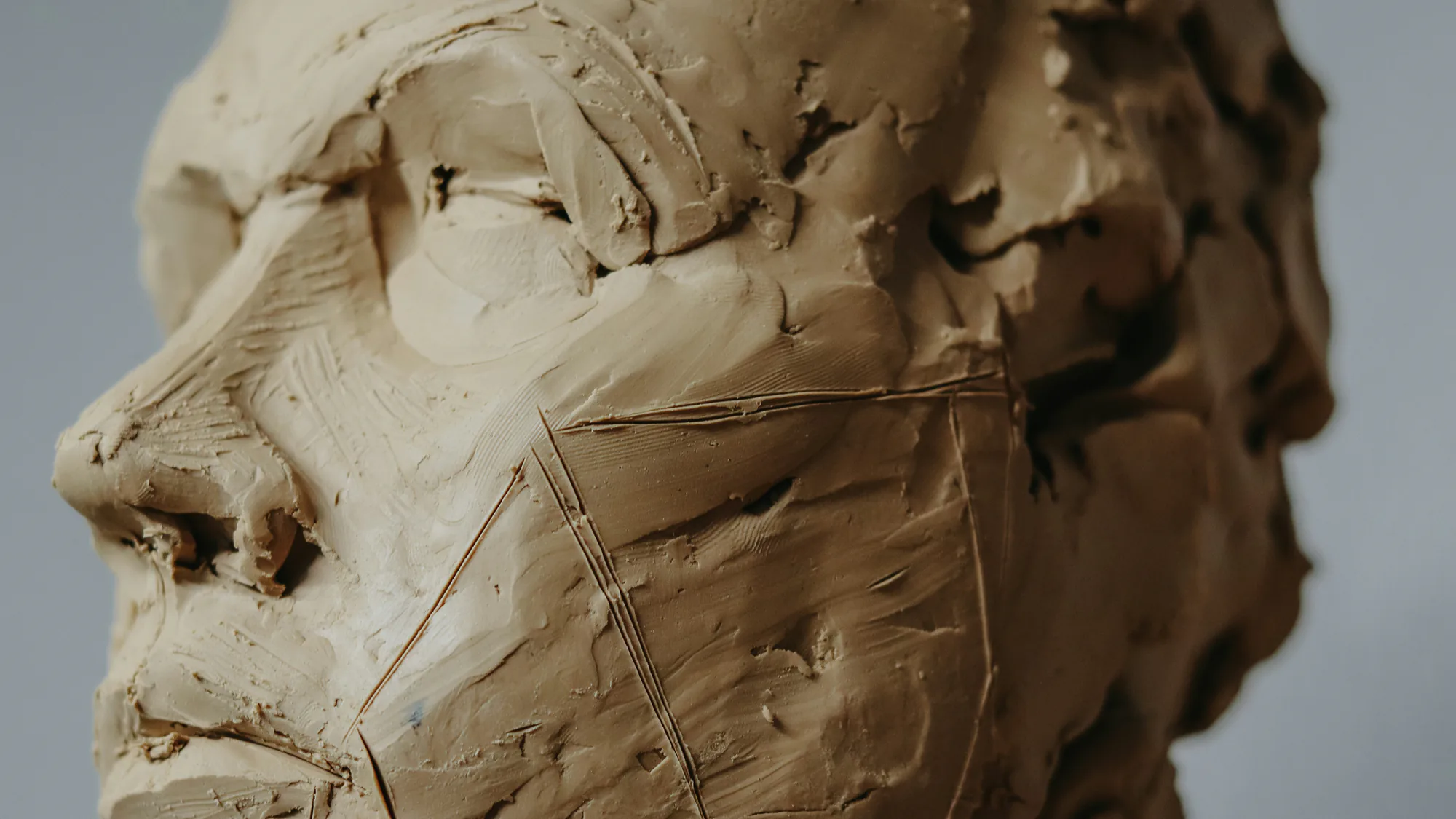
Every prosthetic appliance is sculpted on a copy of the actor. For decades that copy came from a lifecast: silicone or alginate over the face, a rigid shell on top, a long wait while it set, then a positive poured into the mold. A handheld 3D scanner now records the same face without touching it, and the shop prints the positive instead of pouring it. Our media and entertainment page covers digital doubles, props and sets; this guide is about the makeup lab.
We sell the Artec and Creaform scanners used for this work and bring them to studios and shops for on-site demos. Below is a fair side-by-side: what each method captures, what it asks of the performer, what happens after capture, and where a cast still earns its place.
In this article
What is the difference between a lifecast and a 3D scan?
A lifecast is a physical mold: material applied to the skin sets into a negative, and a positive is poured into it. A 3D scan is a digital surface: the scanner projects light onto the face, records shape and color from many angles, and software builds a mesh that can be edited, scaled and printed. Both give the artist a head to sculpt on. The difference lies in how they get there, what the performer has to sit through, and how easily the result can be stored, changed and copied.
| What matters | Lifecast | 3D scan |
|---|---|---|
| How the face is recorded | By contact, with material that sets on the skin | Without contact, by projected light and cameras |
| What the performer goes through | Sitting still with the face covered while the material sets | Sitting still with the face uncovered while the scanner moves around |
| Skin detail | Very fine, transferred directly from the skin | Set by the scanner's resolution; fine-detail scanners record pores and wrinkles |
| Risk of distortion | The weight of the material can pull on soft tissue | Movement during capture adds noise, so captures are kept short |
| What you end up with | One physical mold and the positives poured from it | A file that can be printed, edited, scaled or printed again at any time |
| Keeping it | Shelf space, and molds wear with use | Disk space, with backups |
How long does the actor spend in the chair?
Much less with a scanner, by the account Artec has published. Kazu Hiro, an Academy Award-winning special effects makeup artist, scans faces with the Artec Leo and the Space Spider, and Artec documents the scanning as taking one to two minutes, against twenty to thirty minutes for a traditional silicone lifecast. That leaves out preparation on both sides, such as covering hair or applying release agents for a cast, but the stretch the performer spends with the face covered disappears entirely.
Comfort is not only a courtesy. Artec's account of Hiro's workflow notes that traditional lifecasting can bring on claustrophobia, and that the weight of the material, or the performer's involuntary movement during a long sit, can distort the cast. A scan shortens the sit and takes the weight away, though the performer still has to hold an expression without moving while the scanner works around them.
What a scan captures well, and where it needs help
- Well: the overall shape of the head, neck and shoulders, captured in one pass with a wide-field scanner.
- Well: skin texture, pores and fine wrinkles, with a high-resolution scanner held close.
- Well: color, which helps the sculptor read the face and the painter match it.
- Needs help: hair, eyebrows and eyelashes, which scan as noise; cover the hair with a cap and sculpt brows and lashes afterward.
- Needs help: the eyes and the inside of the mouth and nostrils, which are wet, dark or hidden; decide in advance whether to scan with the eyes open or closed.
- Needs help: movement from breathing or blinking, which is why short captures matter.
On safety, rely on the maker's own statements rather than general claims. Artec states that the Eva's white structured light is safe for scanning people, and the Leo's light source is rated laser class 1. Our explainer on laser and structured-light scanners covers how the two kinds of light differ.
Which scanners do makeup and creature shops use?
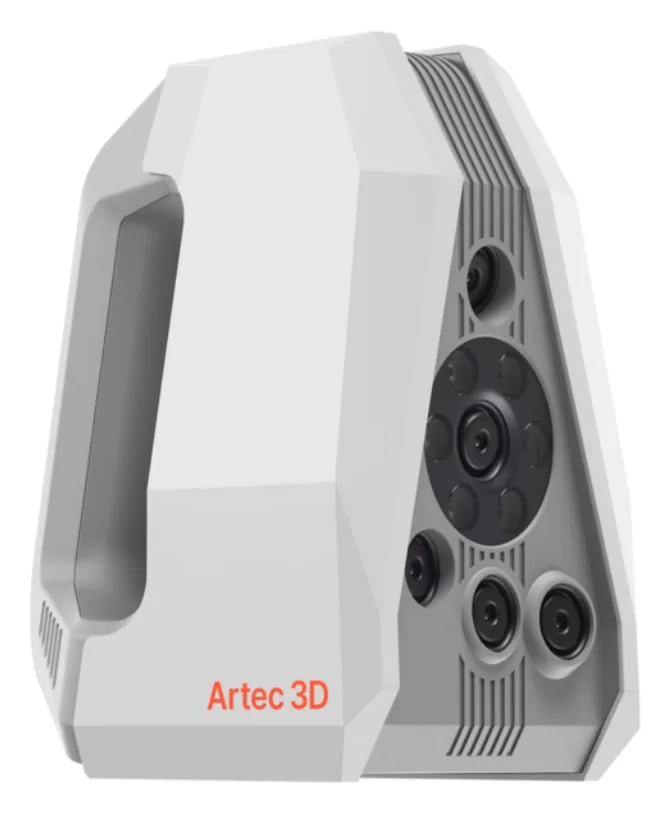
Usually two kinds together. Hiro uses the wireless Leo for the head, neck and body, and the Space Spider, the earlier Artec model the Spider II replaced, for fine skin detail, then merges both in Artec Studio. In our current range that pairing is the Leo or Eva for coverage and the Artec Spider II for detail, at 0.05 mm resolution with 5 MP color texture. A shop that mostly scans heads near a computer can start with the Eva alone, which weighs 0.9 kg and uses white light.
Our guide to scanning people compares the options for faces and bodies, and the Leo vs Eva comparison covers the choice between a wireless and a cabled scanner. For pore-level detail, the Artec Spider II is the model to look at, and the Artec Eva covers faces and heads on its own.
Scanners named in this section
From scan to sculpt, step by step
- Prepare the performer: cap the hair, agree the expression and whether the eyes are open or closed, and seat them where the scanner can move all the way around.
- Capture the head, neck and shoulders with a wide-field scanner such as the Leo or Eva.
- Go back over the face, the ears and any area the appliance will cover with a high-resolution scanner such as the Spider II.
- Merge and clean the scans in Artec Studio, then close the mesh so it is watertight and ready to print.
- Refine the model in a digital sculpting program; Hiro uses ZBrush.
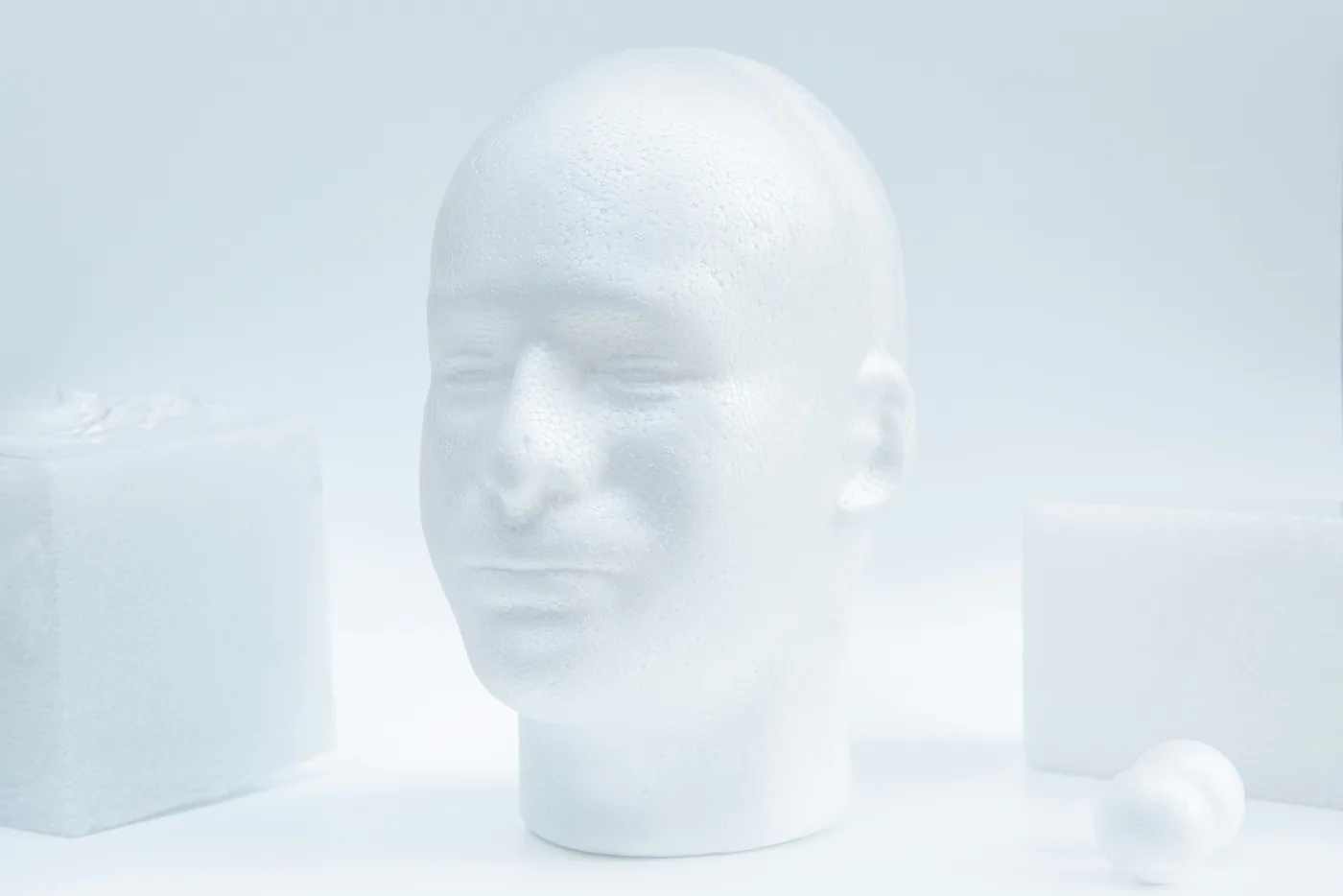
- Print the positive, then sculpt the appliance in clay on the print, just as on a stone or plaster positive.
- Mold and run the appliance in the usual way, and keep the scan to print another positive whenever one is needed.
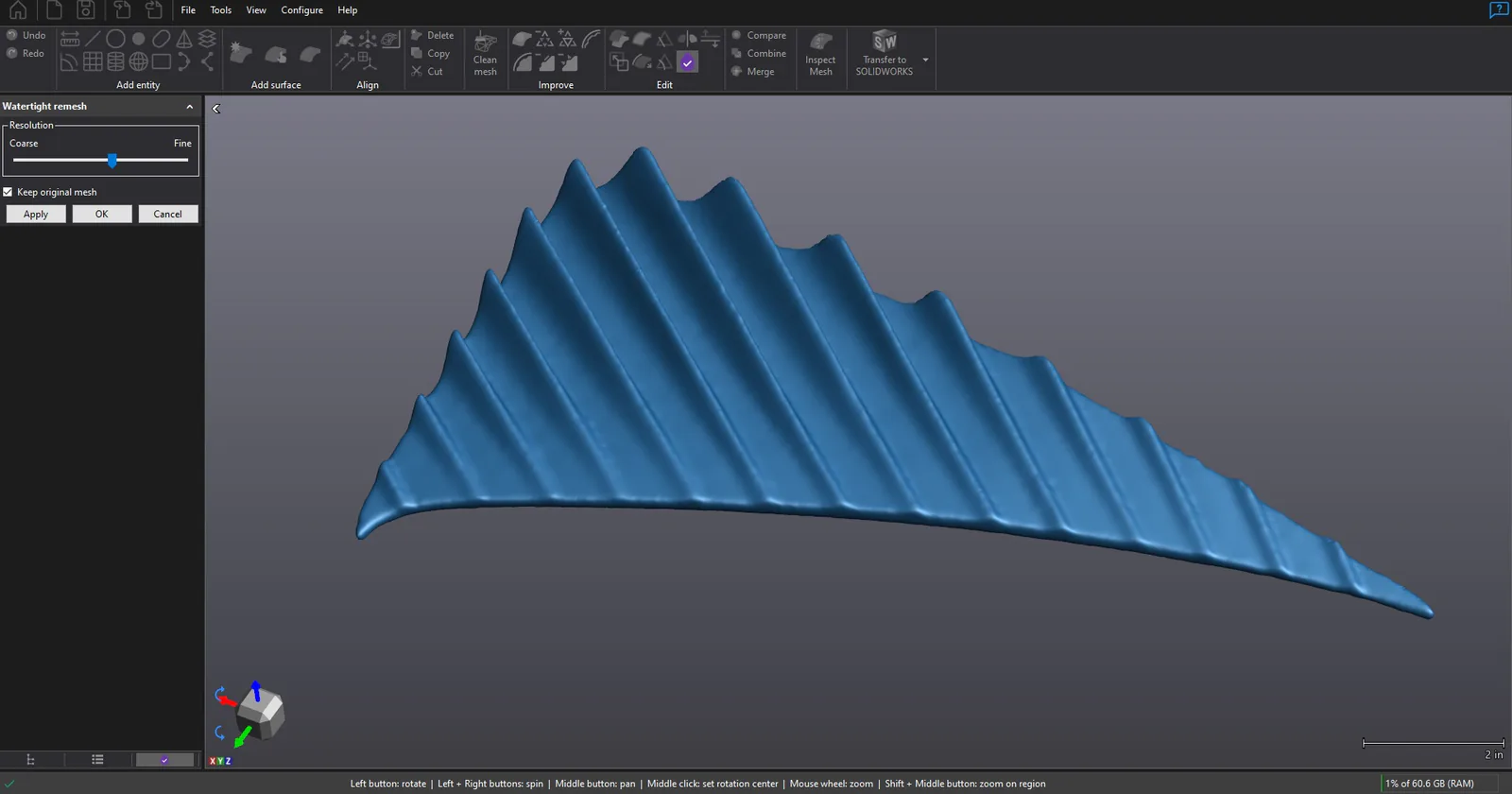
Artec's account of Hiro's process follows the same order: scans processed in Artec Studio, finished in ZBrush, 3D printed as a lifecast, then sculpted by hand in clay. The digital step does not replace the sculptor; it replaces the plaster.
When does a traditional lifecast still make sense?
When the shop needs a physical mold today and has no scanner or printer in its pipeline, when an artist wants skin texture transferred straight from the face, or when the job is a one-off that will never be revisited. Artec's own account lists the cast's strengths: it is relatively inexpensive, captures fine skin detail and produces a durable, reusable mold. Many shops end up using both, and existing casts are easy to scan: Artec's account shows a silicone nose cast prepared for the Space Spider, so a shelf of molds can become a digital archive.
Scanning a cast is also the gentlest way to start, because a plaster or silicone cast does not move or blink. It scans cleanly with a handheld such as the Spider II, and small pieces such as noses and ears fit a desktop scanner like the Artec Micro II.
Seeing it on a performer or a cast
The fairest comparison is your own: a performer you would normally cast, or a cast you already trust. Our guide to what a 3D scanner can scan covers people, props and other subjects, and a demo puts the result next to your current method.
Frequently asked questions
Is 3D scanning safe for actors?
Nothing touches the skin, and the performer can breathe and talk normally between passes. On the light itself, rely on the maker: Artec states that the Eva's white structured light is safe for scanning people, and the Leo's light source is rated laser class 1. Follow the maker's guidance on scanning near the eyes, and tell us in your request that people will be scanned.
Does a 3D scan capture pores and wrinkles?
A high-resolution scanner held close does. Artec documents Kazu Hiro's scans capturing the finest wrinkles and pores with the Space Spider, the earlier model the Spider II replaced, and the Spider II states 0.05 mm resolution. Hair, eyelashes and the wet surface of the eye are the exceptions, and artists usually sculpt or rebuild them after the scan.
Can you 3D print a lifecast from a scan?
Yes. Once the scan is cleaned and closed into a watertight mesh, it can be exported as an STL or OBJ file and printed as a positive. Artists then sculpt the appliance on the print in clay, as they would on a stone or plaster positive, and the file can be printed again whenever a new positive is needed.
Can a scanner capture a full body as well as a face?
Yes. A wide-field wireless scanner such as the Artec Leo moves around a standing performer and records the body in color, and Hiro uses it for the head, neck and body. The performer has to hold the pose throughout, so full-body captures work best with a stable stance and some support for the arms.
Can old plaster or silicone lifecasts be scanned?
Yes, and casts are easier subjects than people because they do not move. A handheld such as the Spider II captures a face cast in detail, and small pieces such as noses or ears fit a desktop scanner like the Micro II. Scanning an archive of casts turns shelves of fragile molds into files that can be printed again at any scale.
Products in this article
 Artec
Spider II
Handheld high-resolution blue-light 3D scanner
0.050 mmBest accuracy
A target-free blue-light scanner for fine detail on small and medium parts, from coins to engine components.
- Part size
- 50–500 mm
- Targets
- Not needed
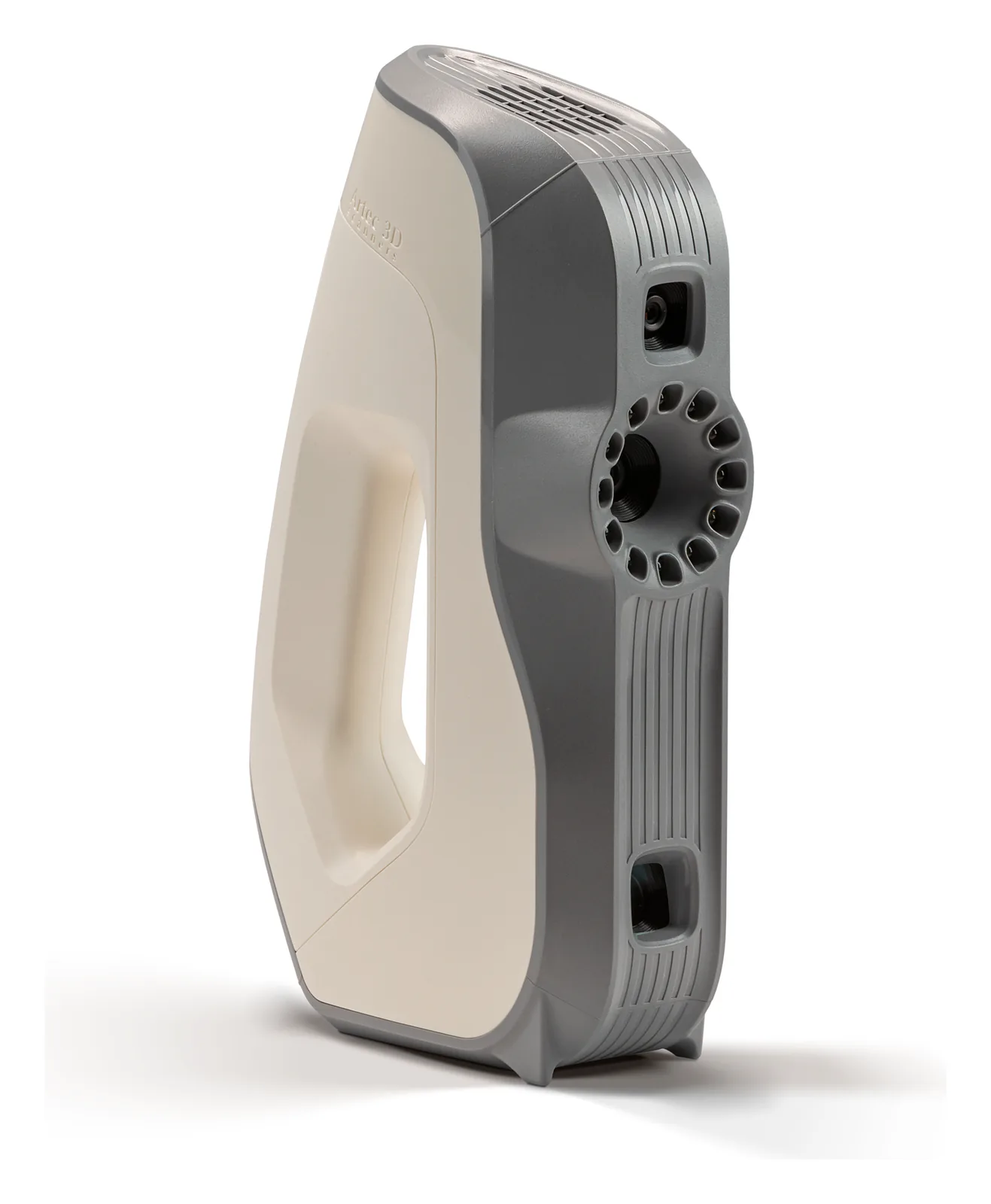 Artec
Eva
Handheld structured-light 3D scanner
0.1 mmBest accuracy
A 0.9 kg target-free color scanner for medium objects, people and parts from about 10 cm up.
- Part size
- 0.1–2 m
- Targets
- Not needed
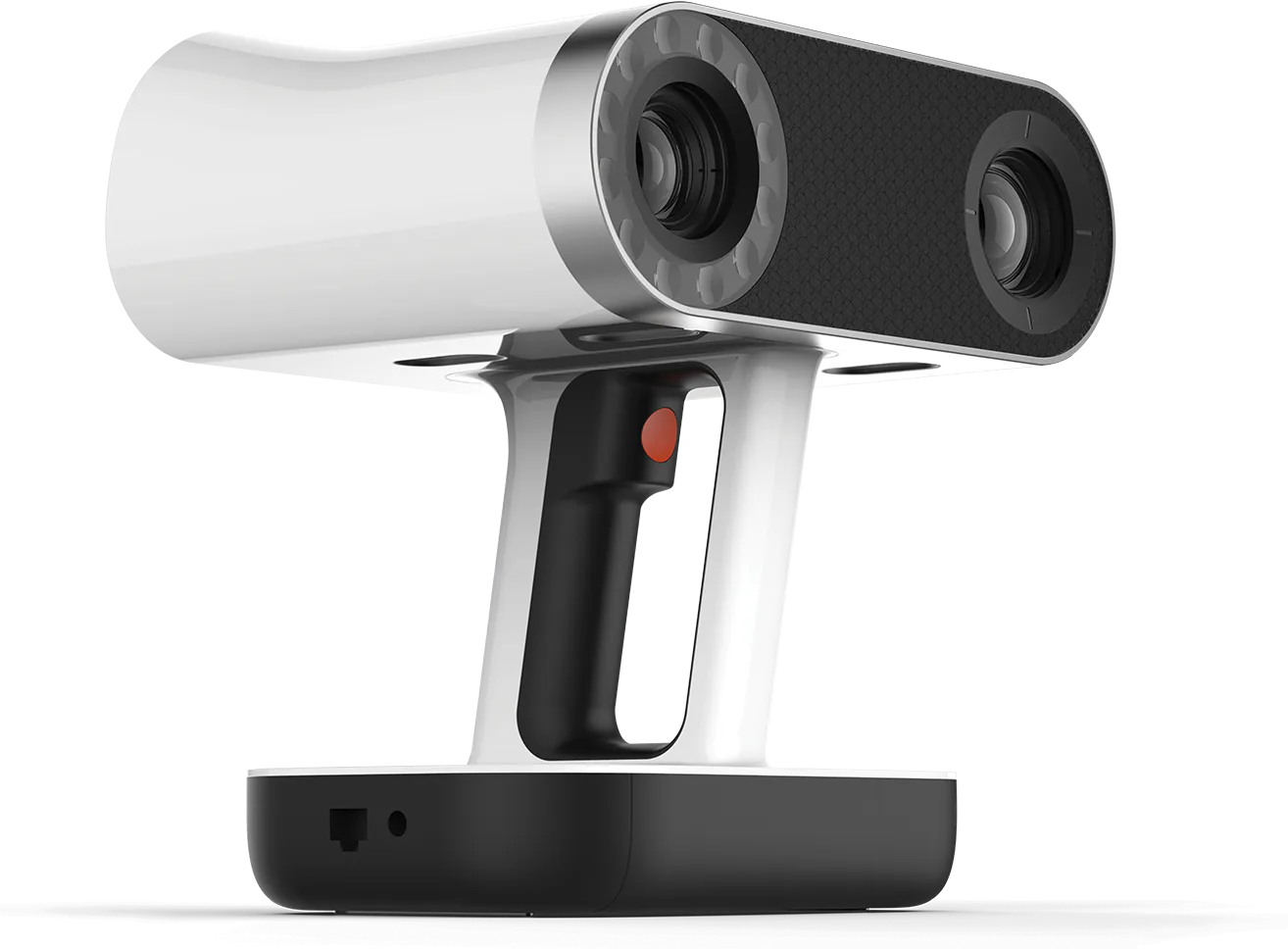 Artec
Leo
Wireless handheld 3D scanner with onboard processing
0.1 mmBest accuracy
A fully wireless scanner with its own screen, processor and battery for medium to large objects.
- Part size
- 0.2–2 m
- Targets
- Not needed
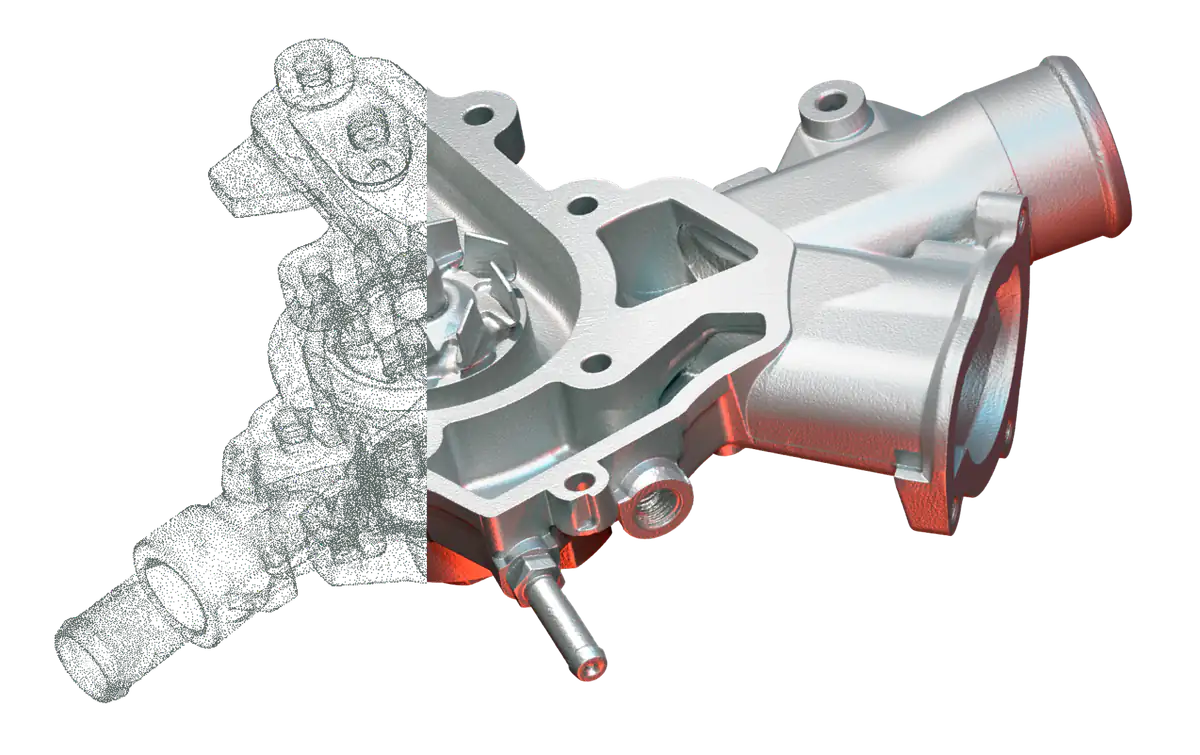 Artec
Artec Studio
3D scan capture and processing software
The capture and processing software for current Artec scanners, with scan-to-CAD and inspection tools built in.
- Runs on
- Windows 10 x64, Windows 11
- Artec Neo support
- Native in Artec Studio