Buyer's guide
Best 3D scanner for reverse engineering
No CAD for that legacy part? Scan the physical part and recover usable geometry, instead of spending days on calipers and guesswork.
Key takeaways
- The HandySCAN PRO is Creaform's dedicated reverse-engineering scanner and includes the Scan-to-CAD Pro module.
- The Artec Spider II captures fine detail on small and medium parts at 0.05 mm, with no targets.
- The Artec Leo captures medium and large objects in color without cables, then hands them to Artec Studio's scan-to-CAD tools.
- The Go!SCAN SPARK adds color to Creaform's workflow, at up to 0.050 mm, for design-led reverse engineering.
What makes a scanner good for reverse engineering?
Reverse engineering turns a physical part into a CAD model when the drawings are missing, wrong or never existed. The scanner's job is to capture every surface with enough accuracy and detail that the CAD rebuild matches the real part, and the software's job is to turn that mesh into planes, cylinders, surfaces and sketches fast. So look at three things together: accuracy and resolution for the size of your parts, how easily the scanner captures the whole part, and how directly its software hands geometry to your CAD system. Creaform's HandySCAN PRO comes with Scan-to-CAD Pro, and Artec Studio brings scan-to-CAD tools to every Artec scanner except the Jet.
Which jobs does a scanner for reverse engineering do most often?
These are the six jobs we see most often in reverse engineering: legacy part with no drawing, worn part back to its design, a new part that mates with an old one, clay model or prototype back to CAD, competitor benchmarking and tooling and pattern rebuild. Each card says what is scanned and what the scan is used for, so you can match your own work to the scanners recommended on this page. If your job is not listed, describe it when you request a demo, with what you would want scanned.
Legacy part with no drawing
Scan a part nobody has CAD for, rebuild it as solids and remanufacture it, with mating features measured rather than guessed.
Worn part back to its design
Scan a worn or damaged part, rebuild the original geometry around the wear and make a new one to the intended shape.
A new part that mates with an old one
Scan the existing housing, bracket or mount so the new part you design bolts on the first time.
Clay model or prototype back to CAD
Capture a hand-modified model or a tested prototype and bring its changes back into the CAD model.
Competitor benchmarking
Scan a competitor's product to measure its geometry, wall thickness and packaging against your own design.
Tooling and pattern rebuild
Recover the shape of an old casting pattern, mold or fixture when only the physical tool survives.
Which scanners are best for reverse engineering?
For reverse engineering, these four scanners are the strongest fits across the Creaform and Artec ranges, listed in the order we recommend them: HandySCAN PRO, Spider II, Leo and Go!SCAN SPARK. Each card says why it earns its place and shows one headline fact taken from the maker's published specifications. We rank them for the jobs described on this page; the size of what you scan, the accuracy you need and your surfaces can move a lower pick to the top. Compare them side by side in the table, then see the one you favor scan your own work before you decide.
Creaform
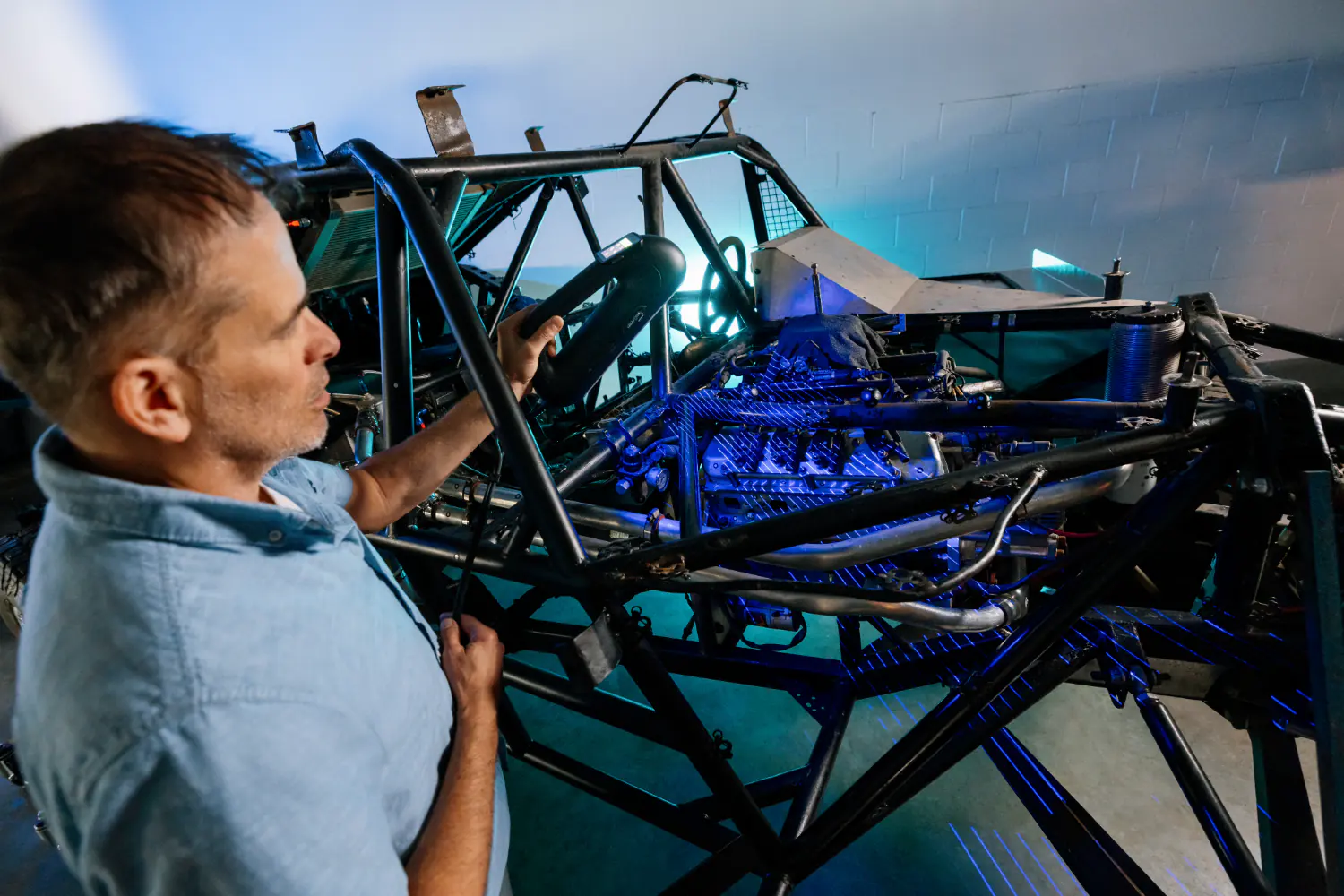
HandySCAN PRO
Handheld blue-laser 3D scanner for reverse engineering
Built for time to CAD: blue-laser accuracy on any surface finish, and Scan-to-CAD Pro is included, so a scan can become a solid model with 2D sketching and 3D modeling in one package.
- Accuracy
- Up to 0.030 mm
Artec
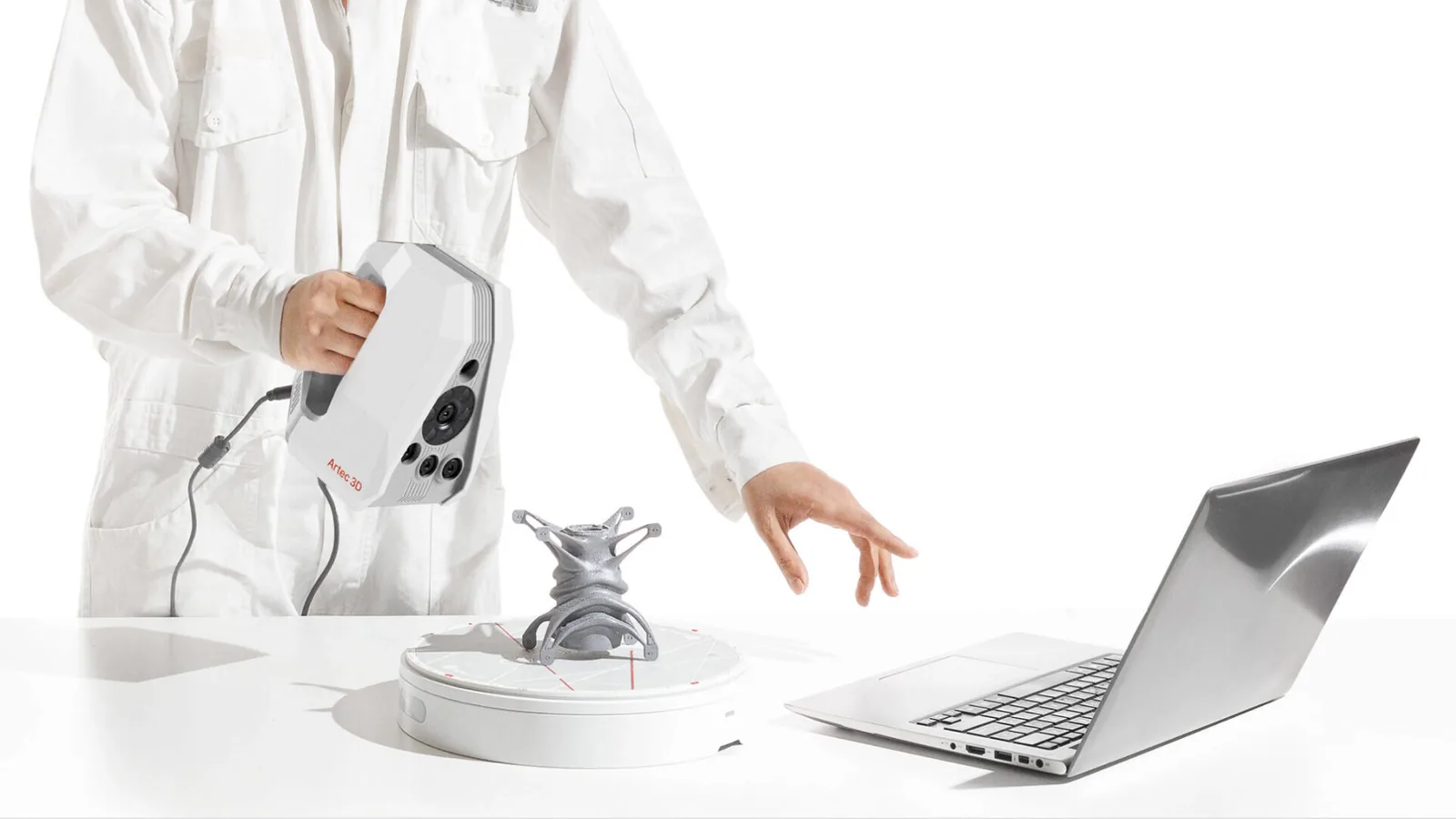
Spider II
Handheld high-resolution blue-light 3D scanner
For small parts full of edges, ribs and engravings. It needs no targets, records color, and its fine resolution keeps the details a CAD rebuild depends on.
- Resolution
- 0.05 mm
Artec
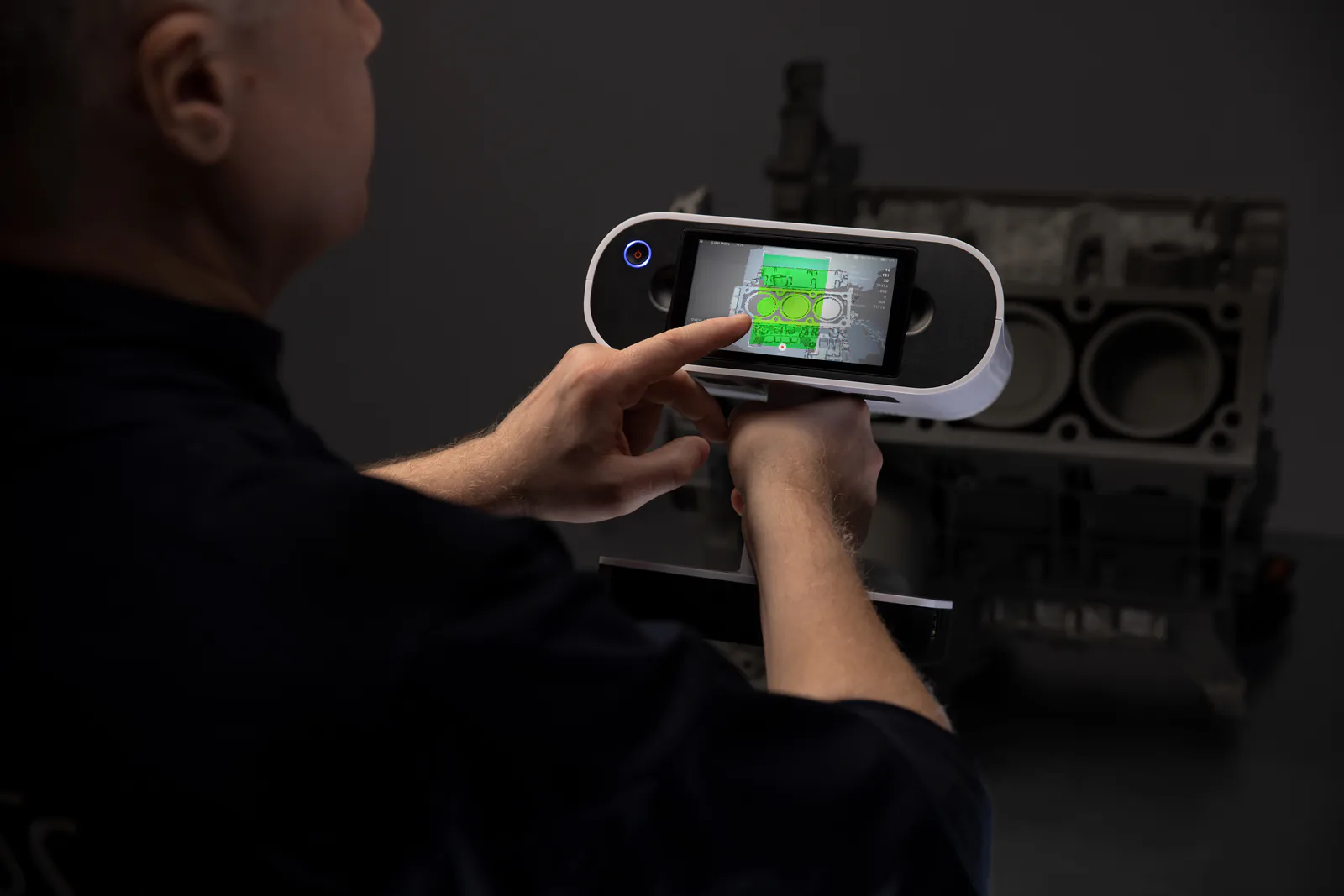
Leo
Wireless handheld 3D scanner with onboard processing
For medium and large parts such as housings, castings and car parts. It scans with no laptop, cable or targets, and Artec Studio fits primitives and auto-surfaces the result.
- Recommended part size
- 0.2–2 m
Creaform
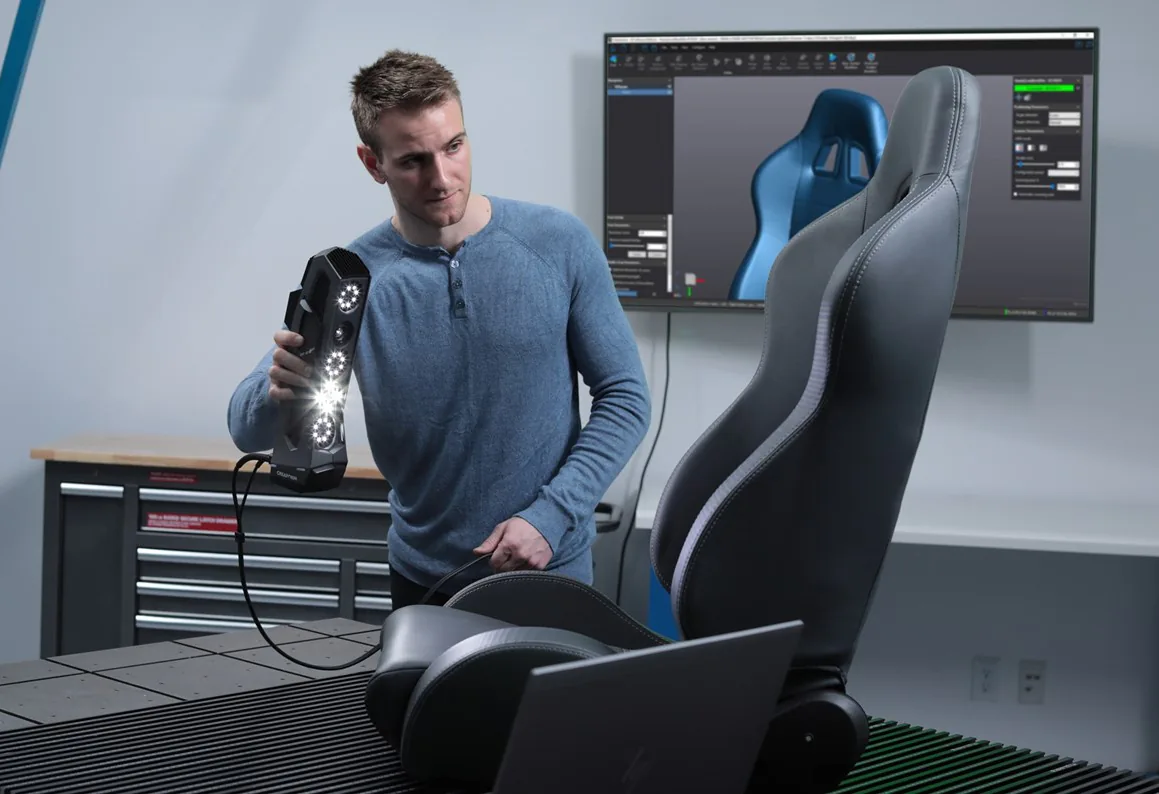
Go!SCAN SPARK
Handheld white-light 3D scanner with color capture
For design-led work where color helps: it records shape and color together, usually without targets, and feeds Creaform's Scan-to-CAD module.
- Accuracy
- Up to 0.050 mm
| Specification | HandySCAN PRO | Spider II | Leo | Go!SCAN SPARK |
|---|---|---|---|---|
| Technology | Blue laser triangulation | Blue-light structured light | Structured light (VCSEL) | White structured light |
| Accuracy | Up to 0.030 mm | 0.05 mm | Up to 0.1 mm | Up to 0.050 mm |
| Resolution | 0.025 mm | 0.05 mm | Up to 0.2 mm (HD mode) | 0.100 mm |
| Recommended part size | 0.05–4 m | 50–500 mm | 0.2–2 m | 0.1–4 m |
| Positioning targets | Required | Not needed | Not needed | Optional |
| Color texture | No | Yes | Yes | Yes |
| Wireless operation | No (cable) | No (cable) | Yes | No (cable) |
| Weight | 920 g | 0.95 kg | 2.6 kg | 1.25 kg |
Specs checked:
How accurate does a reverse-engineering scanner need to be?
Accurate enough that the rebuilt part fits. For parts that mate with others, such as brackets, housings and machined components, a 0.020–0.030 mm laser scanner such as the HandySCAN PRO, or the metrology-grade BLACK Elite, keeps fits and hole positions right. For freeform shapes, covers and trim where the overall form matters more, scanners rated at up to 0.1 mm, like the Artec Leo and Eva, are usually enough and faster to use. Resolution matters as well: small parts with fine features need a scanner like the Spider II, whose resolution matches its 0.05 mm accuracy.
Which software turns a scan into a CAD model?
Creaform's Scan-to-CAD module cleans and aligns the mesh, fits surfaces and extracts entities, then sends them to SOLIDWORKS, Autodesk Inventor, Autodesk Fusion 360 or Solid Edge. Scan-to-CAD Pro, included with the HandySCAN PRO, adds 2D sketching and 3D modeling so many parts become solids without leaving the module. Artec Studio fits primitives such as planes, cylinders and cones, auto-surfaces meshes, and exports STEP, IGES or X_T, or sends data to SOLIDWORKS and Geomagic Design X. Either way, a scan gives you accurate geometry; design intent, such as round numbers and true symmetry, is still added by the engineer.
Do I need targets on the parts I reverse engineer?
It depends on the scanner. Artec's Leo, Eva and Spider II track on shape and texture, so you scan without targets, which helps on finished or historic parts you would rather not mark. Creaform's Go!SCAN SPARK makes targets optional. Blue-laser scanners such as the HandySCAN PRO use positioning targets to hold their accuracy; they peel off afterward, and you can place them on a fixture instead of the part. If marking the part is not an option and you still need metrology-grade accuracy, the Artec Neo can scan with targets only where tolerances matter.
What else do buyers ask about scanners for reverse engineering?
Can a 3D scanner produce a CAD model directly?
Not on its own. The scanner produces a mesh, an accurate surface made of triangles. Reverse-engineering software then fits planes, cylinders, surfaces and sketches to that mesh and builds a CAD model you can edit. Creaform's Scan-to-CAD Pro and Artec Studio both do much of this inside their own software before handing the model to SOLIDWORKS or another CAD system. Geomagic Design X does the same for scan data from either brand and sends a full feature tree to your CAD program.
Which scanner is best for reverse engineering small parts?
For small, detailed parts, the Artec Spider II captures fine edges and engravings without targets at 0.05 mm, and the Artec Micro II measures parts up to 200 × 200 × 150 mm at 5 microns on its automated stage. On the Creaform side, the HandySCAN PRO and BLACK Elite resolve small features with blue-laser accuracy. Choose by the smallest feature that must come out right in CAD.
Can I reverse engineer shiny or dark metal parts?
Yes. Creaform's blue-laser scanners, including the HandySCAN PRO, are engineered for shiny, dark and reflective materials and usually need no spray. Artec's HD mode improves results on black and shiny areas for the Leo and Eva, and the Point II is designed for such surfaces. Mirror-like or transparent parts still deserve a test scan, ideally during a demo on your own part.
Is the HandySCAN PRO or the Artec Leo better for reverse engineering?
They suit different parts. The HandySCAN PRO is rated at up to 0.030 mm, includes Scan-to-CAD Pro, and fits machined and mating parts up to 4 m where fit matters. The Leo, rated at up to 0.1 mm, captures large and organic shapes quickly in color with no targets or cables. If most of your parts bolt to something, lean toward the PRO; if they are big, curved or painted, lean toward the Leo.
See these scanners on your own work
Choose the job that matters most, whether that is a part, a person or a whole building. We scan it where it is with the scanner you choose and show you the result. On-site demos are available in most areas; ask when you request.