Industry
3D scanning for research, education and heritage
Preserve artifacts as accurate color models, teach measurement and reverse engineering hands-on, and give research projects geometry they can trust.
Key takeaways
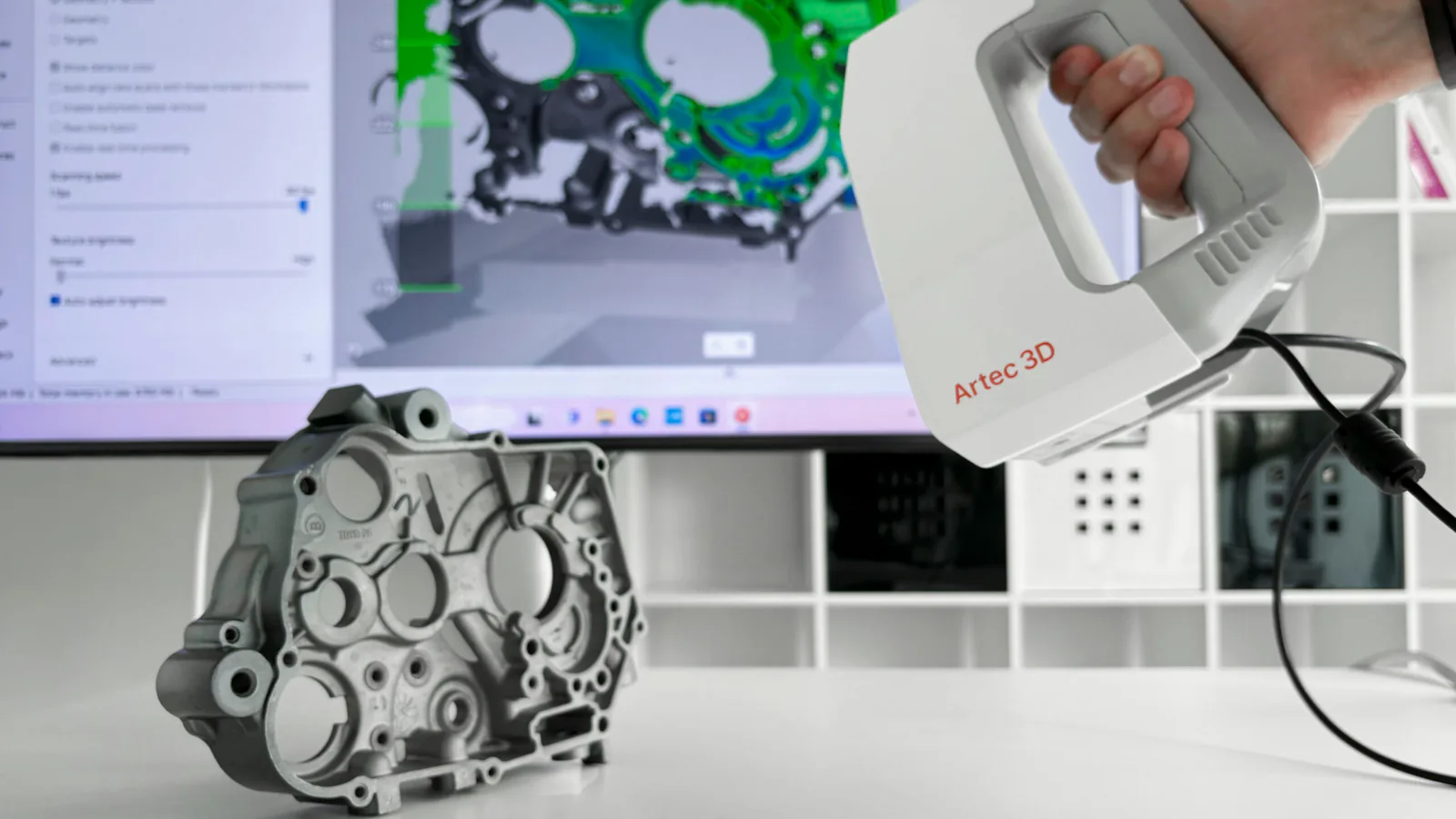
- Target-free scanners such as the Artec Spider II and Eva capture fragile objects without contact or markers.
- The Artec Micro II records small specimens and artifacts at 5 microns, in color.
- The Creaform Go!SCAN SPARK captures color models for archives at 50 to 200 DPI.
- Creaform's HandySCAN line brings the blue-laser metrology used in industry into engineering courses.
What do research, education and heritage teams need from 3D scanning?
Heritage collections need records that outlast the object: accurate, colored and captured without touching fragile surfaces. Researchers need geometry they can measure and publish, from small specimens to large structures. Teaching labs need scanners that students can learn quickly and that reflect the tools used in industry. The common thread is contact-free capture with color and documented accuracy. Target-free structured-light scanners suit fragile objects, desktop scanners suit small specimens, and metrology scanners bring industry practice into engineering courses.
Typical applications
Digital archives
Record artifacts, specimens and collections as accurate color models for online collections and study.
Cultural preservation
Document sculptures, inscriptions and fragile objects without touching or marking them.
Teaching and training
Give students hands-on practice with the scanning and inspection tools used in industry.
Academic reverse engineering
Capture parts and structures for research projects, theses and design competitions.
What do we scan for research, education and heritage teams?
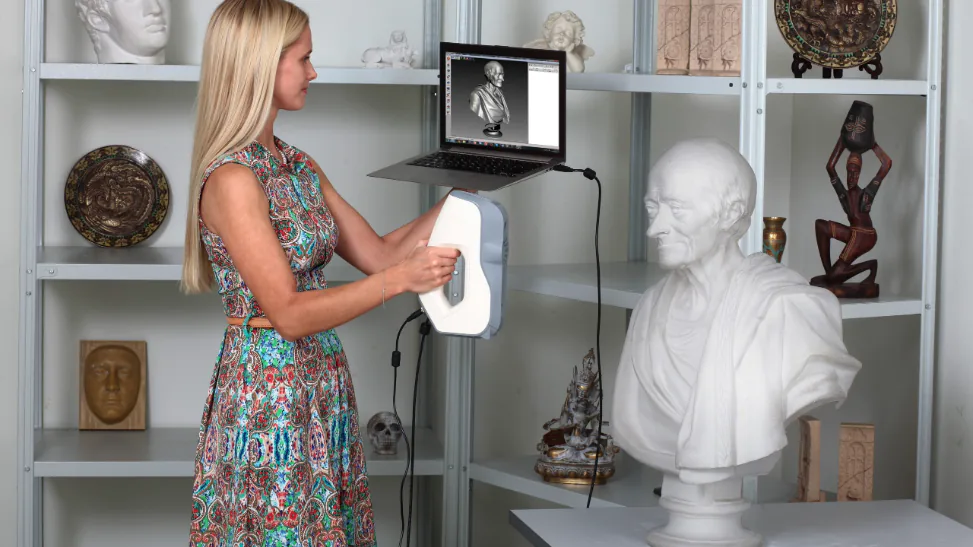
Objects that must not be damaged, specimens that must be measured, and parts students need in CAD. Museums and archives scan sculpture, ceramics, coins, inscriptions and tools; researchers scan fossils, bones, plants and lab samples; engineering programs scan parts and assemblies for projects and theses. Larger subjects, from a facade to a whole site, need long-range capture. The table pairs each with what is usually recorded and the scanner class that suits it without touching the object.
| What we scan | What is checked or rebuilt | Scanner class that suits it |
|---|---|---|
| Sculpture, busts and furniture | Shape and color for archives and replicas | Color structured-light handheldEva, Leo |
| Coins, inscriptions and small artifacts | Fine detail and color, with no contact | High-resolution handheld or desktop scannerSpider II, Micro II |
| Fossils, bones and specimens | Measurable geometry for study and publication | Desktop or high-resolution handheldMicro II, Spider II |
| Teaching parts and student projects | From scan to inspection report or CAD model | Metrology laser or color handheldHandySCAN PRO, Go!SCAN SPARK |
| Buildings, facades and sites | Point clouds for documentation and change over time | Tripod LiDAR or mobile mappingRay II, Jet |
What we scan for research, education and heritage
Sculpture, busts and furniture
- What is checked or rebuilt
- Shape and color for archives and replicas
Coins, inscriptions and small artifacts
- What is checked or rebuilt
- Fine detail and color, with no contact
Fossils, bones and specimens
- What is checked or rebuilt
- Measurable geometry for study and publication
Teaching parts and student projects
- What is checked or rebuilt
- From scan to inspection report or CAD model
- Scanner class that suits it
- Metrology laser or color handheldHandySCAN PRO, Go!SCAN SPARK
Buildings, facades and sites
- What is checked or rebuilt
- Point clouds for documentation and change over time
Which heritage and research materials need care?
Most heritage materials scan well: stone, plaster, wood, bone, terracotta and painted surfaces are matte and suit target-free color scanners. Care is needed with polished bronze and gilding, which reflect; glass, glazes and crystal, which reflect or let light through; and dark, glossy lacquer. Spray is usually not an option on collection objects, so the usual approach is a scanner suited to the finish, adjusted settings and patient passes, tested on a similar object first.
Stone, plaster and terracotta
Matte and textured, these are among the easiest surfaces to capture in shape and color.
Wood, bone and fossils
Usually scan well; very dark specimens may need slower passes or adjusted settings.
Polished bronze, gilding and glazes
Reflective, so results vary by object. Test on a similar piece before you schedule a whole collection.
Glass and crystal
Light passes through or reflects. These remain hard for every scanner when spray is not allowed.
Which research and heritage jobs do we scan most often?
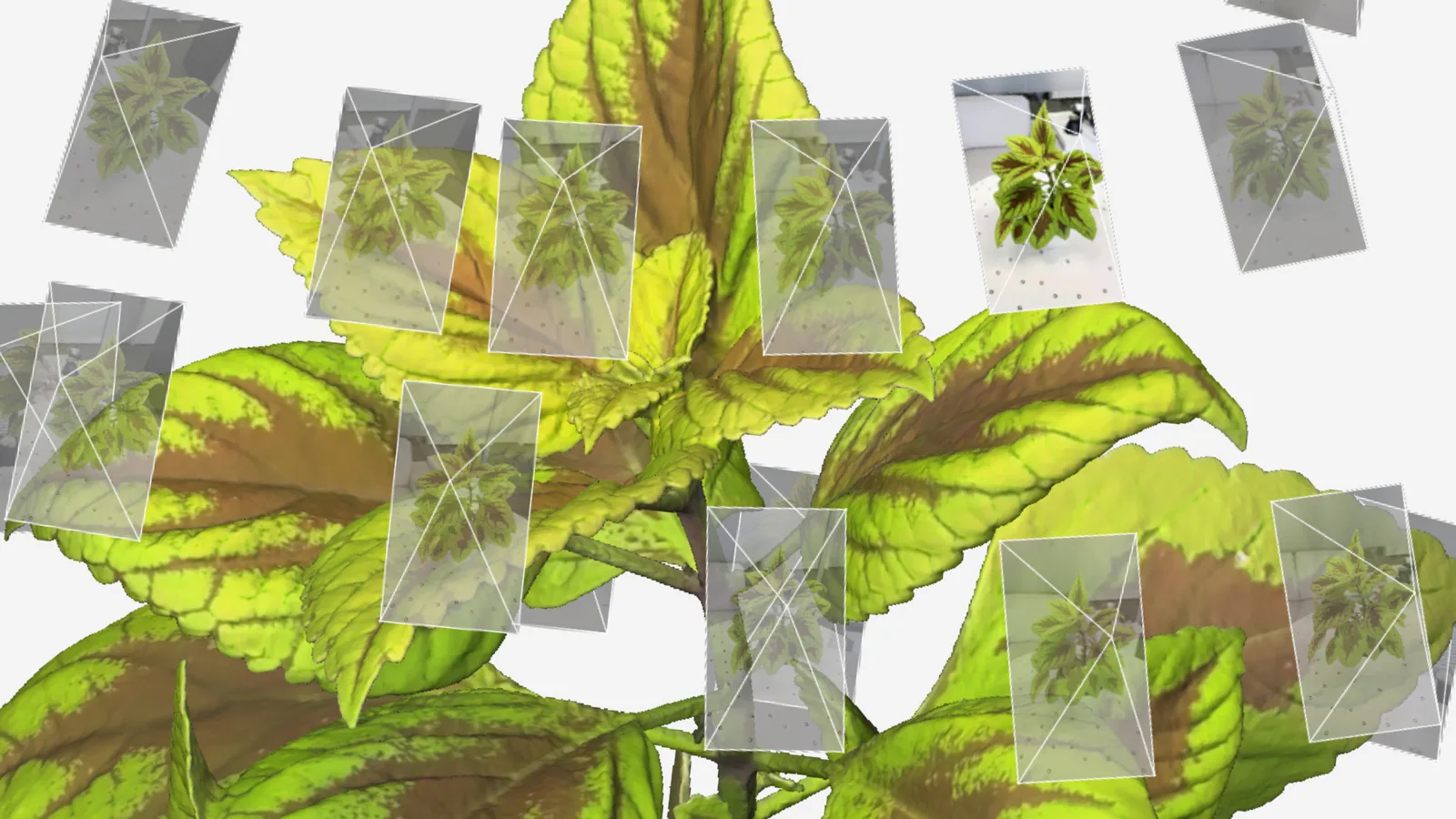
Five: digitizing a collection for an online archive, recording an object before conservation or loan, building a digital twin of a historic site, measuring specimens for research, and setting up a teaching lab where students learn the same scan-to-CAD and inspection workflow used in industry. Collection work favors color and no contact; research favors measurable accuracy; teaching favors scanners that new users pick up quickly.
Online collections
Scan objects in shape and color and publish them as 3D models for study and public access.
Condition records
Record an object before conservation, loan or transport, so any later change can be compared with the scan.
Digital twin of a historic site
Artec documents how the Korea Heritage Service captured the Hanbyeongnu Pavilion with the Artec Ray II, for preservation, public access and future restoration.
Research measurement
Capture fossils, bones or plant specimens as accurate meshes that can be measured and shared.
Teaching labs
Train students on scan-to-CAD and inspection with the scanners and software they will meet in industry.
Where does Creaform fit in research, education and heritage?
Creaform's color scanner, the Go!SCAN SPARK, records shape and 24-bit color together, which suits digital archives and visualization, and Creaform lists education and research and cultural heritage among its industries. It positions itself from geometry or color texture on most objects, so many artifacts need no targets. Engineering programs that teach metrology can use the HandySCAN line, the same blue-laser scanners used in industrial inspection, so students learn the workflow they will meet at work, from scan to inspection report or CAD model.
Creaform products named here:
Where does Artec fit in research, education and heritage?
Artec's strength is contact-free color capture across sizes. The Spider II records coins, inscriptions and artifacts in fine detail and color without touching them, and Artec cites museums and heritage among its uses. The Eva captures busts and medium objects quickly with no targets, and the Micro II measures small specimens, fossils and artifacts at 5 microns on its automated stage. For whole sites, the Ray II documents heritage sites and structures in color, with a double scan that removes passers-by. All of them run in Artec Studio.
Artec products named here:
Which scanners are best for research, education and heritage?
For research, education and heritage, these four scanners are the strongest fits across the Creaform and Artec ranges: Spider II, Eva, Micro II and Go!SCAN SPARK. Each card says why it fits and shows one headline fact taken from the maker's published specifications. They are not ranked against each other, because the right choice depends on the size of what you scan, the accuracy you need and your surfaces. Compare them side by side in the table, then see the one you favor scan your own work before you decide.
Artec
Spider II
Handheld high-resolution blue-light 3D scanner
Fine detail and color on artifacts, coins and inscriptions, with no contact or targets.
- Resolution
- 0.05 mm
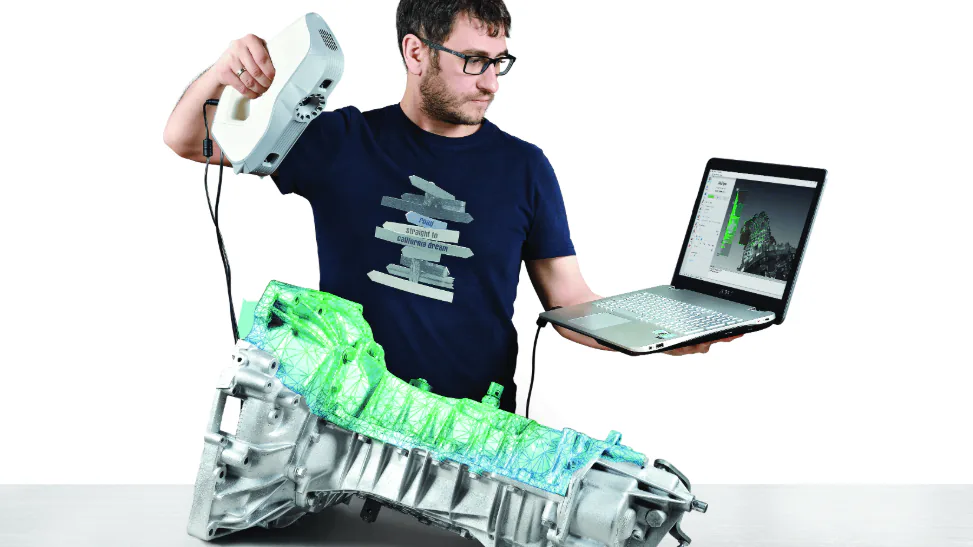
Artec
Eva
Handheld structured-light 3D scanner
Quick, target-free color capture of busts, sculptures and medium objects for archives and teaching.
- Color texture
- Yes
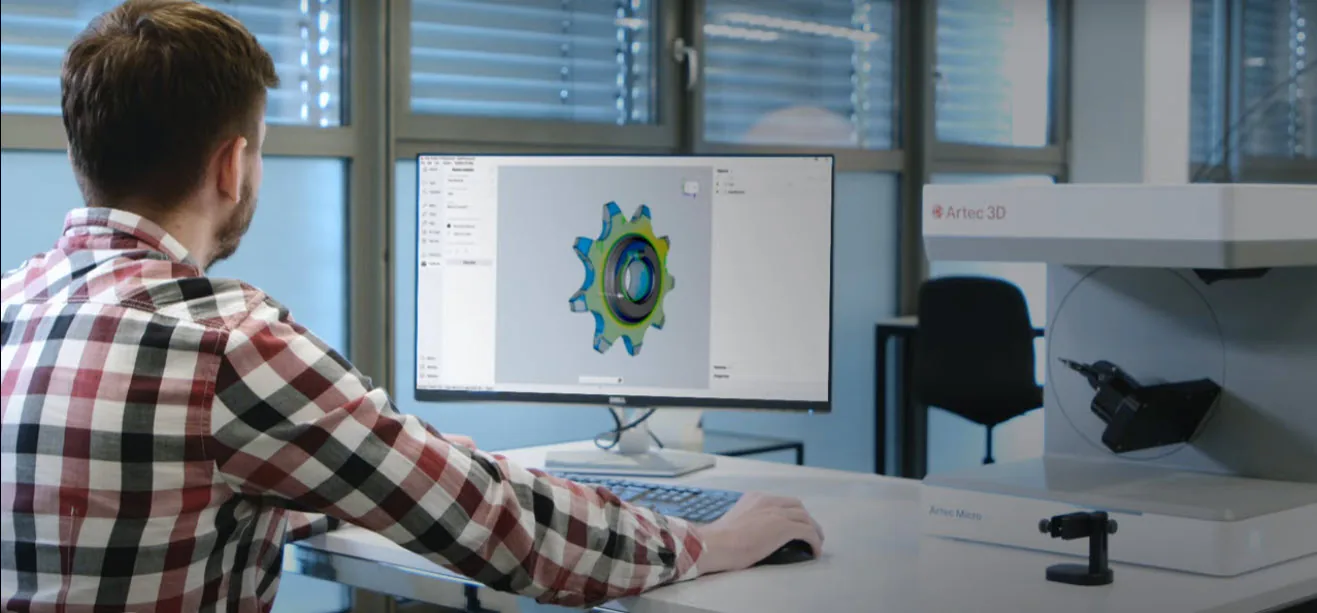
Artec
Micro II
Automated desktop 3D scanner
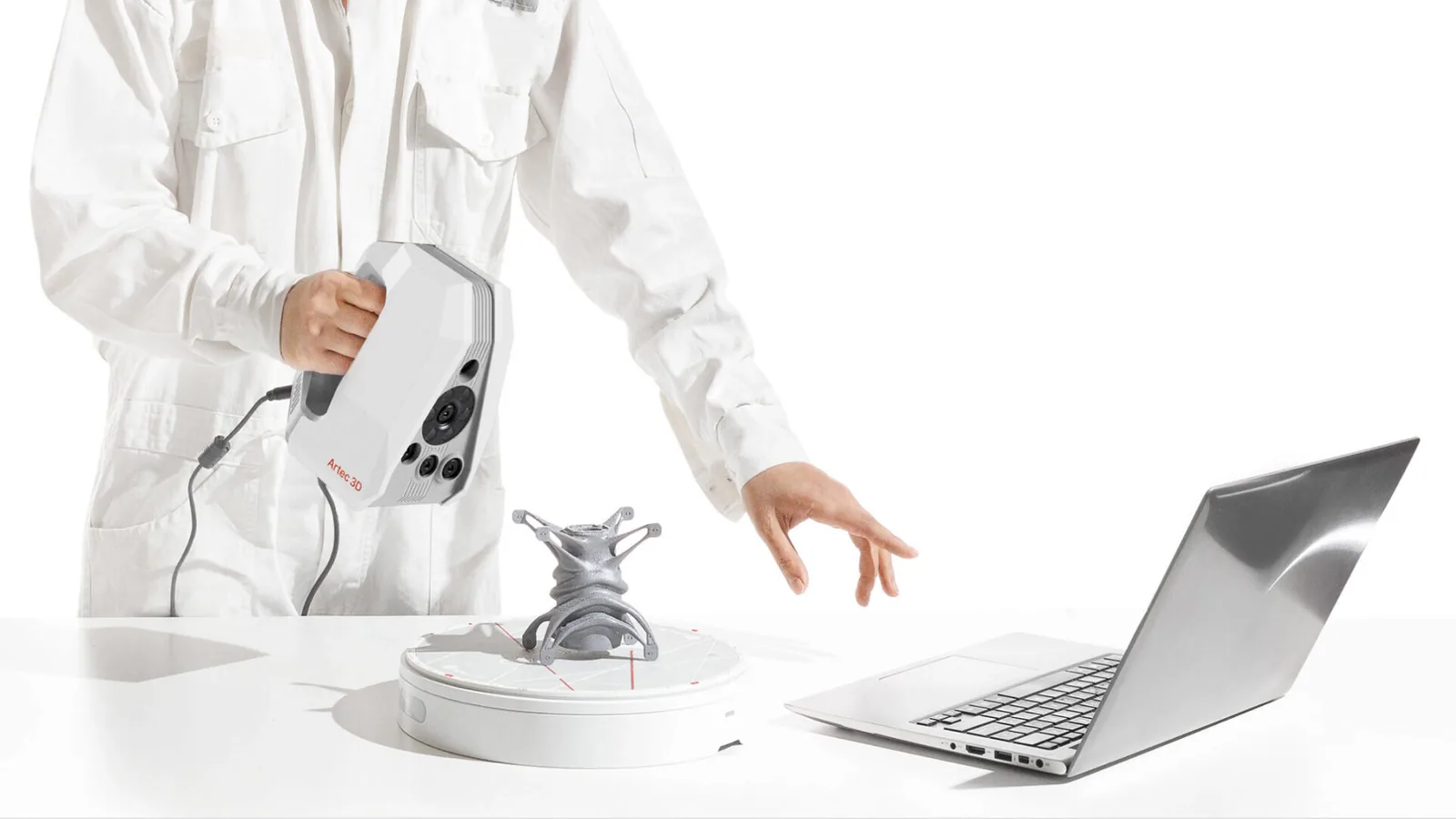
Automated, high-accuracy capture of small specimens, fossils and artifacts, in color.
- Accuracy
- 5 microns (0.005 mm)
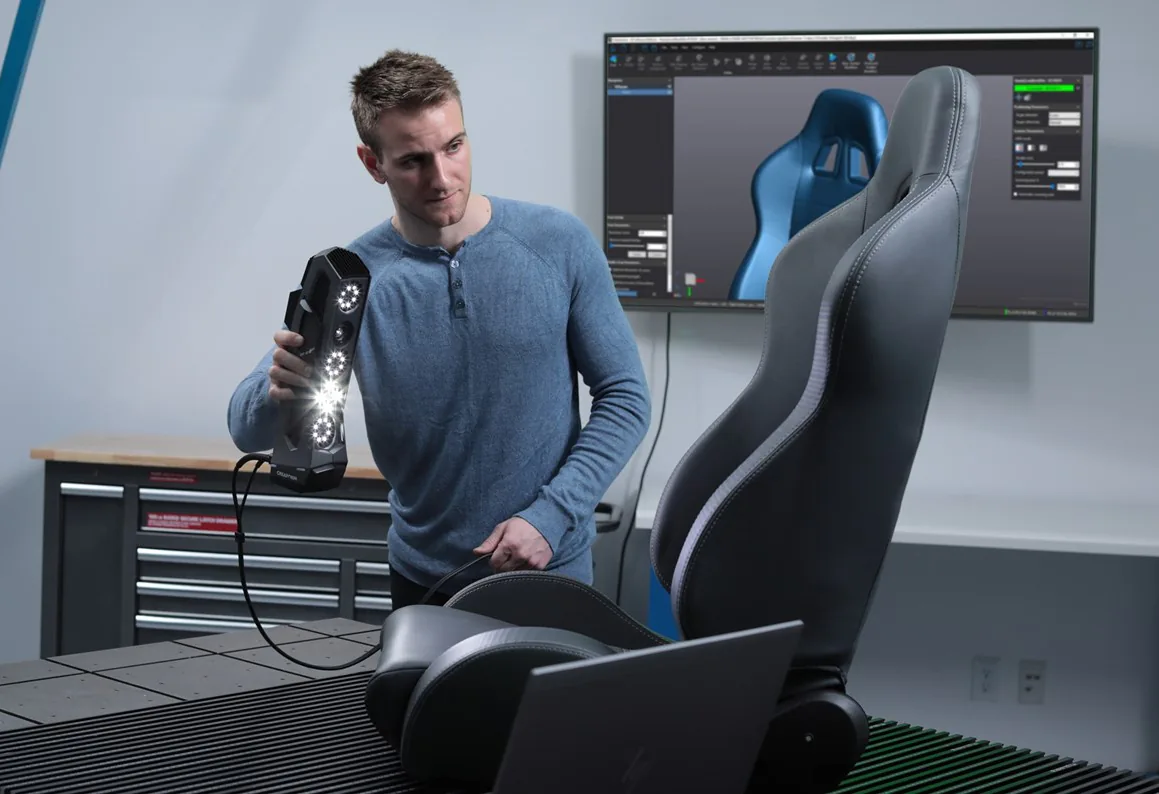
Creaform
Go!SCAN SPARK
Handheld white-light 3D scanner with color capture
Creaform's color scanner for archives, visualization and design projects in teaching labs.
- Color texture
- Yes
| Specification | Spider II | Eva | Micro II | Go!SCAN SPARK |
|---|---|---|---|---|
| Technology | Blue-light structured light | White structured light | Structured light (RGB LED), automated desktop | White structured light |
| Accuracy | 0.05 mm | Up to 0.1 mm | 5 microns (0.005 mm) | Up to 0.050 mm |
| Recommended part size | 50–500 mm | 0.1–2 m | 200 × 200 × 150 mm, 2 kg | 0.1–4 m |
| Positioning targets | Not needed | Not needed | Not needed | Optional |
| Color texture | Yes | Yes | Yes | Yes |
| Wireless operation | No (cable) | No (cable) | No (cable) | No (cable) |
| Weight | 0.95 kg | 0.9 kg | 12 kg | 1.25 kg |
Specs checked:
What does a demo for a collection or a lab show?
Choose objects that represent your hardest cases: a fragile artifact, a small specimen, a dark or shiny surface, or a part a student project needs in CAD. We scan them on site and show you the color model, the level of detail and the export path to your archive, research or teaching software. If you are planning a teaching lab, say how many students will use the scanners, so our reply covers training as well. On-site demos are available in most areas; ask when you request.
What else do research, education and heritage teams ask?
Which 3D scanner is best for museum artifacts?
Target-free scanners with color: the Artec Spider II for small and medium objects with fine detail, such as coins and inscriptions, the Eva for busts and larger objects, and the Micro II for very small items. None of them needs targets on the object, and they capture without contact.
Can students learn 3D scanning quickly?
Yes. Target-free scanners such as the Artec Eva start without setup, Artec Studio's Autopilot handles processing settings, and Creaform.OS has a workflow-based interface with embedded tutorials. Training is offered self-paced, online, on-site or in a classroom, which suits instructors preparing a course.
Can heritage sites be scanned as well as objects?
Yes. The Artec Ray II documents heritage sites and structures from tripod positions with color, and a double scan removes moving people from the result. For mapping large or underground sites on the move, the Artec Jet works without GPS. Objects on site are then scanned in detail with a handheld scanner.
See it capture an artifact, a specimen or a site
Choose the object that represents your hardest case, from a fragile statue to a small specimen or a facade. We scan it where it is kept and show you the color model and the export path. On-site demos are available in most areas; ask when you request.