Industry
3D scanning for consumer products and design
Turn a clay model, a prototype or an existing product into an accurate color model, and move to the next design iteration sooner.
Key takeaways
- Color scanners capture shape and color in one pass for design reviews and digital twins.
- The Creaform Go!SCAN SPARK records 24-bit color with up to 0.050 mm accuracy.
- The Artec Eva and Leo capture medium and large products in color, with no targets.
- The HandySCAN PRO and its Scan-to-CAD Pro module turn existing products into CAD models.
Where does measurement slow product design down?
Every design loop has a physical step: a clay model, a 3D print, a competitor's product, an ergonomic mock-up. Turning that object back into CAD by hand is slow and loses the subtle surfaces designers care about, so iterations stretch and details get approximated. Color and texture are lost entirely. A color 3D scanner closes the loop: it captures shape and color in one pass, hands an accurate mesh to CAD or a design review, and lets a team compare a prototype with its design intent. That shortens prototyping, supports digital twins for marketing and documentation, and speeds reverse engineering of existing goods.
Typical applications
Rapid prototyping
Scan clay models, prints and mock-ups to bring physical changes back into CAD.
Digital twins
Create accurate color models of products for configurators, marketing and documentation.
Color capture for product development
Record textures, finishes and graphics alongside the geometry for design reviews.
Reverse engineering of existing goods
Capture an existing product to redesign it, make accessories that fit, or benchmark it.
What do we scan for consumer product and design teams?
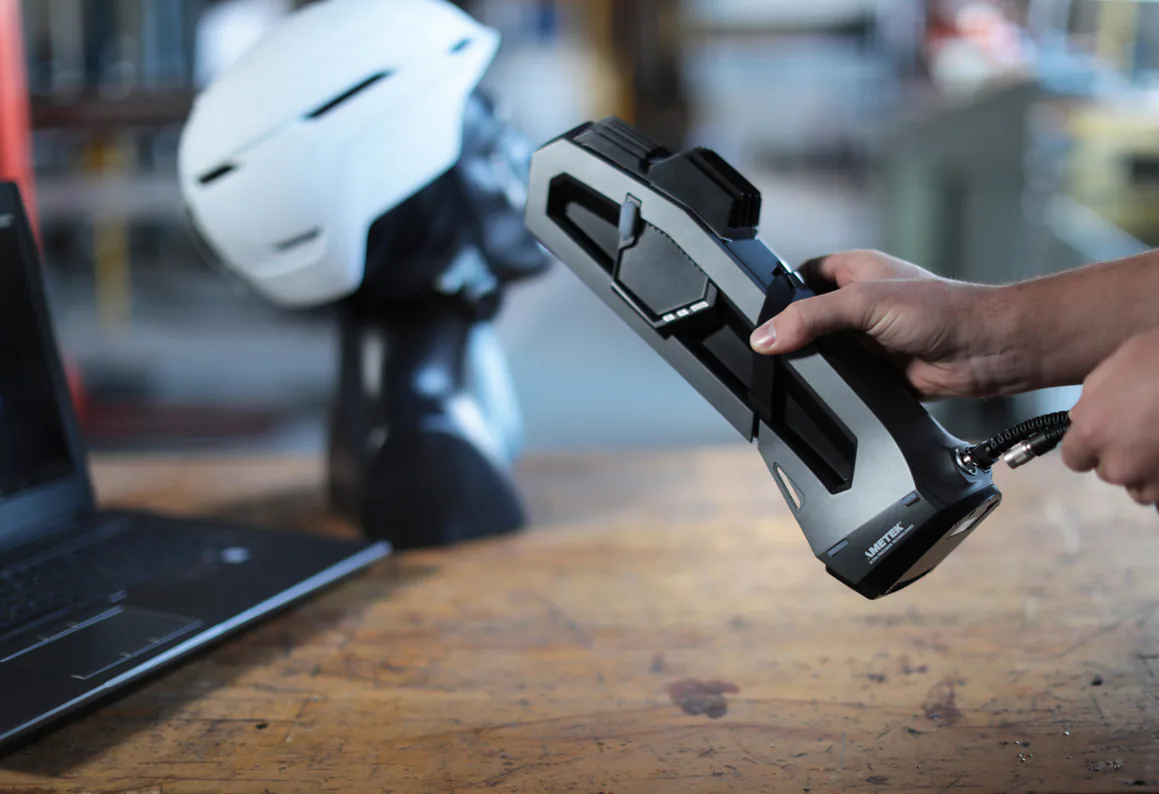
Anything a designer can put on a table, and some things they cannot. Clay models and foam mock-ups, printed prototypes, molded housings, handheld tools, footwear, helmets, furniture and packaging all pass through design studios, along with competitor products to benchmark and existing products to update. The table shows what is usually captured from each and which scanner class suits it. Color matters more here than in most industries, so color-capable scanners lead.
| What we scan | What is checked or rebuilt | Scanner class that suits it |
|---|---|---|
| Clay models and foam mock-ups | Freeform surfaces back into CAD after hand changes | Color structured-light handheldGo!SCAN SPARK, Eva |
| Printed and molded prototypes | Shape against design intent, warp and fit | Structured-light or laser handheldEva, HandySCAN PRO |
| Existing and competitor products | Geometry to redesign, benchmark or design accessories | Laser handheld with scan-to-CAD softwareHandySCAN PRO, Go!SCAN SPARK |
| Small products, logos and textures | Fine detail and color | High-resolution structured-light handheldSpider II |
| Furniture and large products | Overall shape and color for review and documentation | Wireless structured-light handheldLeo |
| Products for configurators and catalogs | Color models for marketing and online display | Color handheld scannerGo!SCAN SPARK, Eva |
What we scan for consumer products and design
Clay models and foam mock-ups
- What is checked or rebuilt
- Freeform surfaces back into CAD after hand changes
- Scanner class that suits it
- Color structured-light handheldGo!SCAN SPARK, Eva
Printed and molded prototypes
- What is checked or rebuilt
- Shape against design intent, warp and fit
- Scanner class that suits it
- Structured-light or laser handheldEva, HandySCAN PRO
Existing and competitor products
- What is checked or rebuilt
- Geometry to redesign, benchmark or design accessories
- Scanner class that suits it
- Laser handheld with scan-to-CAD softwareHandySCAN PRO, Go!SCAN SPARK
Small products, logos and textures
- What is checked or rebuilt
- Fine detail and color
- Scanner class that suits it
- High-resolution structured-light handheldSpider II
Furniture and large products
- What is checked or rebuilt
- Overall shape and color for review and documentation
- Scanner class that suits it
- Wireless structured-light handheldLeo
Products for configurators and catalogs
- What is checked or rebuilt
- Color models for marketing and online display
- Scanner class that suits it
- Color handheld scannerGo!SCAN SPARK, Eva
Which product materials scan well, and which need help?
Matte plastics, clay, foam, wood, fabric and most printed parts scan well as they are, and color scanners record their texture in the same pass. Problems start with the finishes designers love: high-gloss piano black, chrome trim, clear or tinted plastics and soft-touch coatings that look dark to the scanner. Those may need adjusted settings, a test or a thin coat of removable scan spray. When a color model is the goal, capture color before any spray goes on.
Printed parts and matte plastics
Usually scan cleanly. Layer lines on prints show up at high resolution, which helps when checking a print against CAD.
Clay, foam and wood
Matte and textured, they suit color scanners that track on shape and texture with no targets.
Fabric, leather and soft goods
Scan well in shape and color, but soft items move, so support them to hold their shape during the scan.
Gloss, chrome and clear plastics
The hard cases. Expect to adjust settings or apply a removable scan spray, and test on a sample first.
Which product design jobs do we scan most often?
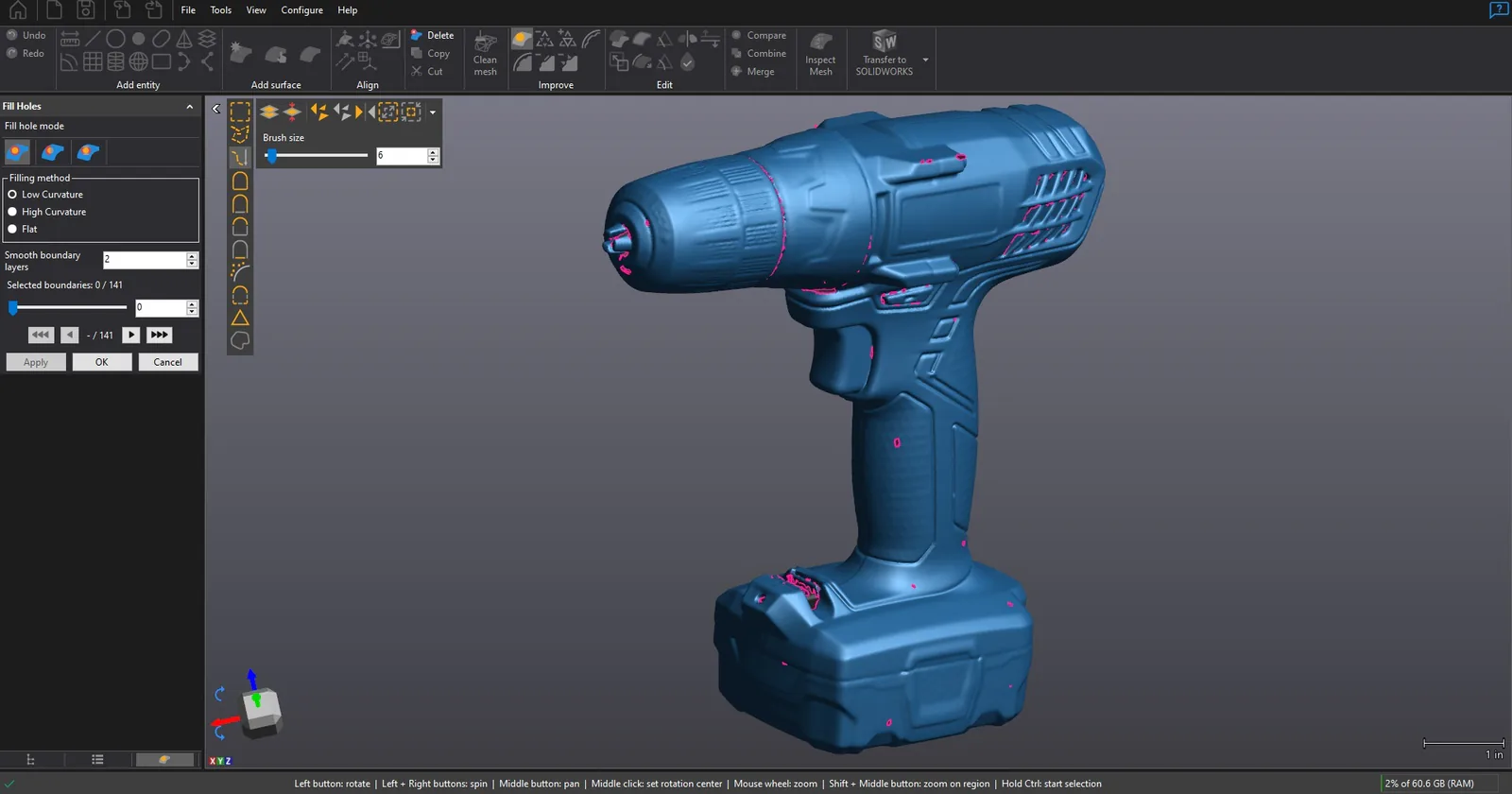
Four: bringing a hand-modified clay or foam model back into CAD, checking a prototype against design intent, reverse engineering an existing product to update it or design accessories for it, and building color models for marketing and documentation. The first and last lean on color and speed; the middle two lean on accuracy and a clean path into CAD, which is where a laser scanner with scan-to-CAD software earns its place.
Clay model back to CAD
Scan the model after the designer's hand changes and fit new surfaces to the mesh, instead of re-modeling by eye.
Prototype against design intent
Compare a print or a first molded part with its CAD as a color map and see warp, shrink and fit.
Existing product to editable CAD
Scan a product and rebuild it as solids, to update it or to design accessories that fit it.
Color models for marketing
Capture a finished product in shape and color for configurators, catalogs and product documentation.
Where does Creaform fit in consumer product design?
Creaform's design tool is the Go!SCAN SPARK, a white-light scanner that records shape and 24-bit color in one pass and positions itself from geometry, color texture or targets. Creaform aims it at the product development stage: clay models, prototypes and existing products, with instant meshing and ready-to-use files. When a design needs tighter accuracy or a solid CAD rebuild, the HandySCAN PRO comes with Scan-to-CAD Pro for sketching and modeling, so an existing product can become an editable model without leaving the Creaform workflow.
Creaform products named here:
Where does Artec fit in consumer product design?
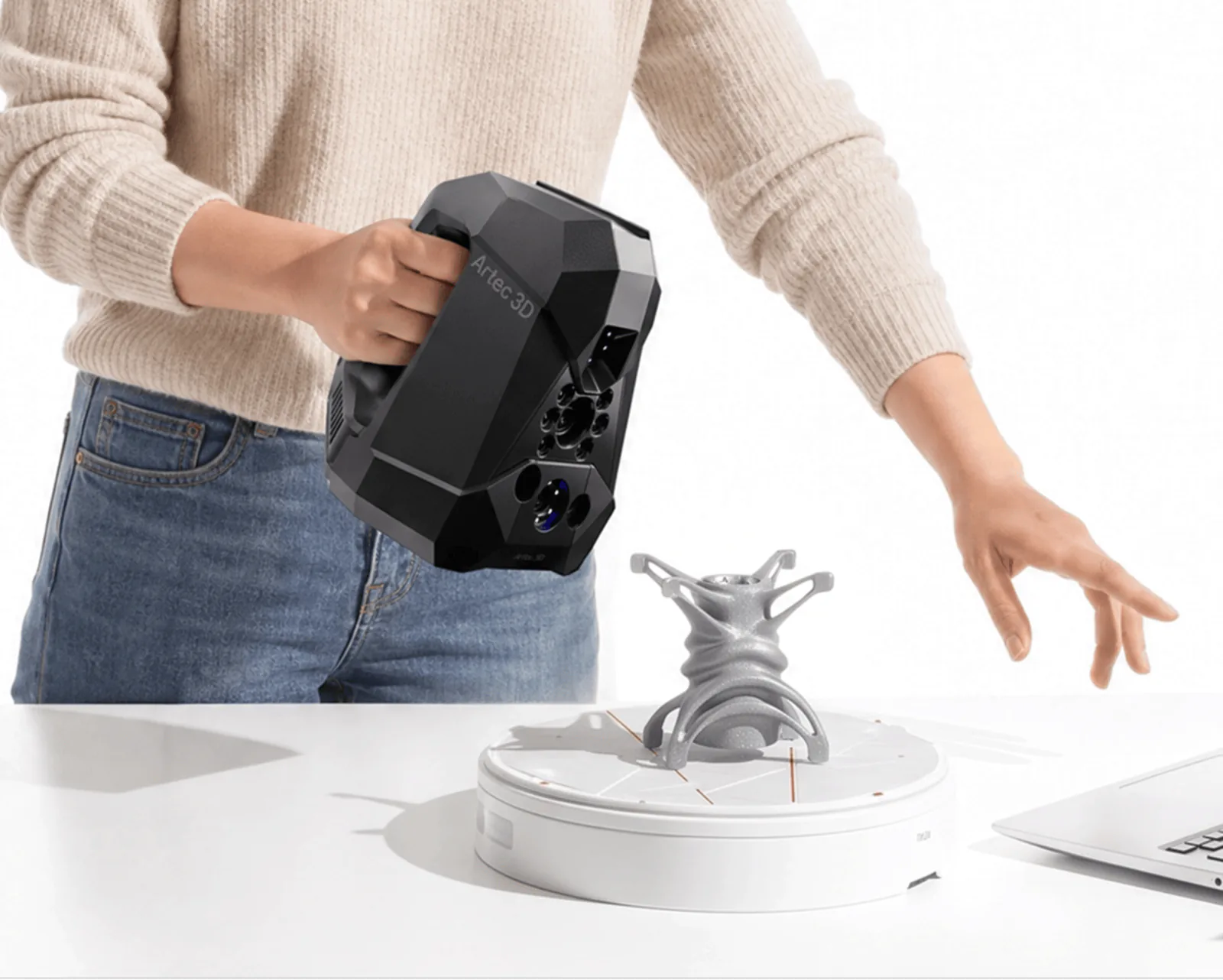
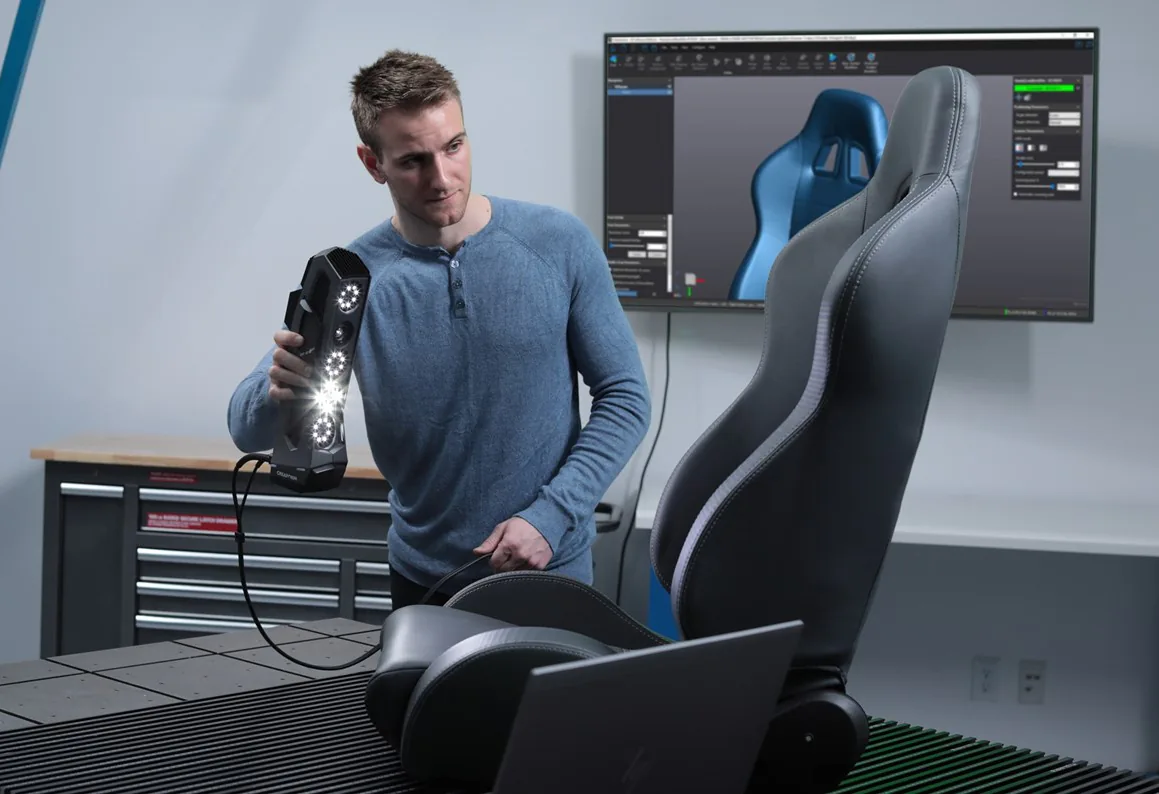
Artec's strength is fast color capture with almost no setup. The Eva is a light, target-free scanner for medium products, and the Leo, wireless with its own screen, covers larger objects such as furniture and vehicles without a cable. The Spider II captures small products and fine details, such as textures and logos, in color. Artec Studio turns scans into meshes for review and printing, fits primitives and auto-surfaces for CAD, and can also build models from photos with AI Photogrammetry. That makes Artec a natural fit for design studios that want results quickly.
Artec products named here:
Which scanners are best for consumer products and design?
For consumer products and design, these four scanners are the strongest fits across the Creaform and Artec ranges: Go!SCAN SPARK, Eva, Leo and HandySCAN PRO. Each card says why it fits and shows one headline fact taken from the maker's published specifications. They are not ranked against each other, because the right choice depends on the size of what you scan, the accuracy you need and your surfaces. Compare them side by side in the table, then see the one you favor scan your own work before you decide.
Creaform
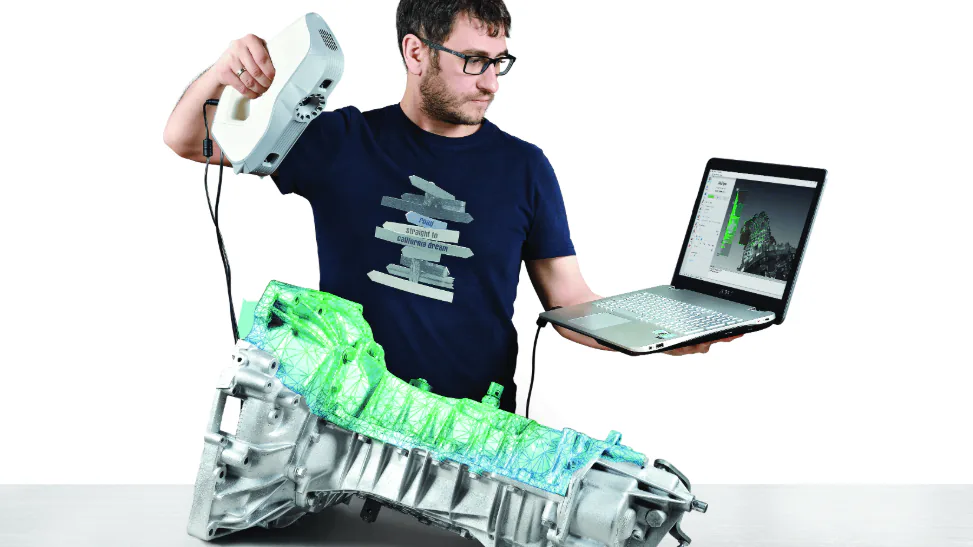
Go!SCAN SPARK
Handheld white-light 3D scanner with color capture
Color and geometry in one pass, usually without targets, for prototypes and existing products.
- Accuracy
- Up to 0.050 mm
Artec
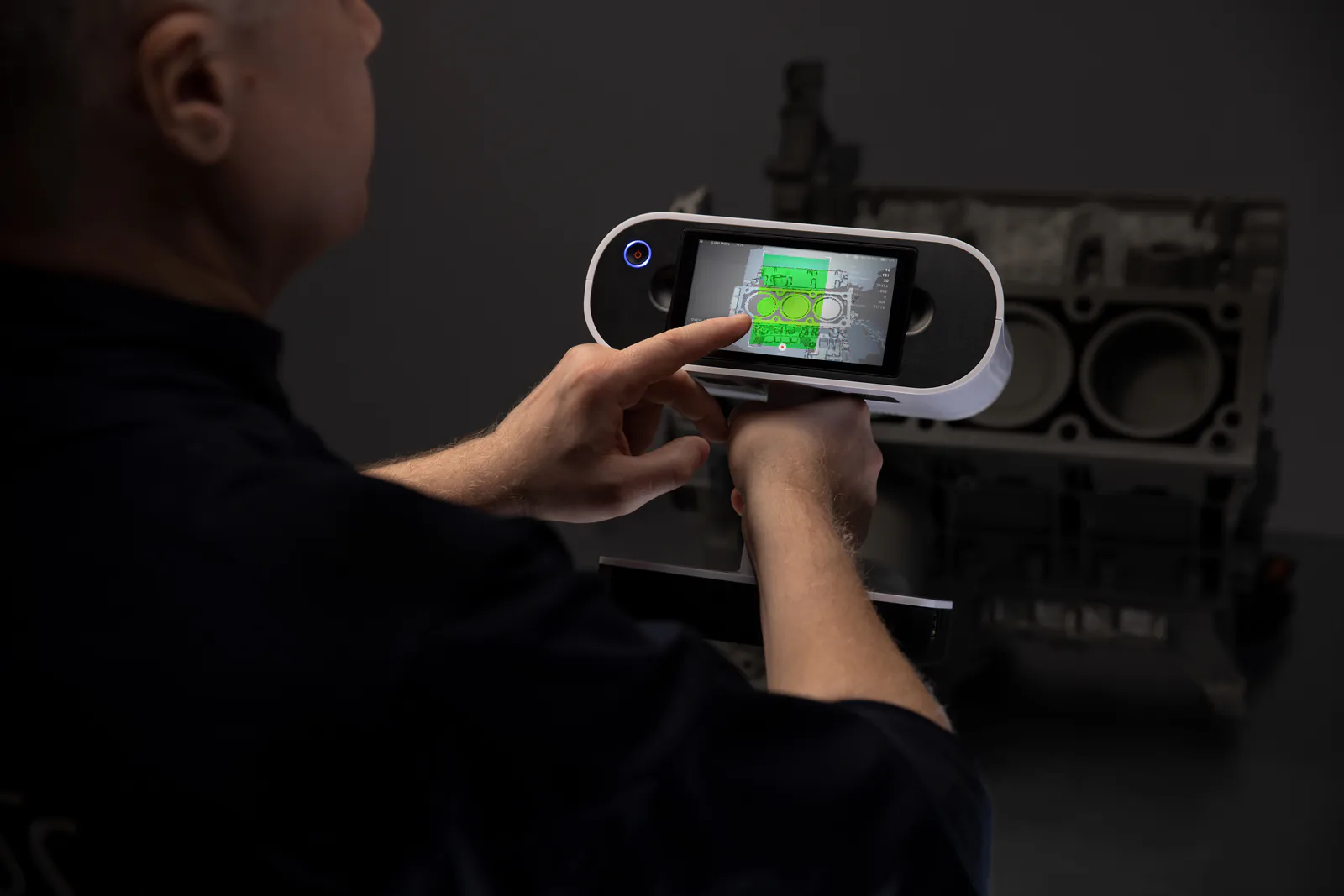
Eva
Handheld structured-light 3D scanner
A light, target-free color scanner for medium products that any designer can learn quickly.
- Color texture
- Yes
Artec
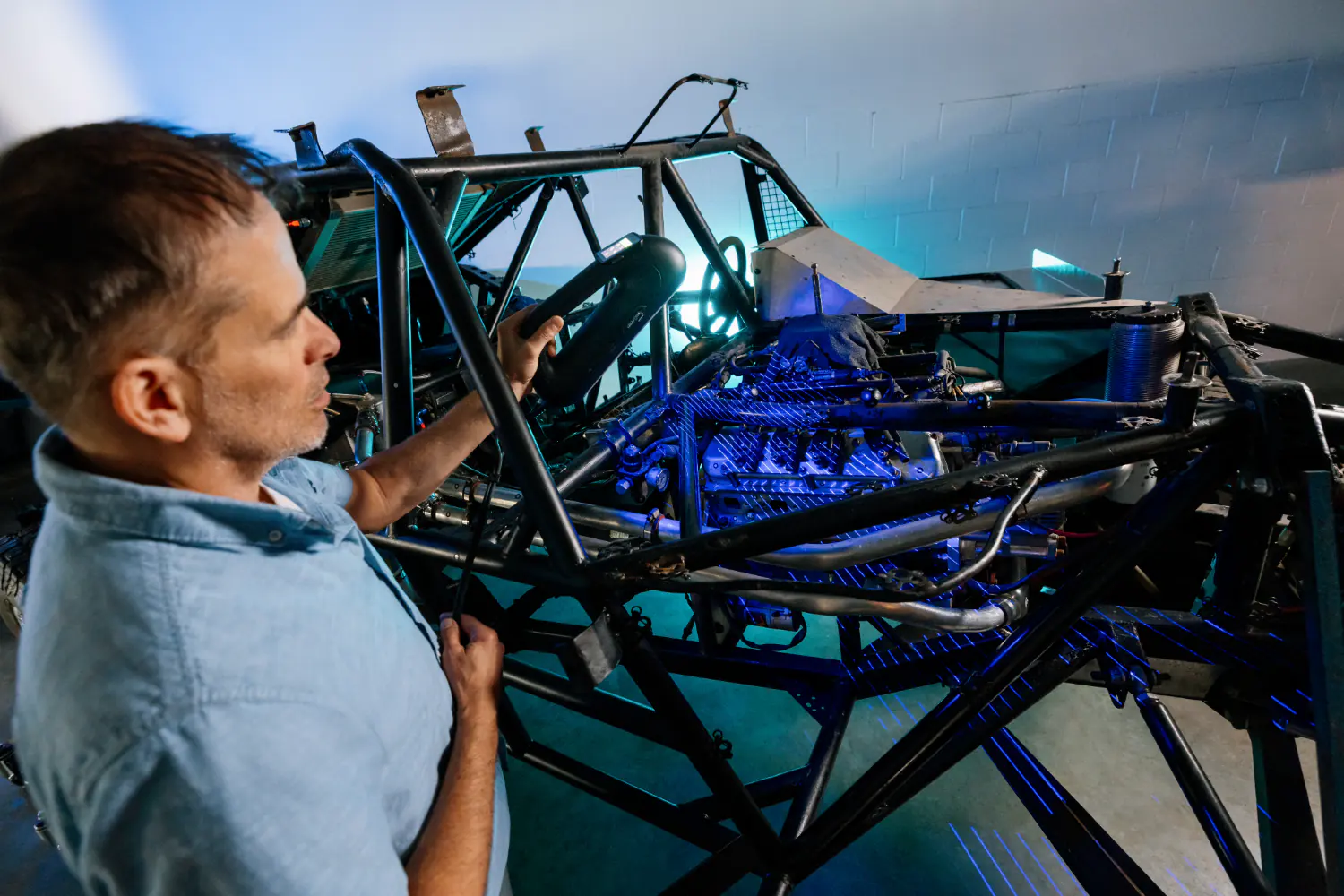
Leo
Wireless handheld 3D scanner with onboard processing
Wireless color capture of larger products such as furniture, equipment and vehicles.
- Wireless operation
- Yes
Creaform
HandySCAN PRO
Handheld blue-laser 3D scanner for reverse engineering
Blue-laser accuracy plus Scan-to-CAD Pro, when an existing product must become an editable CAD model.
- Accuracy
- Up to 0.030 mm
| Specification | Go!SCAN SPARK | Eva | Leo | HandySCAN PRO |
|---|---|---|---|---|
| Technology | White structured light | White structured light | Structured light (VCSEL) | Blue laser triangulation |
| Accuracy | Up to 0.050 mm | Up to 0.1 mm | Up to 0.1 mm | Up to 0.030 mm |
| Recommended part size | 0.1–4 m | 0.1–2 m | 0.2–2 m | 0.05–4 m |
| Positioning targets | Optional | Not needed | Not needed | Required |
| Color texture | Yes | Yes | Yes | No |
| Wireless operation | No (cable) | No (cable) | Yes | No (cable) |
| Weight | 1.25 kg | 0.9 kg | 2.6 kg | 920 g |
Specs checked:
What does a demo on a product show?
Pick a prototype, a clay model or an existing product you want in CAD. We scan it in front of your team and show you the color mesh, how much detail it keeps on soft surfaces and fine features, and the path into your CAD or design-review tools. If you need color for marketing or documentation, say so, and the demo can focus on texture. On-site demos are available in most areas; ask when you request, and name the products you want to compare.
What else do consumer products and design teams ask?
Which 3D scanner is best for product design?
For color capture of prototypes and products, the Creaform Go!SCAN SPARK and the Artec Eva are the usual choices, with the Artec Leo for larger objects. If the goal is an editable CAD model of an existing product, the HandySCAN PRO with Scan-to-CAD Pro adds blue-laser accuracy and solid modeling.
Can a scanner capture color and texture?
Yes. The Go!SCAN SPARK records 24-bit color at 50 to 200 DPI, the Artec Eva records 1.3 MP color texture, the Leo 2.3 MP and the Spider II 5 MP, all in the same pass as the geometry. That color carries into design reviews, digital twins and product documentation.
Can scans be 3D printed?
Yes. Both brands export meshes as STL, OBJ and other formats that printers accept, and the software can close holes to make a watertight mesh. Creaform notes instant meshing and ready-to-use files on the Go!SCAN, and Artec Studio produces watertight meshes. For a printed part that must fit others, check accuracy first.
See it capture your own product
Choose a prototype, an existing product or a design you want in full color. We scan it at your facility and show you the mesh, the color and the path to CAD. On-site demos are available in most areas; ask when you request.