Scan guide
What can a 3D scanner scan?
Almost anything you can see, from a connector on a desktop stage to a whole building. Size, surface finish and subject decide which scanner suits it.
Key takeaways
- Our catalog spans a desktop scanner for parts up to 200 × 200 × 150 mm and LiDAR that captures sites from 0.5 to 300 m.
- Machined, cast, coated, printed and matte parts usually scan with no preparation.
- Mirror-polished, clear and wet surfaces are the hard cases, and a removable scan spray is the usual workaround.
- People are scanned with structured light and no targets; Artec states the Eva's white light is safe for people.
- The surest test is a demo on what you actually need to scan.
What can a 3D scanner scan, in short?
Most solid objects and spaces. Desktop scanners measure parts that fit on a stage; handheld scanners cover parts from small brackets to vehicles and structures; tripod and mobile LiDAR scanners capture rooms, plants and whole sites. Most materials scan as they are: machined and cast metal, painted and coated parts, matte plastics, printed parts, composites, skin, stone and wood. The hard cases are surfaces that mirror light or let it through, such as polished chrome, glass and clear plastic, and parts that are wet or oily. Those usually need a removable scan spray, adjusted settings or a different technique. The sections below go through size, finish, subject and technology in turn.
Which scanner suits each size, from a small part to a site?
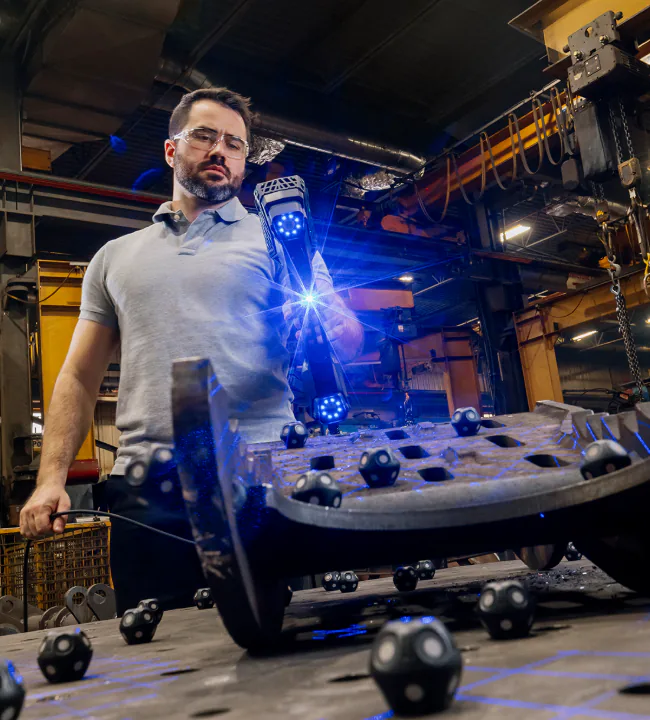
Size is the first filter. Each class of scanner has a range it covers well: a desktop scanner for parts that fit on its stage, handhelds from small brackets up to structures, and LiDAR for rooms and sites. The table names the scanner class for each size and the models we offer in it, with each model's recommended part size or range as the maker states it. Where a part sits between two rows, its finish and its tightest tolerance decide.
| Size | Typical subjects | Scanner class | Our models and their stated size |
|---|---|---|---|
| Very small parts | Connectors, watch parts, dental items, small castings | Automated desktop scanner | Micro II: 200 × 200 × 150 mm, 2 kg |
| Small parts with fine detail | Brackets, clips, gears, impellers, molded parts | High-resolution or hybrid handheld, metrology laser handheld | Spider II: 50–500 mmNeo: 50–500 mmPoint II: 0.05–2 m |
| Medium parts and products | Housings, wheels, seats, busts, castings | Color structured-light handheld or metrology laser handheld | Eva: 0.1–2 mGo!SCAN SPARK: 0.1–4 mHandySCAN EVO: 0.05–4 m |
| Large parts and assemblies | Molds, frames, vehicle bodies, hull sections | Large-part laser handheld, optical CMM or photogrammetry | HandySCAN MAX EVO: 1–10 m (MAX EVO); 1–15 m (MAX EVO Elite)MetraSCAN 3D: 0.2–6 m (BLACK+, BLACK+ Elite); 0.2–10 m (BLACK2)MaxSHOT NEXT: 2–10 m |
| Whole vehicles, aircraft and large objects | Cars, aircraft, wind turbine blades, ship propellers | Wireless handheld plus tripod LiDAR | Leo: 0.2–2 mRay II: Range 0.5–130 m (LiDAR) |
| Rooms, buildings and sites | Plant rooms, warehouses, tunnels, facades | Tripod LiDAR or mobile mapping | Ray II: Range 0.5–130 m (LiDAR)Jet: Range 0.5–300 m (LiDAR) |
What a 3D scanner can scan, by size
Very small parts
- Typical subjects
- Connectors, watch parts, dental items, small castings
- Scanner class
- Automated desktop scanner
- Our models and their stated size
- Micro II: 200 × 200 × 150 mm, 2 kg
Small parts with fine detail
- Typical subjects
- Brackets, clips, gears, impellers, molded parts
- Scanner class
- High-resolution or hybrid handheld, metrology laser handheld
- Our models and their stated size
- Spider II: 50–500 mmNeo: 50–500 mmPoint II: 0.05–2 m
Medium parts and products
- Typical subjects
- Housings, wheels, seats, busts, castings
- Scanner class
- Color structured-light handheld or metrology laser handheld
- Our models and their stated size
- Eva: 0.1–2 mGo!SCAN SPARK: 0.1–4 mHandySCAN EVO: 0.05–4 m
Large parts and assemblies
- Typical subjects
- Molds, frames, vehicle bodies, hull sections
- Scanner class
- Large-part laser handheld, optical CMM or photogrammetry
Whole vehicles, aircraft and large objects
- Typical subjects
- Cars, aircraft, wind turbine blades, ship propellers
- Scanner class
- Wireless handheld plus tripod LiDAR
- Our models and their stated size
- Leo: 0.2–2 mRay II: Range 0.5–130 m (LiDAR)
Rooms, buildings and sites
- Typical subjects
- Plant rooms, warehouses, tunnels, facades
- Scanner class
- Tripod LiDAR or mobile mapping
- Our models and their stated size
- Ray II: Range 0.5–130 m (LiDAR)Jet: Range 0.5–300 m (LiDAR)
Which materials and finishes scan well, and which are hard?
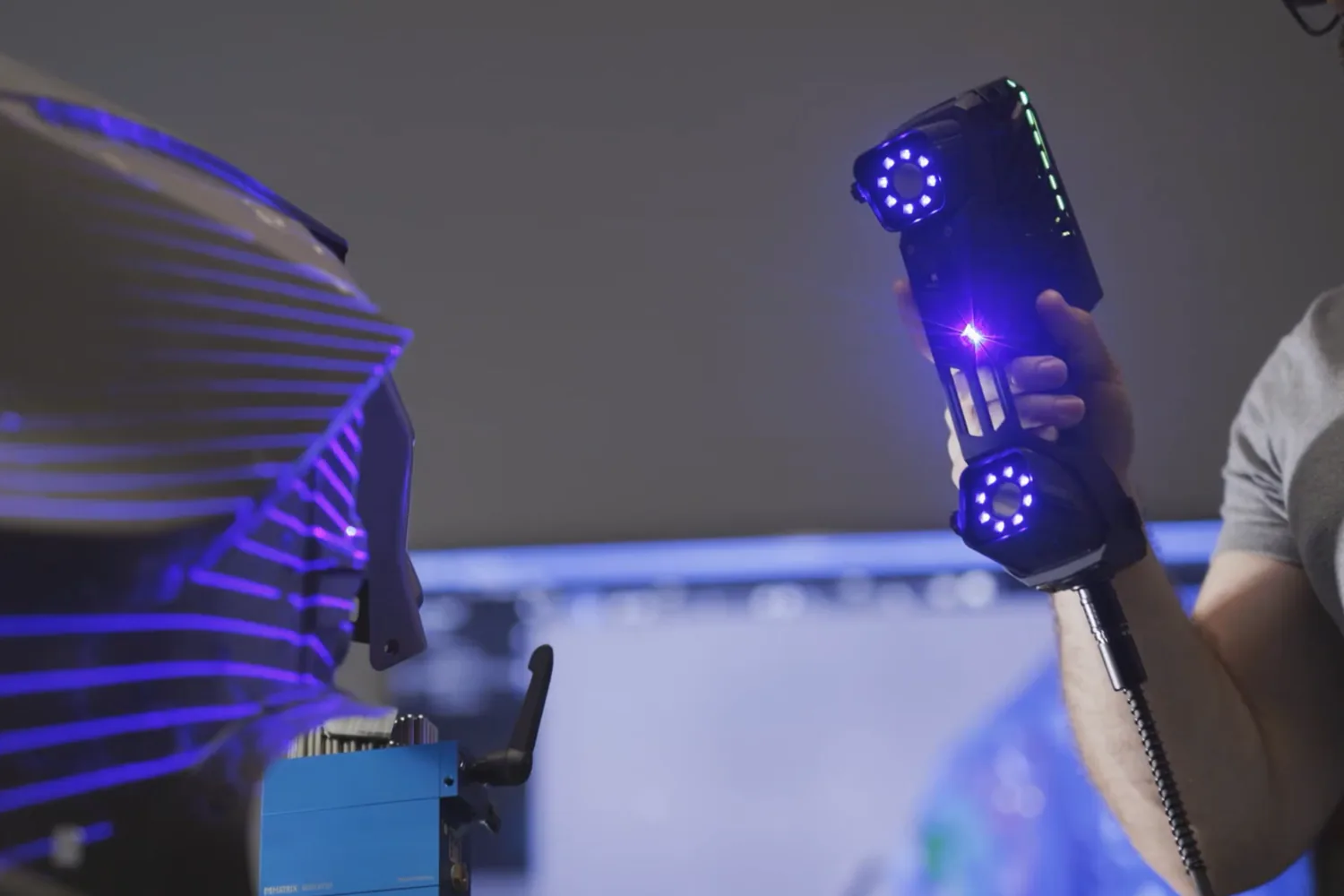
Most surfaces scan as they are. Light has to bounce back to the scanner's cameras in a predictable way, so matte, textured and evenly colored surfaces are easiest. Trouble starts when a surface mirrors the light away, swallows it or lets it pass through. The table sorts common finishes by how they usually behave and what usually helps. It is general practice, not a promise for any one model: where a maker states how its scanner handles a surface, we repeat that statement under the table. A demo on your own work is the real test.
| Material or finish | How it usually scans | What usually helps |
|---|---|---|
| Machined and cast metals | Usually scan well. Dull cast faces are among the easiest surfaces; bright machined faces may need adjusted exposure. | Nothing, as a rule; a quick test on very bright faces. |
| Powder-coated, painted and anodized parts | Usually scan well, dark coatings included, with blue-light and blue-laser scanners. | Nothing, as a rule. |
| Matte plastics, 3D prints and composites | Usually scan cleanly; print layer lines and weave texture show at high resolution. | Nothing, as a rule. |
| Organic and freeform shapes | Skin, wood, stone, clay and sculpted forms usually scan well, and color scanners track on their shape and texture. | Color tracking instead of targets; support for soft items. |
Finishes that usually scan as they are
Machined and cast metals
- How it usually scans
- Usually scan well. Dull cast faces are among the easiest surfaces; bright machined faces may need adjusted exposure.
- What usually helps
- Nothing, as a rule; a quick test on very bright faces.
Powder-coated, painted and anodized parts
- How it usually scans
- Usually scan well, dark coatings included, with blue-light and blue-laser scanners.
- What usually helps
- Nothing, as a rule.
Matte plastics, 3D prints and composites
- How it usually scans
- Usually scan cleanly; print layer lines and weave texture show at high resolution.
- What usually helps
- Nothing, as a rule.
Organic and freeform shapes
- How it usually scans
- Skin, wood, stone, clay and sculpted forms usually scan well, and color scanners track on their shape and texture.
- What usually helps
- Color tracking instead of targets; support for soft items.
| Material or finish | How it usually scans | What usually helps |
|---|---|---|
| Black plastics, rubber and dark finishes | May return little light, so edges and deep areas can show gaps. | Higher exposure, slower passes, a blue-light or blue-laser scanner. |
| Very glossy black paint | May be the hardest everyday finish, because it is dark and mirror-like at once. | A test scan first; adjusted settings or a removable scan spray. |
| Mirror-polished chrome and highly reflective stainless | Usually reflect the light away from the cameras, leaving gaps or noise. | A thin coat of removable scan spray, or a scanner and settings suited to reflective surfaces. |
| Glass and clear plastics | Let light through, so the scanner sees what is behind them, or nothing. | A removable scan spray, or photogrammetry built for transparent objects. |
| Oily, wet or frosted surfaces | Shine and hide the real surface; oil also stops targets sticking. | Clean and dry the surface first. |
Finishes that need care or a workaround
Black plastics, rubber and dark finishes
- How it usually scans
- May return little light, so edges and deep areas can show gaps.
- What usually helps
- Higher exposure, slower passes, a blue-light or blue-laser scanner.
Very glossy black paint
- How it usually scans
- May be the hardest everyday finish, because it is dark and mirror-like at once.
- What usually helps
- A test scan first; adjusted settings or a removable scan spray.
Mirror-polished chrome and highly reflective stainless
- How it usually scans
- Usually reflect the light away from the cameras, leaving gaps or noise.
- What usually helps
- A thin coat of removable scan spray, or a scanner and settings suited to reflective surfaces.
Glass and clear plastics
- How it usually scans
- Let light through, so the scanner sees what is behind them, or nothing.
- What usually helps
- A removable scan spray, or photogrammetry built for transparent objects.
Oily, wet or frosted surfaces
- How it usually scans
- Shine and hide the real surface; oil also stops targets sticking.
- What usually helps
- Clean and dry the surface first.
What the makers state about difficult surfaces
Creaform
- Creaform states that its scanners, the HandySCAN PRO included, are engineered for complex geometry and for shiny, dark and reflective materials. More on the HandySCAN PRO
- Creaform says the MetraSCAN 3D's blue laser lines suit shiny and reflective surfaces with no part preparation. More on the MetraSCAN 3D
- Creaform states that with the HandySCAN MAX Series no surface preparation is needed, even on difficult materials. More on the HandySCAN MAX EVO
- Creaform advises adding positioning targets to objects with little shape or texture when scanning with the Go!SCAN SPARK. More on the Go!SCAN SPARK
Artec
- Artec designed the Point II for complex, black and reflective surfaces such as polished airfoils and machined castings. More on the Point II
- Artec says that on the Leo, HD mode improves capture of thin ridges, sharp corners and black or shiny surfaces. More on the Leo
- Artec notes that on the Micro II, material and surface finish can raise noise slightly, while repeatability stays around 2 microns. More on the Micro II
- Artec says the neural engine in AI Photogrammetry handles surfaces that classic photogrammetry struggles with, such as shiny, transparent and featureless objects. More on AI Photogrammetry
Which scanner suits each kind of subject?
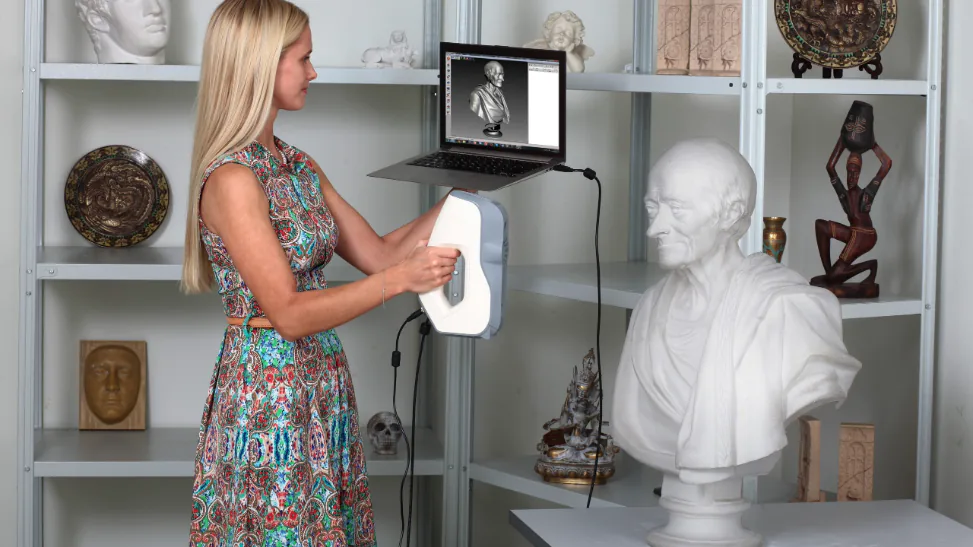
Beyond size and finish, the subject itself shapes the choice. Industrial parts need accuracy you can report; large assemblies need accuracy that holds over distance; people need speed and light that is safe for them; heritage objects need color and no contact; rooms and sites need range; very small parts need resolution. Each card says what matters for that subject and where to read next, from the matching buyer's guide to the industry page where the subject comes up most.
Industrial parts
Castings, machined parts, molds and sheet metal. What matters is accredited accuracy against CAD on the finish you have, usually from a metrology laser handheld or an optical CMM.
Large assemblies and vehicles
Frames, molds, hulls, vehicle bodies and aircraft sections. What matters is accuracy over the length, from photogrammetry or optical tracking, and a wide field of view.
People and anatomy
Faces, limbs and whole bodies. What matters is light that is safe for people, a short capture, no targets on the skin and color for landmarks.
Heritage objects, art and props
Sculpture, artifacts, coins and props. What matters is color, fine detail and capture without contact or markers.
Rooms, plants and sites
Interiors, plant rooms, warehouses, tunnels and facades. What matters is range, and a point cloud your BIM or CAD tools can use.
Very small, precise parts
Connectors, dental items, watch parts and small castings. What matters is resolution and repeatable accuracy, ideally on an automated stage.
Which scanning technology suits which subject?
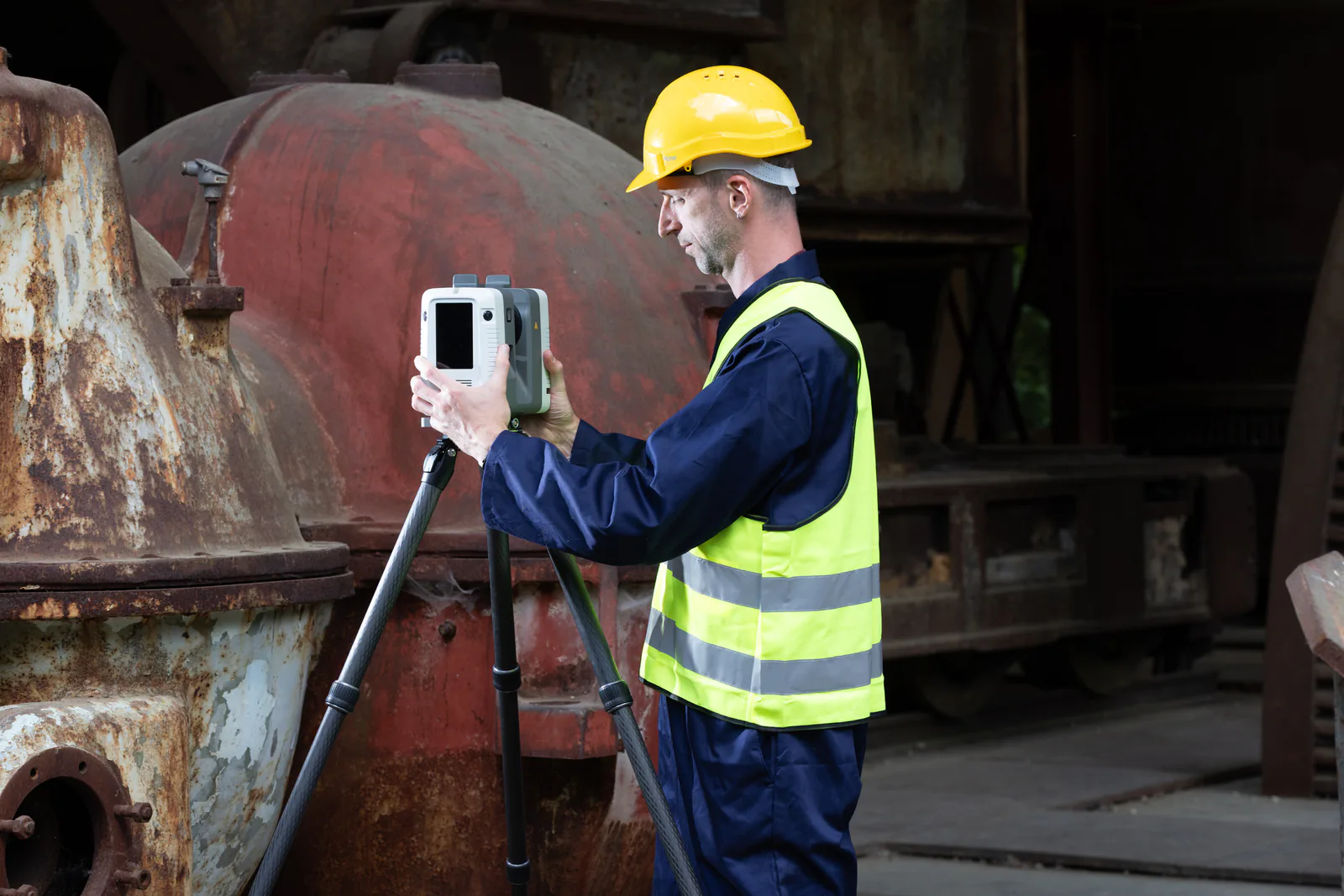
Five technologies cover everything in our catalog. Laser triangulation and structured light capture surfaces up close; optical tracking and photogrammetry hold accuracy across large parts; LiDAR measures distance over tens or hundreds of meters. Many jobs combine two: a tracker or a photogrammetry frame with a handheld scanner, or a LiDAR scan of a site with a handheld for the detail. The table says how each works, what it suits best and which of our models use it.
| Technology | How it works | Suits | Our models |
|---|---|---|---|
| Blue laser triangulation | Laser lines on the surface, read by two cameras, usually with positioning targets | Metrology on machined, cast, shiny and dark parts | HandySCAN EVO, HandySCAN BLACK Elite, Point II |
| Structured light (white, blue or infrared) | A projected pattern read by cameras, tracking on shape and color | Color capture, people, freeform shapes and small detailed parts | Eva, Spider II, Go!SCAN SPARK |
| Optical tracking | A tracker follows the scanner or probe and the part, so the part needs no targets | Shop-floor inspection of large parts, despite vibration | MetraSCAN 3D, HandyPROBE Next+, R-Series |
| Photogrammetry | Photos of coded targets, or of the object itself, solved into accurate points or a textured model | Accuracy across large structures; models from photos | MaxSHOT NEXT, Metrology Kit, AI Photogrammetry |
| LiDAR | Laser time of flight over long distances, from a tripod or on the move | Rooms, plants, buildings and sites | Ray II, Jet |
Scanning technologies and what each suits
Blue laser triangulation
- How it works
- Laser lines on the surface, read by two cameras, usually with positioning targets
- Suits
- Metrology on machined, cast, shiny and dark parts
- Our models
- HandySCAN EVO, HandySCAN BLACK Elite, Point II
Structured light (white, blue or infrared)
- How it works
- A projected pattern read by cameras, tracking on shape and color
- Suits
- Color capture, people, freeform shapes and small detailed parts
- Our models
- Eva, Spider II, Go!SCAN SPARK
Optical tracking
- How it works
- A tracker follows the scanner or probe and the part, so the part needs no targets
- Suits
- Shop-floor inspection of large parts, despite vibration
- Our models
- MetraSCAN 3D, HandyPROBE Next+, R-Series
Photogrammetry
- How it works
- Photos of coded targets, or of the object itself, solved into accurate points or a textured model
- Suits
- Accuracy across large structures; models from photos
- Our models
- MaxSHOT NEXT, Metrology Kit, AI Photogrammetry
LiDAR
- How it works
- Laser time of flight over long distances, from a tripod or on the move
- Suits
- Rooms, plants, buildings and sites
What else do buyers ask about what a scanner can scan?
Can a 3D scanner scan shiny metal?
Usually, yes. Machined and brushed metal scans well with blue-laser and blue-light scanners, and Creaform states its scanners are engineered for shiny, dark and reflective materials. Mirror-polished chrome and highly reflective stainless are harder: the light reflects away from the cameras, so the scan shows gaps or noise. A thin coat of removable scan spray, adjusted exposure or a scanner designed for reflective surfaces, such as the Artec Point II, usually solves it. Test your own finish in a demo.
Can a 3D scanner scan black parts?
Yes, in most cases. Black plastic, rubber and dark anodized parts absorb light, so the scanner needs more exposure to see them, which scanning software can adjust. Blue-laser scanners such as the HandySCAN line and the Artec Point II are designed for dark surfaces, and Artec states that HD mode helps the Leo and Eva on black and shiny areas. Very glossy black paint is the hardest combination, because it is dark and mirror-like at once, and may need a test or a spray.
Can a 3D scanner scan transparent or glass parts?
Not directly, in most cases. Light passes through glass and clear plastic, so the scanner sees what is behind them or nothing at all. The standard workaround is a thin coat of removable scan spray, which gives the surface a matte finish for the scan. Where spray is not allowed, Artec says AI Photogrammetry in Artec Studio handles surfaces that classic photogrammetry struggles with, such as shiny, transparent and featureless objects. Expect to test a sample first.
Can a 3D scanner scan a person?
Yes. Structured-light scanners such as the Artec Eva and Leo capture faces, limbs and whole bodies in color, with no targets on the skin. Artec states the Eva's white light is safe for scanning people, and the Leo uses a laser class 1 light source. Speed matters because a person cannot hold perfectly still, so these scanners capture quickly and track on shape and color. Metrology laser scanners that rely on targets are designed for parts, not people.
Can a 3D scanner scan a whole car, aircraft or building?
Yes, with the right class of scanner. A wireless handheld such as the Artec Leo covers a car in color, and the HandySCAN MAX EVO Elite measures parts from 1 to 15 m with metrology accuracy. For an aircraft, a tripod LiDAR scanner such as the Artec Ray II captures the whole structure from 0.5 to 130 m, and photogrammetry holds accuracy on large sections. Buildings and sites call for LiDAR: the Ray II on a tripod, or the Jet on the move.
How small a part can a 3D scanner scan?
Very small. The Artec Micro II measures objects that fit within 200 × 200 × 150 mm at 5 microns, with 40-micron resolution, so connectors, watch parts and dental items are within reach. Handheld scanners resolve fine features too: Creaform publishes 0.750 mm pins and 0.500 mm walls for the HandySCAN BLACK Elite and EVO Series, and the Artec Spider II resolves 0.05 mm. Compare the smallest feature you need with those limits.
Do I need targets or spray to scan a part?
Not always. Scanners that track on shape and color, such as the Artec Eva, Leo and Spider II, need no targets on most objects. Metrology laser scanners such as the HandySCAN line and the Artec Point II use small positioning targets, which can sit on a fixture instead of the part. Spray is needed only on surfaces that mirror light or let it through, and removable scan sprays are cleaned off after the scan.
Not sure it will scan? Try it at a demo
Choose the subject with the hardest finish or the oddest size, from a shiny part to a person or a room. We scan it where it is and show you the result, so you see what works before you decide. On-site demos are available in most areas; ask when you request.