Industry guides
From clay model to CAD with a 3D scanner: the sculpt, scan and surface loop
Clay model to CAD: scan a sculpted model without stopping the modelers, surface it, compare it with the digital design, and know when a color mesh is enough.
Key takeaways
- Clay stays in design studios because sculptors judge form by hand and eye; scanning lets that judgment reach the CAD model intact.
- The loop is sculpt, scan, surface, compare and sculpt again, and a handheld scanner captures one section without stopping the modelers around the model.
- A color mesh is enough for design reviews, renderings and printed appearance models; tooling, engineering and supplier data need a surfaced CAD model.
- A scan-versus-CAD color map shows where the clay and the digital model disagree, so both teams discuss the same measured differences.
- Creaform's Go!SCAN SPARK and Artec's Eva and Spider II capture shape and color, and Scan-to-CAD software turns the mesh into surfaces.
A handle that feels right, the shoulder of a housing, the toe spring of a shoe: designers still shape these in clay, because a hand and an eye judge form better than a mouse. The catch is getting that form back into CAD without losing what the sculptor did. Our consumer products industry page covers scanning across product development; this guide follows one loop, from clay to CAD and back.
Almost everything written on this comes from automotive studios. The same loop works for appliances, tools, furniture, footwear and housings, at a smaller scale and with lighter scanners. For the wider scanner choice, see our best 3D scanners for reverse engineering.
In this article
Why do designers still use clay?
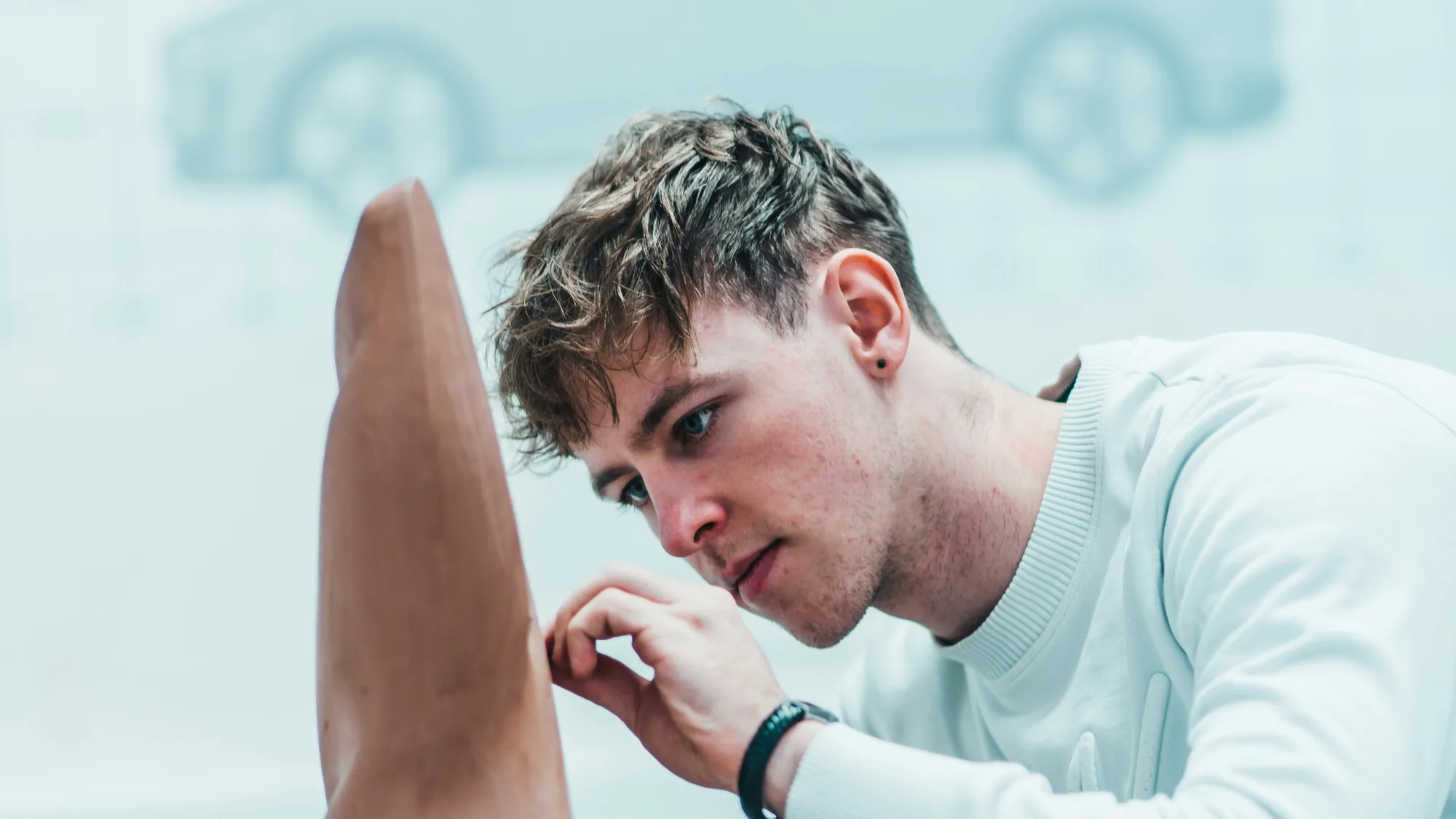
Because form is easier to judge in three dimensions, at full size and under real light, than on a screen. A modeler can shave a sliver off a surface, step back and watch the highlight move, and a design team can stand around the model and agree. Creaform describes clay as still playing a vital role in automotive design, letting sculptors fine-tune models with a human touch. The trouble starts when the digital team needs that form: measuring a sculpted surface by hand is slow, and bulky scanning setups used to make modelers stop work and step away from the clay.
Creaform documents how Hyundai's design team scans individual sections of its clay models without disturbing the people working around them, so the digital modelers receive the sculpted data soon after each change. That is the pattern this guide follows, scaled to consumer products.
The clay-to-CAD loop, step by step
- Sculpt: modelers work the clay until the form is right, often one side or one section at a time.
- Scan the changed section: capture only the area that moved, with enough overlap onto unchanged surfaces to align it.
- Align: place the scan in the model's coordinate system using reference points on the armature or base plate.
- Compare: run a color map of the scan against the current CAD surfaces to see what changed and by how much.
- Surface: rebuild the changed area as NURBS surfaces, or update the CAD model to match the clay.
- Return: mill or 3D print the updated data, or hand the color map back to the modelers, and sculpt again.
The loop only pays off if scanning is quick enough that modelers never wait for it. Handheld scanners that track on the model's geometry and color, with no targets to stick on finished clay, keep the interruption short.
When is a color mesh enough, and when do you need CAD?
A mesh is enough when people only need to see or hold the shape: design reviews, renderings, marketing images, virtual presentations and 3D-printed appearance models. It is not enough when the shape has to be engineered or manufactured: wall thickness, draft for molding, split lines, mating components and supplier data all need surfaces and solids. Many studios keep both, a color mesh as the record of the clay and a surfaced model as the master. Deciding up front saves surfacing work on concepts that will never reach tooling.
| Use | Color mesh | Surfaced CAD model |
|---|---|---|
| Design review and renderings | Yes, with color texture | Not needed |
| 3D-printed appearance model | Yes, once the mesh is watertight | Optional |
| Comparing clay with the digital model | Yes, as the measured side of the color map | Yes, as the reference side |
| Engineering, draft and wall thickness | No | Yes |
| Tooling and supplier data | No | Yes, as STEP or IGES |
How does a scan-versus-CAD color map help designers?
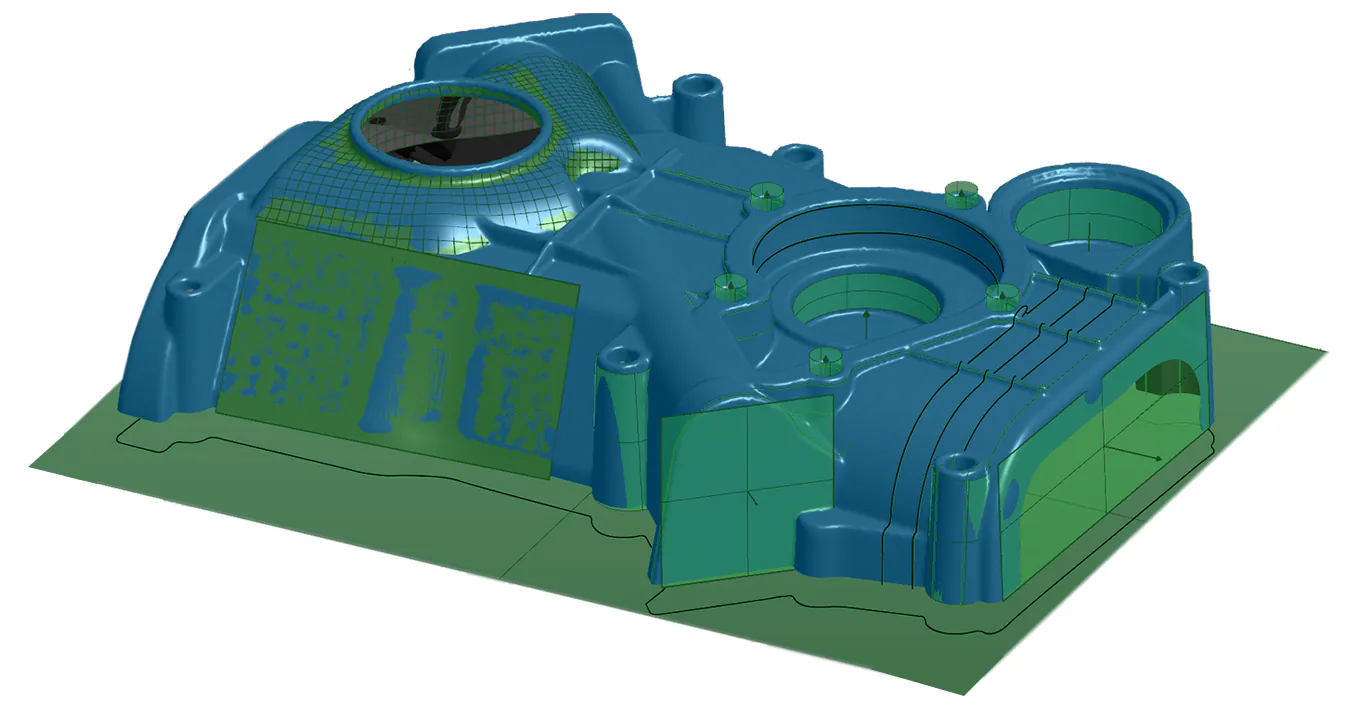
It turns an argument into a measurement. The software aligns the scan of the clay with the digital model and colors every point by how far apart the two surfaces are, usually one color for material outside the CAD surface and another for material inside it. Modelers see where to add or remove clay; digital designers see which surfaces to update. Because both teams read the same map, the conversation moves from whether a shoulder looks fuller to how much fuller it is and exactly where.
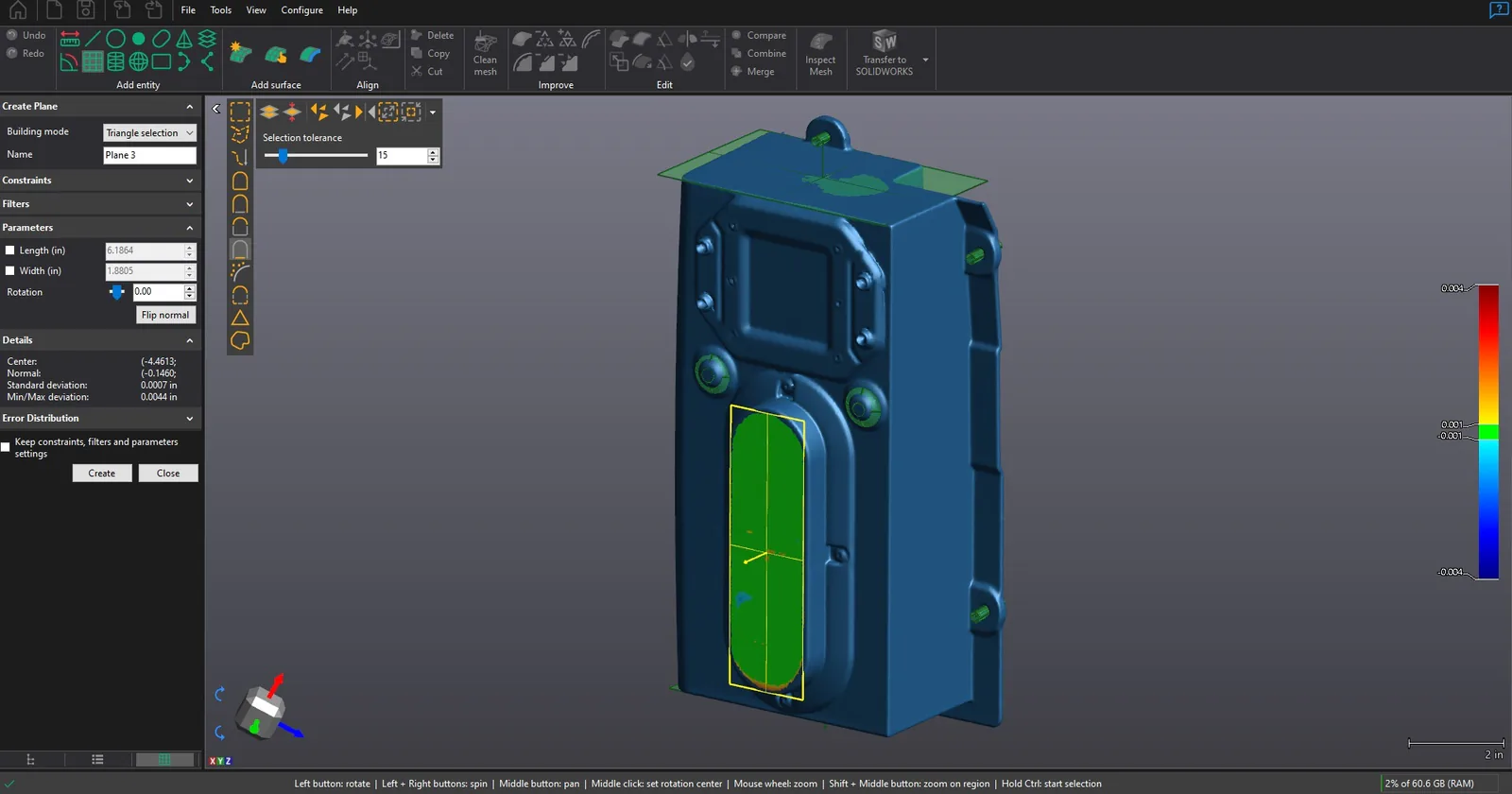
Creaform Scan-to-CAD builds those reference entities, fits NURBS surfaces over freeform areas and transfers the result into SOLIDWORKS, Autodesk Inventor, Autodesk Fusion 360 or Solid Edge. Our scan-to-CAD guide covers the rebuild step in more depth.
Which scanners suit clay models and consumer products?
Look for color, speed and no targets. Creaform's Go!SCAN SPARK records shape and color together over a 390 × 390 mm scanning area and positions itself on geometry, color or targets, which suits clay and mock-ups. The Artec Eva captures medium objects in color without targets, and the Artec Spider II adds 0.05 mm resolution for small products such as handles, controls and footwear details. For full-size vehicle clays, the HandySCAN 3D PRO picks up fine character lines with a blue laser and comes with Scan-to-CAD Pro.
Scanners and software for clay-to-CAD work:
If you are choosing between the two color scanners, our Go!SCAN SPARK vs Artec Eva comparison sets them side by side, and the Go!SCAN SPARK page lists its full specifications.
Scanning clay without spoiling it
- Optical scanning is contact-free, so the surface is never marked; still, avoid sprays on clay that will be worked again.
- Matte, mid-tone clay scans well; glossy films and foils applied for reviews may need extra passes from several angles.
- Put reference markers on the base plate or armature, not in the clay, so they survive the next round of sculpting.
- Scan one side or section at a time, and keep a full scan of each milestone as a record of the design's history.
Trying the loop in your own studio
We bring scanners to design studios and scan a model you are working on, then show the mesh, a color map against your CAD and a first surfaced section in the software. Our guide to what a 3D scanner can scan covers clay, foam, painted prototypes and finished products.
Frequently asked questions
Can you scan a clay model without damaging it?
Yes. Optical scanners never touch the surface, so the clay is not marked or deformed. Avoid sprays and stick-on targets on clay that will be sculpted again; put any reference markers on the base plate or armature instead, and use a scanner that tracks on geometry and color.
How quickly can a clay change get back into CAD?
It depends on how much changed. Scanning one section with a handheld scanner is quick, and a color map against the existing CAD follows soon after. Surfacing takes longest, because a designer rebuilds the changed area as clean NURBS surfaces. Creaform documents a studio where sculpted data reaches the digital team soon after each scan, which is the pace a well-run loop can reach.
Is a 3D scanner accurate enough for clay modeling?
Yes, for design work. Handheld color scanners such as the Go!SCAN SPARK, rated at up to 0.050 mm, or the Artec Eva, at up to 0.1 mm, are far more precise than the changes modelers make to a form. Tighter accuracy matters later, when engineering surfaces are checked against tooling.
What software surfaces a scanned clay model?
Any software that fits NURBS surfaces to a mesh. Creaform Scan-to-CAD does this, along with reference entities and cross-sections, and transfers results to common CAD systems. Artec Studio offers auto-surfacing and exports STEP, IGES or X_T. Class-A surfacing for visible automotive panels is usually finished in a dedicated surfacing tool.
Can scanning replace clay entirely?
Not for teams that judge form by hand. Scanning removes the slow step between clay and CAD, not the clay itself. Some studios also run the loop the other way: milling or printing a digital design, refining it in clay, then scanning it back, so the physical and digital models stay in step.
Products in this article
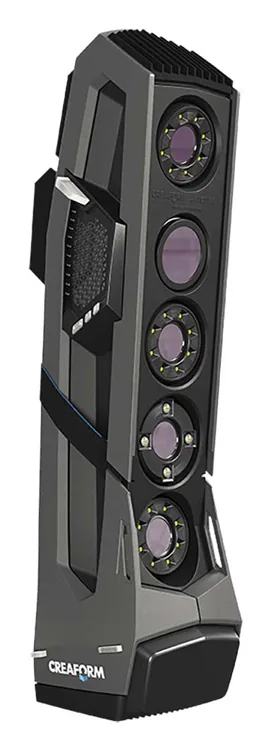 Creaform
Go!SCAN SPARK
Handheld white-light 3D scanner with color capture
0.050 mmBest accuracy
White-light handheld scanner that records shape and color together, with no tripod, arm or mandatory targets.
- Part size
- 0.1–4 m
- Targets
- Optional
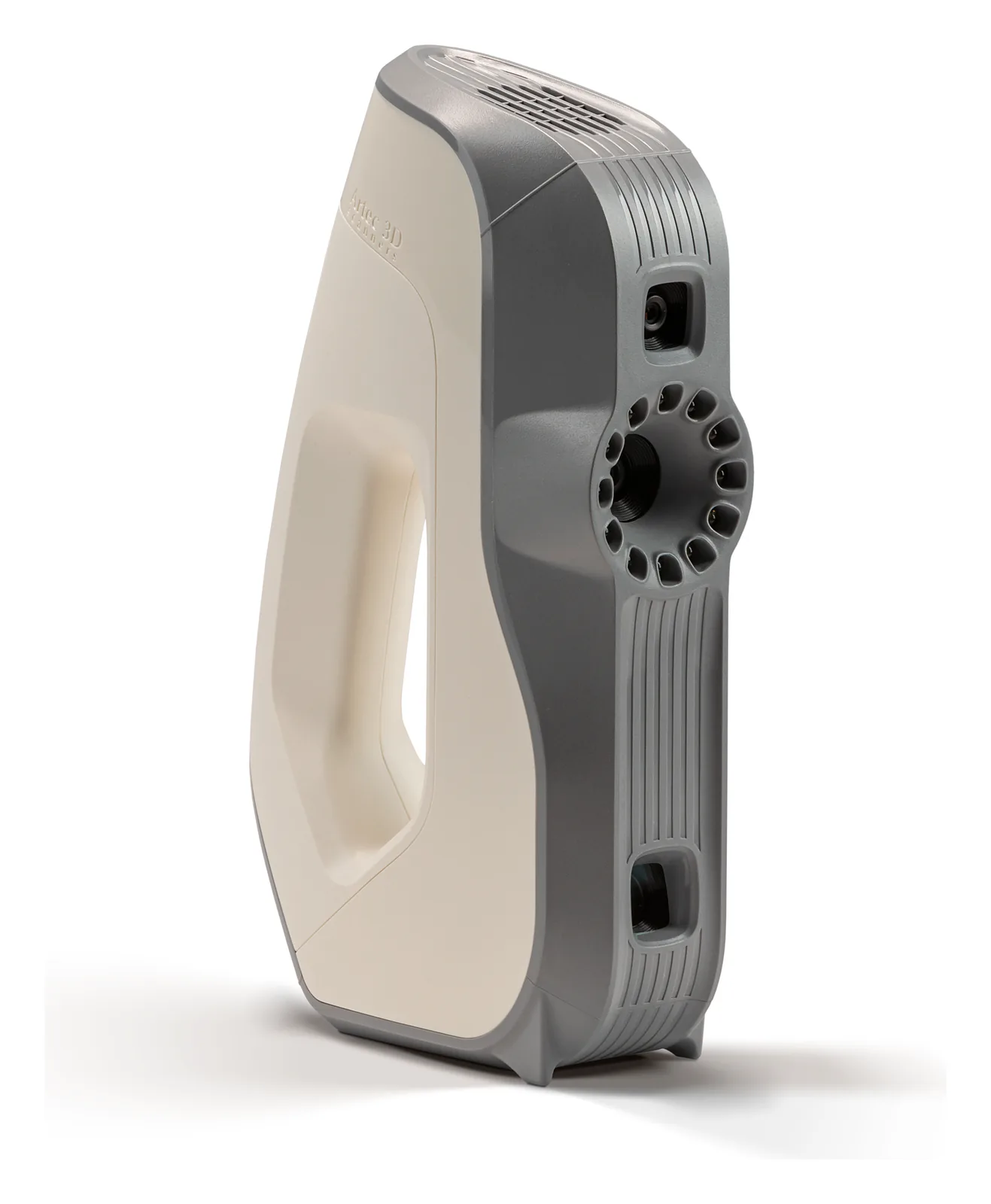 Artec
Eva
Handheld structured-light 3D scanner
0.1 mmBest accuracy
A 0.9 kg target-free color scanner for medium objects, people and parts from about 10 cm up.
- Part size
- 0.1–2 m
- Targets
- Not needed
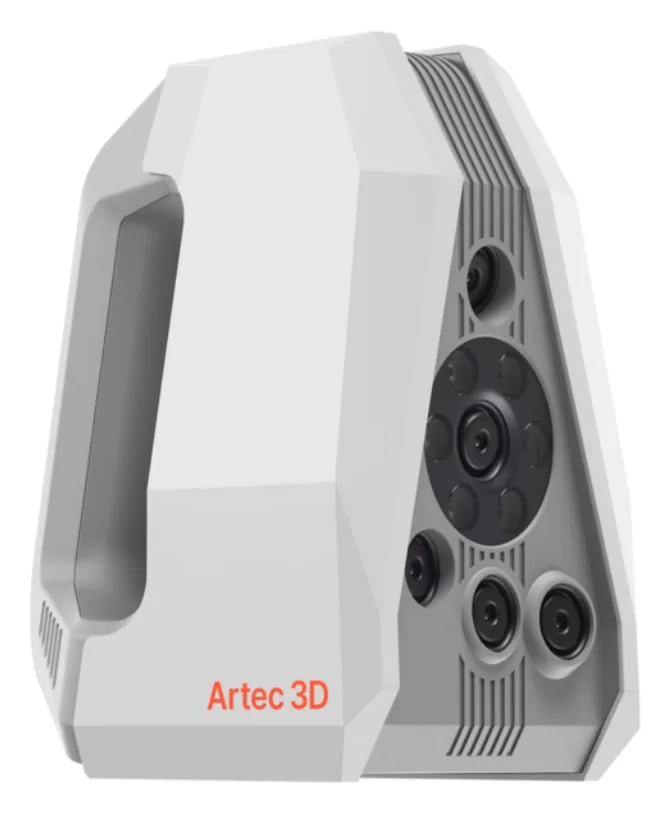 Artec
Spider II
Handheld high-resolution blue-light 3D scanner
0.050 mmBest accuracy
A target-free blue-light scanner for fine detail on small and medium parts, from coins to engine components.
- Part size
- 50–500 mm
- Targets
- Not needed
- Creaform
Scan-to-CAD
Reverse-engineering software module for 3D scan data
Reverse-engineering module that turns scans into CAD-ready meshes, entities and, in the Pro version, solid models.
- Part of
- Creaform Metrology Suite
- IGES/STEP CAD file import and export
- Included