Buying a scanner
Buy a 3D scanner or outsource 3D scanning? How to decide
Buy vs outsource 3D scanning: the questions that decide it, from how often you measure to who owns the data, and how to test the case on your own parts.
Key takeaways
- Outsourcing suits occasional, non-urgent jobs; ownership pays when scanning becomes regular, urgent or tied to production.
- Count the costs of sending work out that never appear on a quote: shipping, waiting, parts out of service and briefing each job.
- Ownership brings speed and control of your own data, but it needs a trained operator, the right software modules and a suitable computer.
- A scanner on site can measure parts too large, heavy or critical to ship, where they are made or installed.
- A demo on a part you would otherwise send out shows what the in-house workflow would really involve.
Every so often a part needs scanning: a broken spare with no drawing, a first article from a new supplier, a mold that no longer matches its CAD. Each time, someone packs it up, sends it to a scanning bureau and waits. Sooner or later the question comes up in a meeting: should we just buy a scanner?
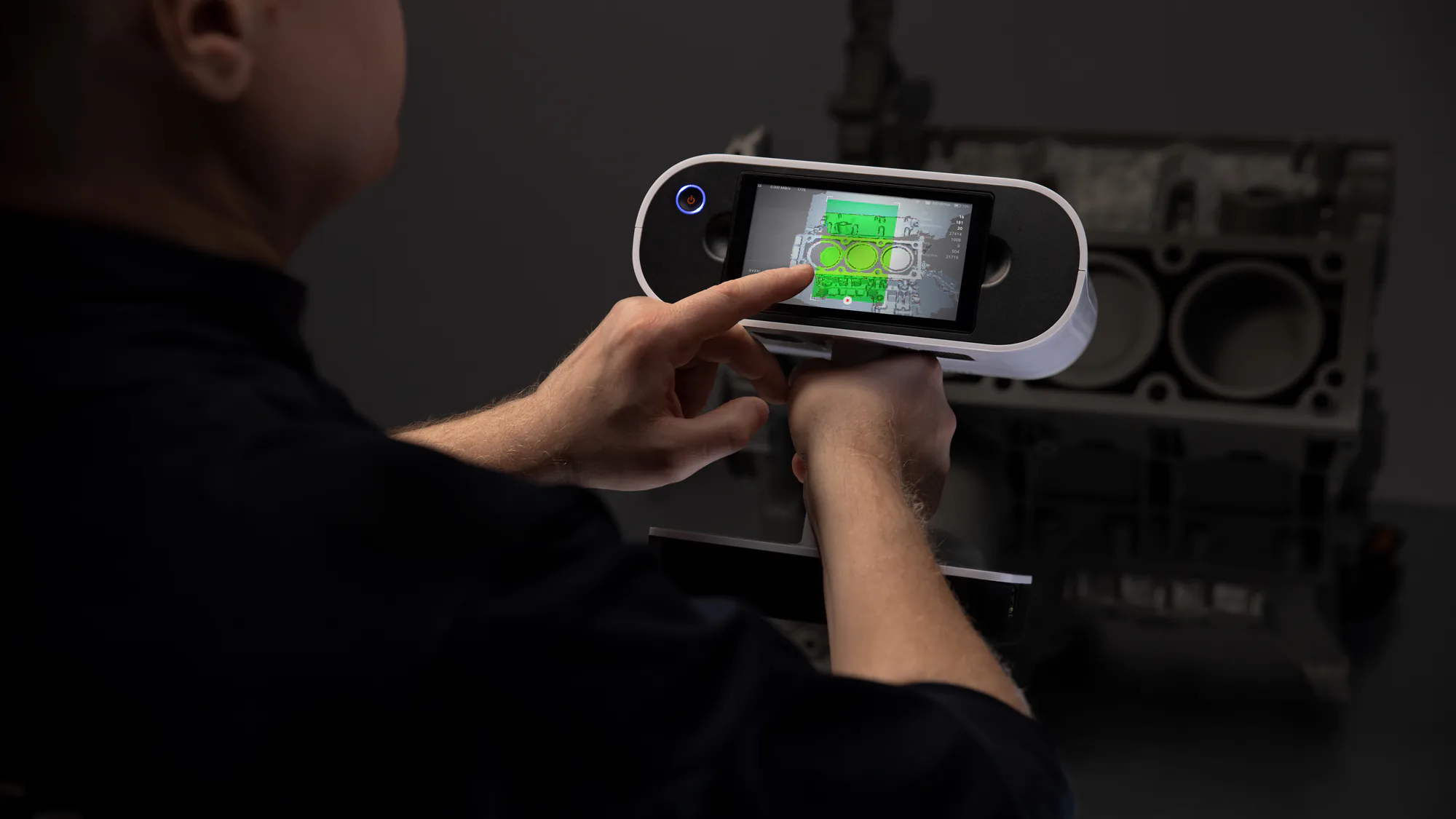
There is no universal break-even number, and we will not invent one. What does exist is a short set of questions that settle the answer for your shop. This guide walks through them and points to scanners that fit common in-house jobs, such as the HandySCAN EVO for inspection and the Artec Leo for fast, target-free capture of larger objects.
In this article
When does outsourcing 3D scanning make sense?
Outsourcing fits when scanning is occasional and nothing is waiting on it: a handful of parts a year, no tight deadline, parts that ship easily, and nobody in-house who needs to learn the work. A good bureau brings experience across many kinds of jobs and its own equipment, and you pay only for the jobs you send. It also suits one-off projects that need a capability you will rarely use again, such as capturing an entire building or a very large structure once. The balance shifts when jobs become regular, urgent or hard to ship.
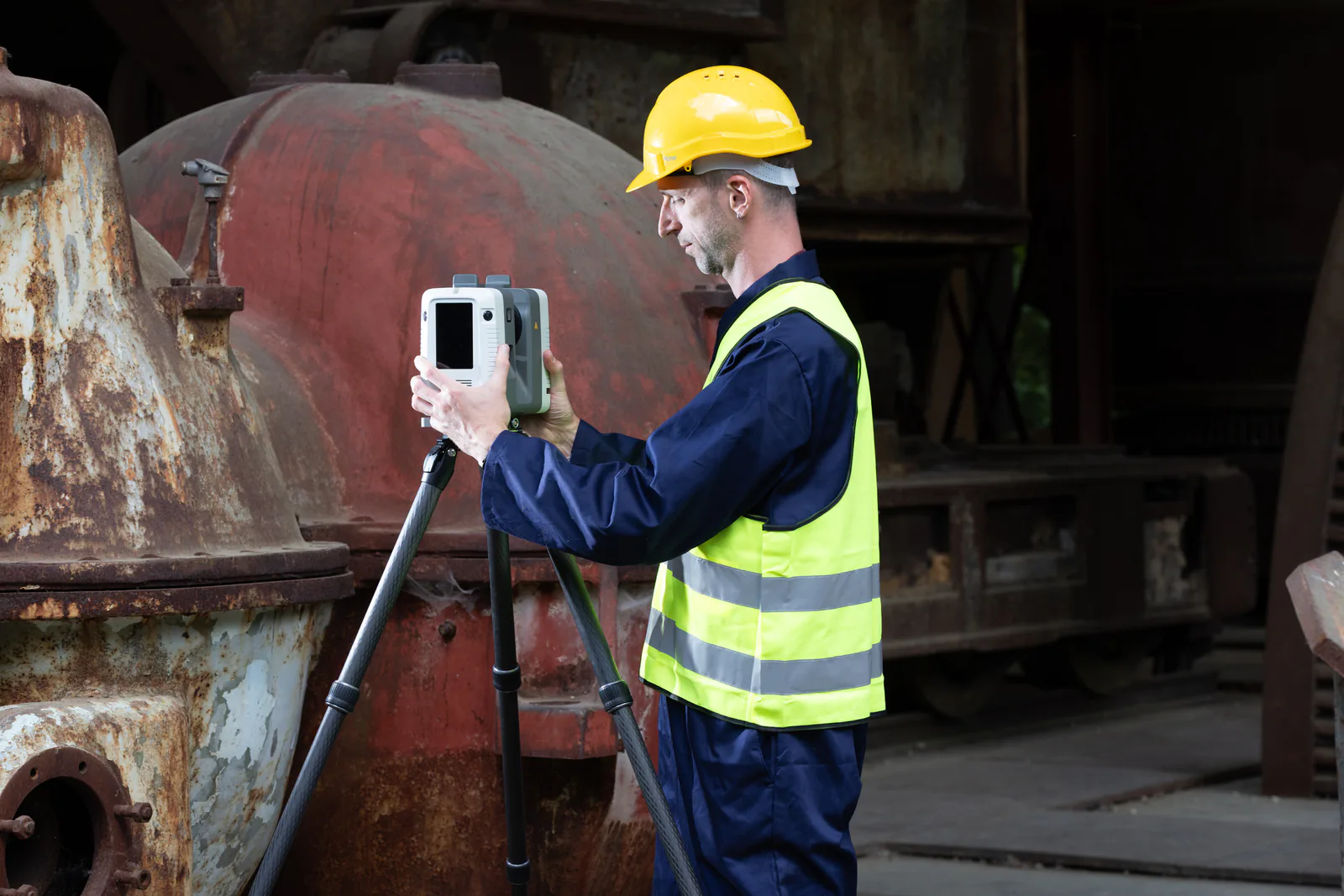
Outsourcing is also a reasonable way to learn. A few bureau jobs show you what scan data looks like, which file formats your team actually uses and which parts are hard to capture, and that makes a later purchase decision sharper.
What does it really cost to send parts out?
The invoice is only part of it. Each outsourced job also carries packing and shipping, the wait in the bureau's queue, the time a part or a machine is out of service, and the effort of explaining the job, the datums and the tolerances to someone who does not know your product. If the result raises a question, the loop repeats. None of these costs appears on the bureau's quote, but every one shows up in your schedule, and they grow with each job you send. List them for your last few outsourced jobs before you compare the two options.
Costs that sit outside the bureau's quote:
- Packing, shipping and insurance for valuable or fragile parts.
- Production waiting on a measurement result, or a machine down while it waits for a spare.
- Engineering time spent briefing each job and checking the data that comes back.
- Repeat rounds when the first scan misses a feature or the brief was unclear.
- Parts that cannot leave the site at all, because of their size, security or customer rules.
Signs it is time to own a scanner
| Situation | Leans toward outsourcing | Leans toward owning |
|---|---|---|
| How often you scan | A few times a year | Most weeks, or for every new job |
| Urgency | Results can wait | Production or a repair is waiting |
| Part size and handling | Parts ship easily | Parts too large, heavy or critical to move |
| Where you measure | Anywhere, with no deadline | At the machine, on the line or in the field |
| Data and confidentiality | Sharing models with a bureau is acceptable | Designs or customer data must stay in-house |
| Skills | Nobody available to learn scanning | An engineer or inspector ready to own the workflow |
If most of your answers land in the right-hand column, the question is no longer whether to buy but which scanner. Rebuilding discontinued spares, one of the jobs on our manufacturing industry page, is a common reason a scan becomes urgent. Our scanner finder narrows the choice to two or three models from a few questions about what you scan.
What does owning a scanner involve?
More than the scanner itself. Ownership means choosing the software modules your work needs, such as Creaform's Scan-to-CAD or Inspection or the tools in Artec Studio, providing a computer that meets the maker's requirements, training at least one person to own the workflow, and keeping the scanner's accuracy checked. In return you scan when the part is ready, keep your data in-house, build know-how about your own parts and measure on the floor where parts are made or installed. We offer training self-paced, online, on-site or in a classroom, and technical support after you buy, so a new team is not on its own.
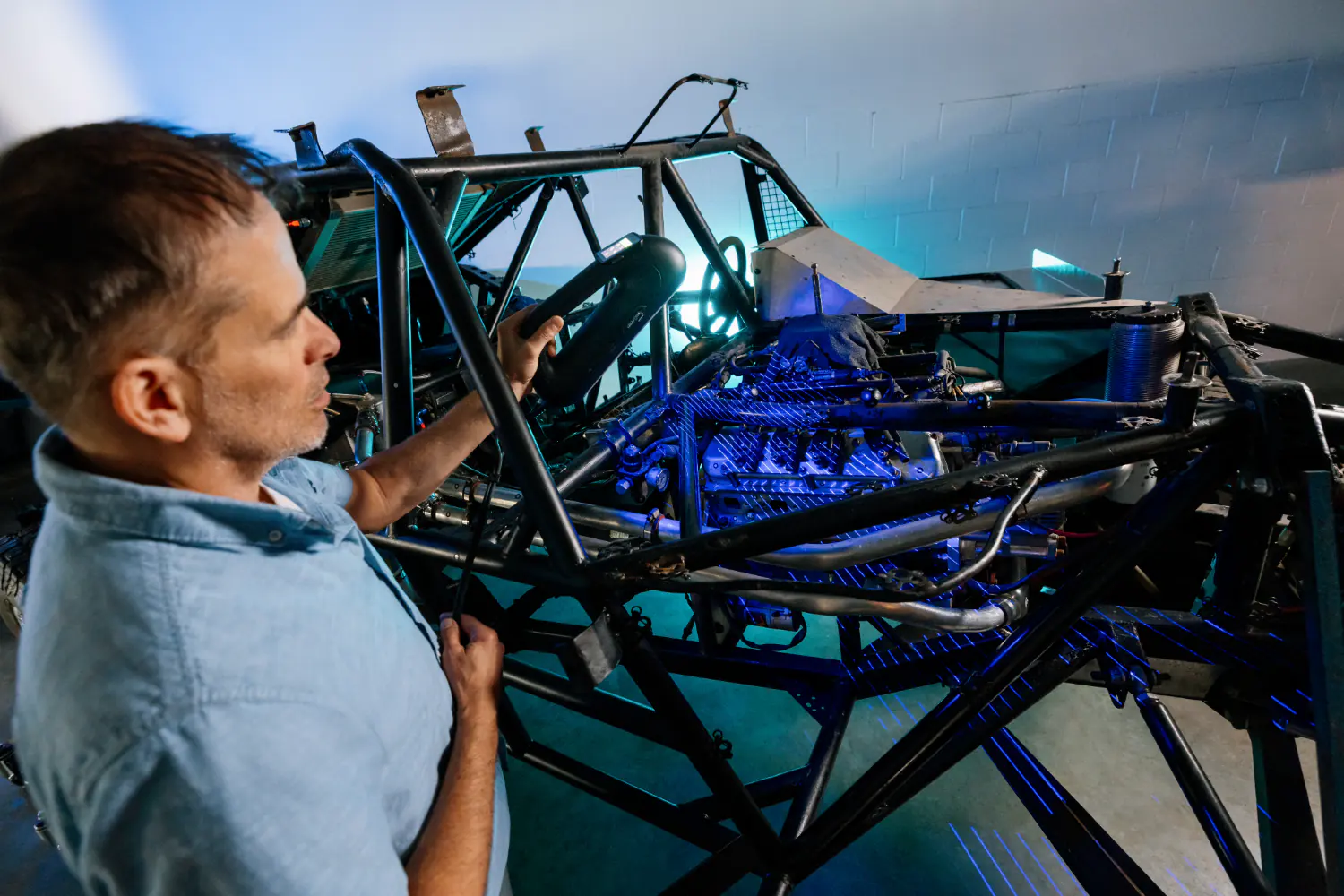
For many shops, one scanner covers the two most common in-house jobs: inspection against CAD and reverse engineering. The HandySCAN 3D PRO comes with Scan-to-CAD Pro for rebuilding parts, the HandySCAN EVO and BLACK Elite carry accredited accuracy figures for inspection, and the Artec Leo and Eva capture large or organic shapes quickly in color without targets.
Making the case with your own numbers
Buying does not mean never outsourcing again. Owning a metrology-grade handheld for everyday inspection and reverse engineering, and sending out the rare job that needs something very different, such as LiDAR capture of a whole plant, is a sensible split. The reverse works too: outsource while you learn what your scanning needs really are, then buy a scanner that matches them.
A simple way to build the case:
- Collect the past year's scanning and measuring jobs that went outside, or that waited for time on the CMM.
- For each one, note the delay, the shipping and handling, and whether production waited on the result.
- Mark which of those jobs a single in-house scanner could have handled.
- Watch one of those parts scanned and processed at a demo, and note which steps your own team would do.
- Set the hours and delays you would save against the quote for the setup that fits your parts.
Seeing the in-house workflow before you commit
The surest input to a buy-or-outsource decision is the in-house workflow running on your own work. When we bring a scanner to your facility, our specialists scan a part you would otherwise send out and take it to the result you need, an inspection report or a mesh ready for CAD, so your team can judge the effort for itself.
Frequently asked questions
How many scanning jobs justify buying a 3D scanner?
There is no honest universal number, because the answer depends on what each job costs you in delay, handling and parts out of service, not only on the bureau's fee. A shop that waits on every measurement may justify a scanner on a few urgent jobs, while one with relaxed deadlines may not on many more. Work it out from your own job list and a demo on your parts.
Is a 3D scanner hard to learn?
Most people capture usable scans early; fast, repeatable results on difficult parts take practice. Both makers build guidance into their software: Artec Studio's Autopilot picks processing settings, and Creaform.OS has a workflow-based interface, with touchscreen guidance on the HandySCAN EVO. We offer training self-paced, online, on-site or in a classroom, so you can match it to your team.
Can we outsource first and buy a scanner later?
Yes, and it can make the eventual purchase better. A few outsourced jobs show which parts you scan most, which file formats you need and which surfaces are difficult. Keep the data and the results you receive, because they become a useful reference when you compare scanners and when you watch your own parts scanned at a demo.
What do we need besides the scanner?
The software modules your work calls for, a computer that meets the maker's requirements, training for at least one owner of the workflow, and a plan for keeping accuracy checked. Artec, for example, recommends a 13th or 14th Gen Intel Core i7 or i9 with an NVIDIA RTX 4070 8 GB for Artec Studio. Ask for the full configuration when you request a quote.
Products in this article
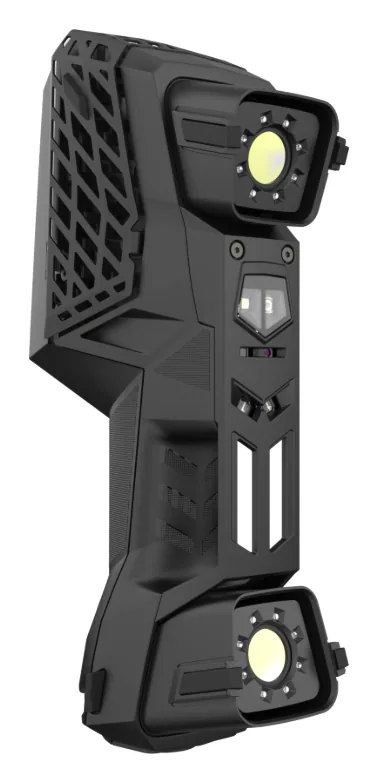 Creaform
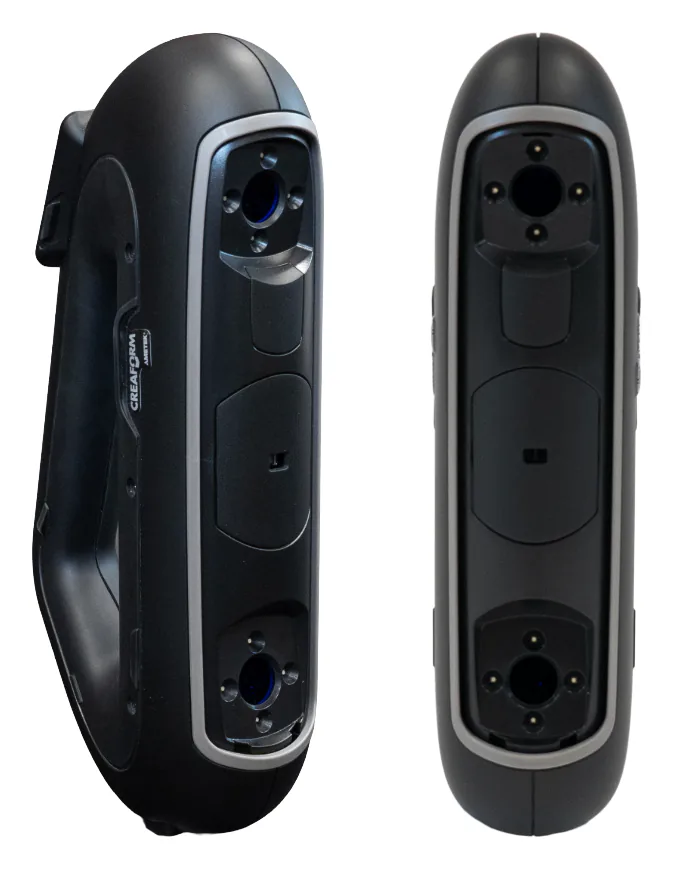
HandySCAN EVO
Handheld metrology-grade blue-laser 3D scanner
0.020 mmBest accuracy
Creaform's flagship handheld laser scanner, with a touchscreen on the scanner, AR guidance on the EVO Plus and Elite, and a wireless option with the Mobility Kit.
- Part size
- 0.05–4 m
- Targets
- Required
 Creaform
HandySCAN PRO
Handheld blue-laser 3D scanner for reverse engineering
0.030 mmBest accuracy
Blue-laser handheld scanner bundled with Scan-to-CAD Pro, built to take parts from scan to CAD model quickly.
- Part size
- 0.05–4 m
- Targets
- Required
 Artec
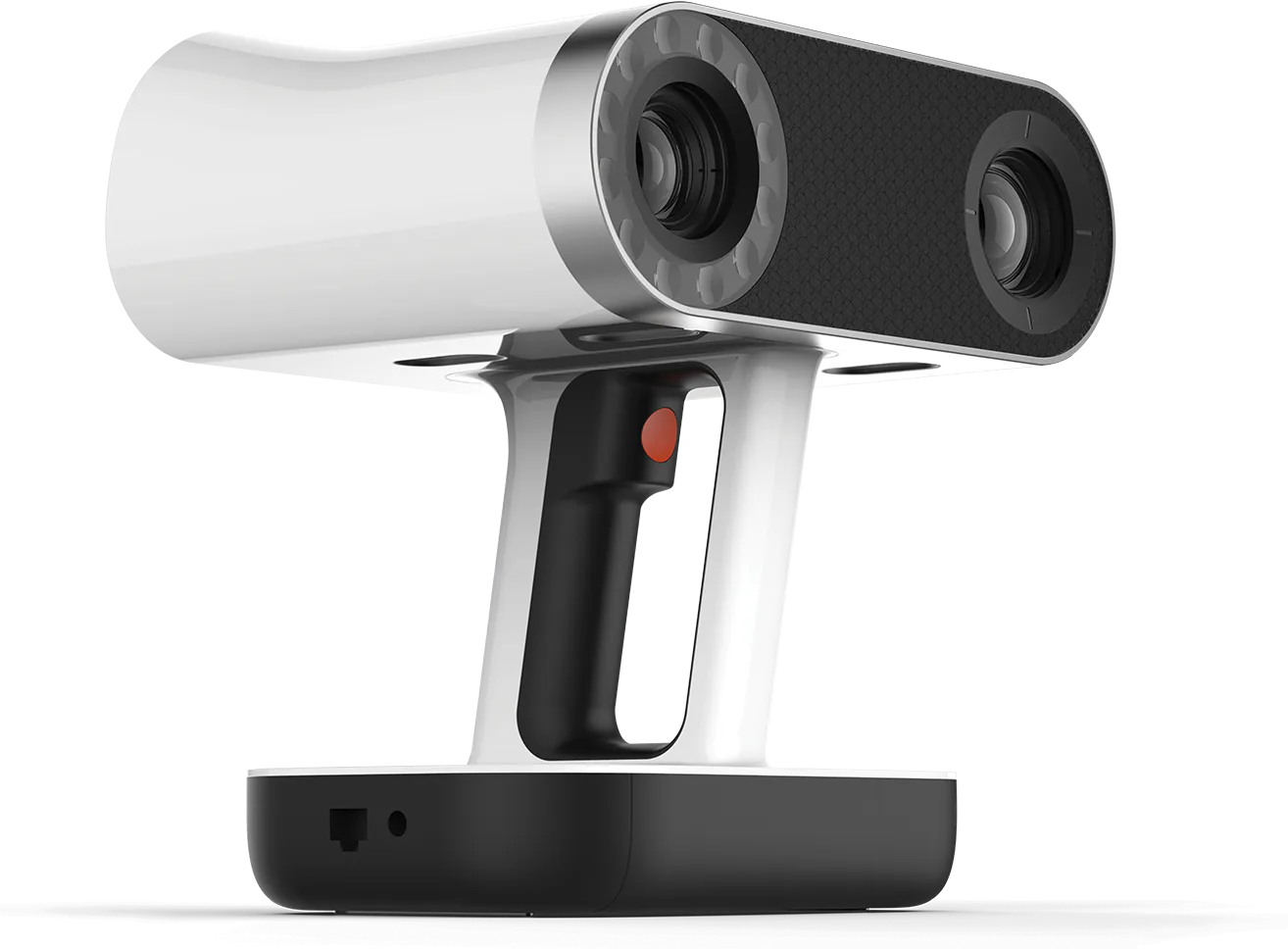
Leo
Wireless handheld 3D scanner with onboard processing
0.1 mmBest accuracy
A fully wireless scanner with its own screen, processor and battery for medium to large objects.
- Part size
- 0.2–2 m
- Targets
- Not needed
 Artec
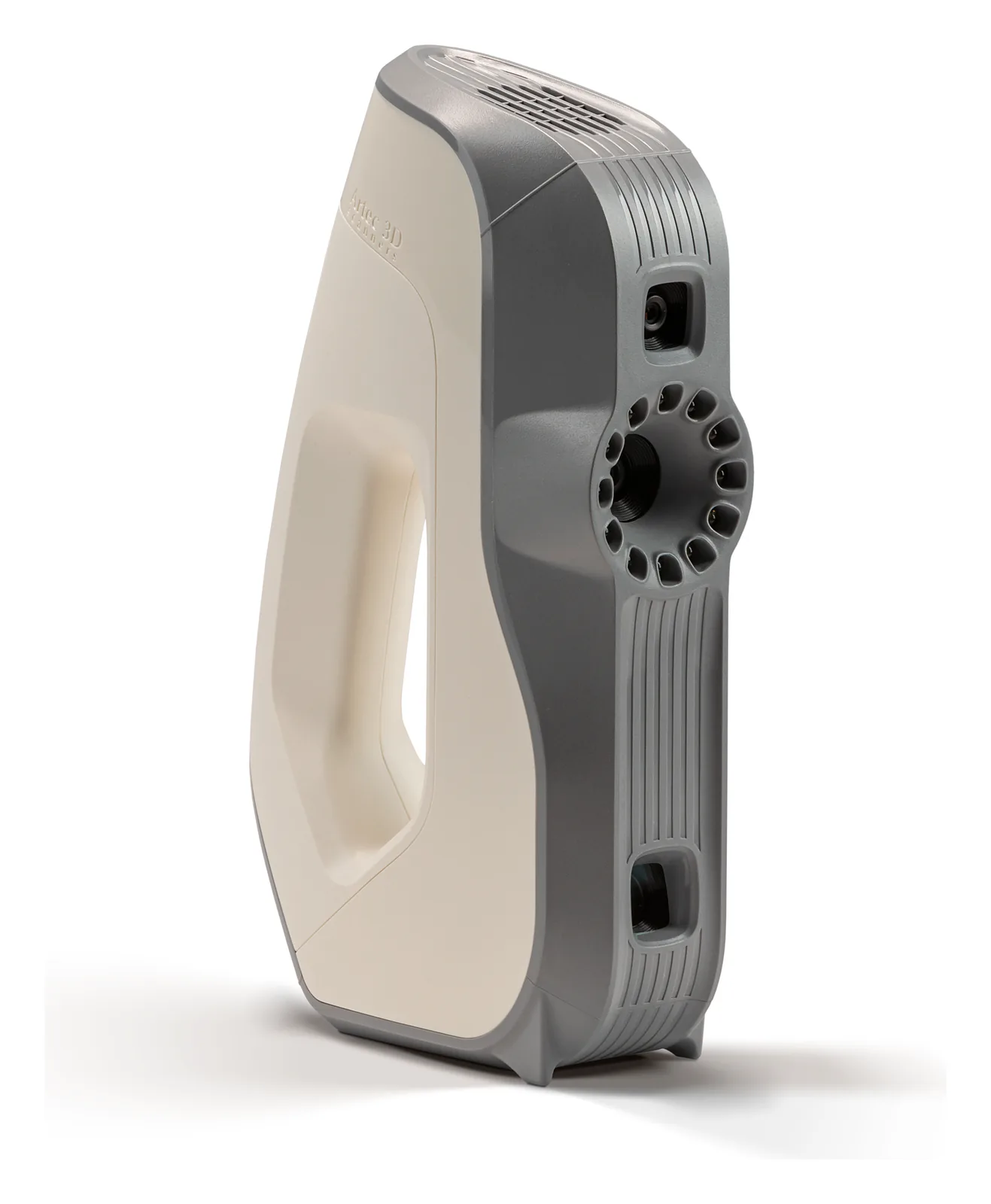
Eva
Handheld structured-light 3D scanner
0.1 mmBest accuracy
A 0.9 kg target-free color scanner for medium objects, people and parts from about 10 cm up.
- Part size
- 0.1–2 m
- Targets
- Not needed