Buying a scanner
What drives the cost of an industrial 3D scanner?
3D scanner cost explained without guesswork: the accuracy class, tracking, software, computer, training and accessories that shape a quote for your work.
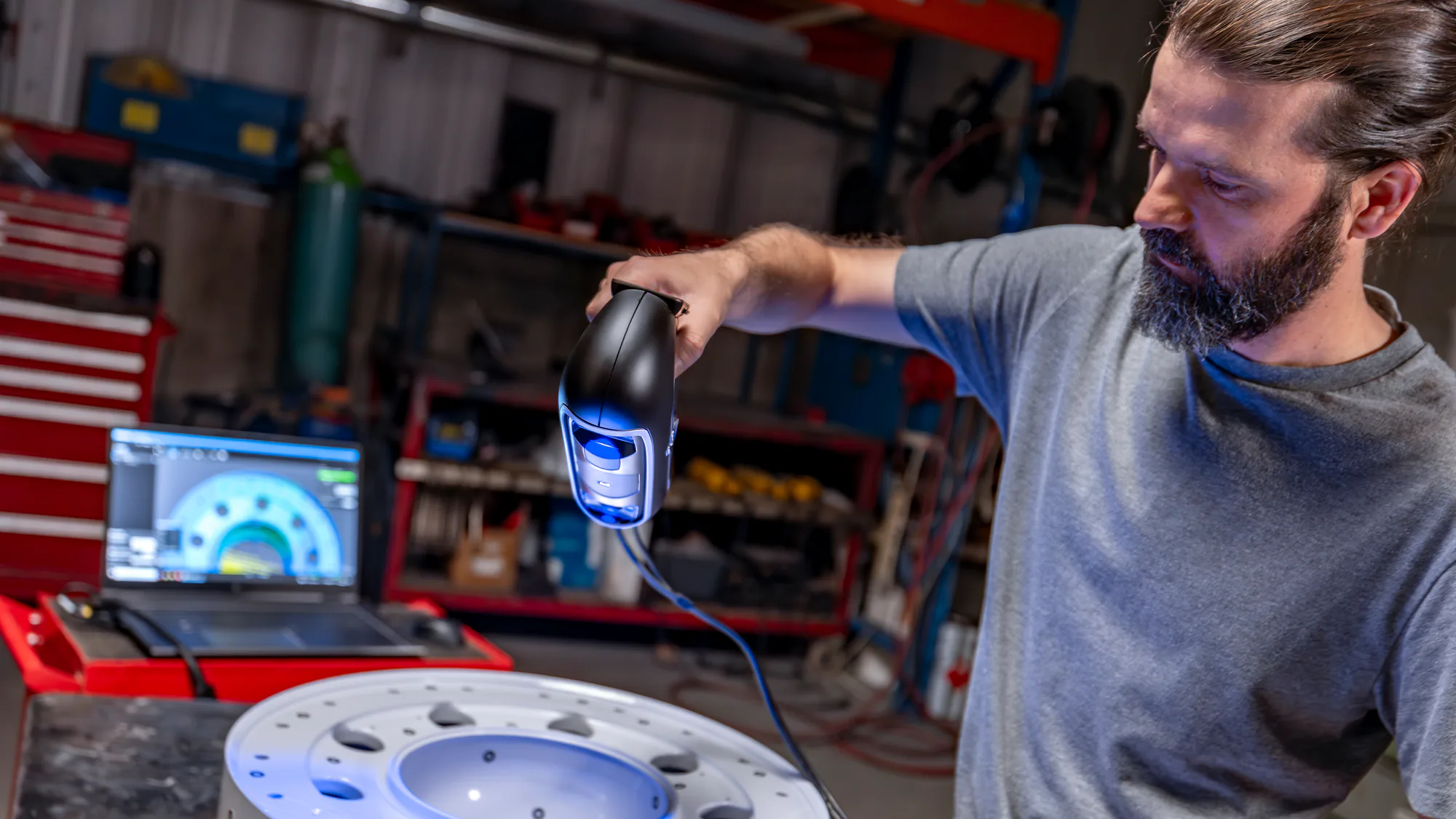
Key takeaways
- The cost of a scanning system follows its accuracy class, how it tracks position, the part sizes it covers and the software your work needs.
- Variants within one family differ in more than accuracy: the HandySCAN EVO, EVO Plus and EVO Elite also differ in laser lines, measurement rate and camera.
- Software is chosen by the result you deliver: Scan-to-CAD or Scan-to-CAD Pro for CAD rebuilds, Inspection - Analysis or Quality Control for reports.
- Count the computer, training, accessories, automation and accuracy checks as part of the system rather than as extras.
- Describe the job the same way to every supplier, so the quotes you compare cover the same scope.
Search for what a 3D scanner costs and you will find figures for everything from hobby gadgets to aerospace systems. None of that helps you budget for an industrial system, because the answer depends on what you measure and how. Two quotes for scanners with the same name can differ simply because one includes the inspection software. That is why we publish no single figure and quote each configuration for the parts it will measure.
This guide covers what actually moves a quote, using the Creaform and Artec lineups we supply as examples, and ends with a brief you can send to every supplier so the quotes you compare are like for like.
In this article
Accuracy class and accredited testing
The first fork is what your results must prove, because tighter, documented accuracy demands better optics, calibration and testing. Creaform's lineup shows the step. The HandySCAN 3D PRO is rated at up to 0.030 mm as a typical value, and Creaform positions it as a professional-grade scanner for reverse engineering without accredited acceptance tests. The HandySCAN EVO Series is tested in Creaform's ISO/IEC 17025-accredited lab: 0.025 mm on the EVO and EVO Plus, 0.020 mm on the EVO Elite, whose test is based on ISO 10360, and 0.015 mm on a Limited Edition of the Elite.
If customers expect scan-based reports backed by an accredited figure, the shortlist narrows to models such as the EVO Series, the HandySCAN BLACK Elite, the MetraSCAN 3D or the Artec Point II; if the scans feed CAD rebuilds, the PRO may cover the job. Our guide to accuracy and resolution shows how to check a figure against your part length.
What changes between variants of one scanner?
More than the headline accuracy. Variants in one family usually differ in laser lines, measurement rate, working distance, camera and supported accessories, and each difference is a line on the quote. The base HandySCAN EVO has no photo camera, the EVO Plus adds a 12 MP AR-enabled camera and a longer working distance, and the EVO Elite adds 0.020 mm accuracy and deviation colormaps on the part. Creaform publishes the Accu+ Kit scale-bar figure, 0.020 mm + 0.015 mm/m, for the Plus and Elite only, so name the exact variant when you ask for a quote.
| Family | Variants | What changes between them |
|---|---|---|
| HandySCAN EVO Series | EVO, EVO Plus, EVO Elite | 22, 30 or 46 laser lines; 1,300,000 to 2,800,000 measurements/s |
| HandySCAN MAX Series | MAX EVO, MAX EVO Elite | 0.150 or 0.075 mm; parts up to 10 or 15 m |
| MetraSCAN 3D | BLACK+, BLACK+ Elite, BLACK2 | 0.035 or 0.025 mm; stand-alone mode on the BLACK2 |
| MaxSHOT NEXT | NEXT, NEXT Elite | A combined length term of 0.025 or 0.015 mm/m |
How do tracking method and part size change the system?
They decide what hardware comes with the scanner. A target-based handheld such as the HandySCAN BLACK Elite is a scanner, a computer and a supply of targets, for parts from 0.05 to 4 m. An optical CMM such as the MetraSCAN 3D adds the C-Track tracker, which a HandyPROBE can share for touch probing. Very large parts can call for a HandySCAN MAX EVO or a MaxSHOT NEXT photogrammetry camera, which Creaform aims at parts from 2 to 10 m.
| Job | Typical configuration | Examples from our catalog |
|---|---|---|
| Design capture and visualization | Color scanner, software and a computer | Go!SCAN SPARK, Artec Eva |
| Reverse engineering | Scanner plus scan-to-CAD software | HandySCAN 3D PRO, Artec Leo |
| Inspection against CAD | Metrology-grade scanner plus inspection software | HandySCAN EVO or BLACK Elite, Artec Point II |
| Shop-floor inspection without targets | Scanner, optical tracker and inspection software | MetraSCAN 3D with C-Track |
| Multi-meter parts | Large-part scanner, or scanner plus photogrammetry | HandySCAN MAX EVO, MaxSHOT NEXT |
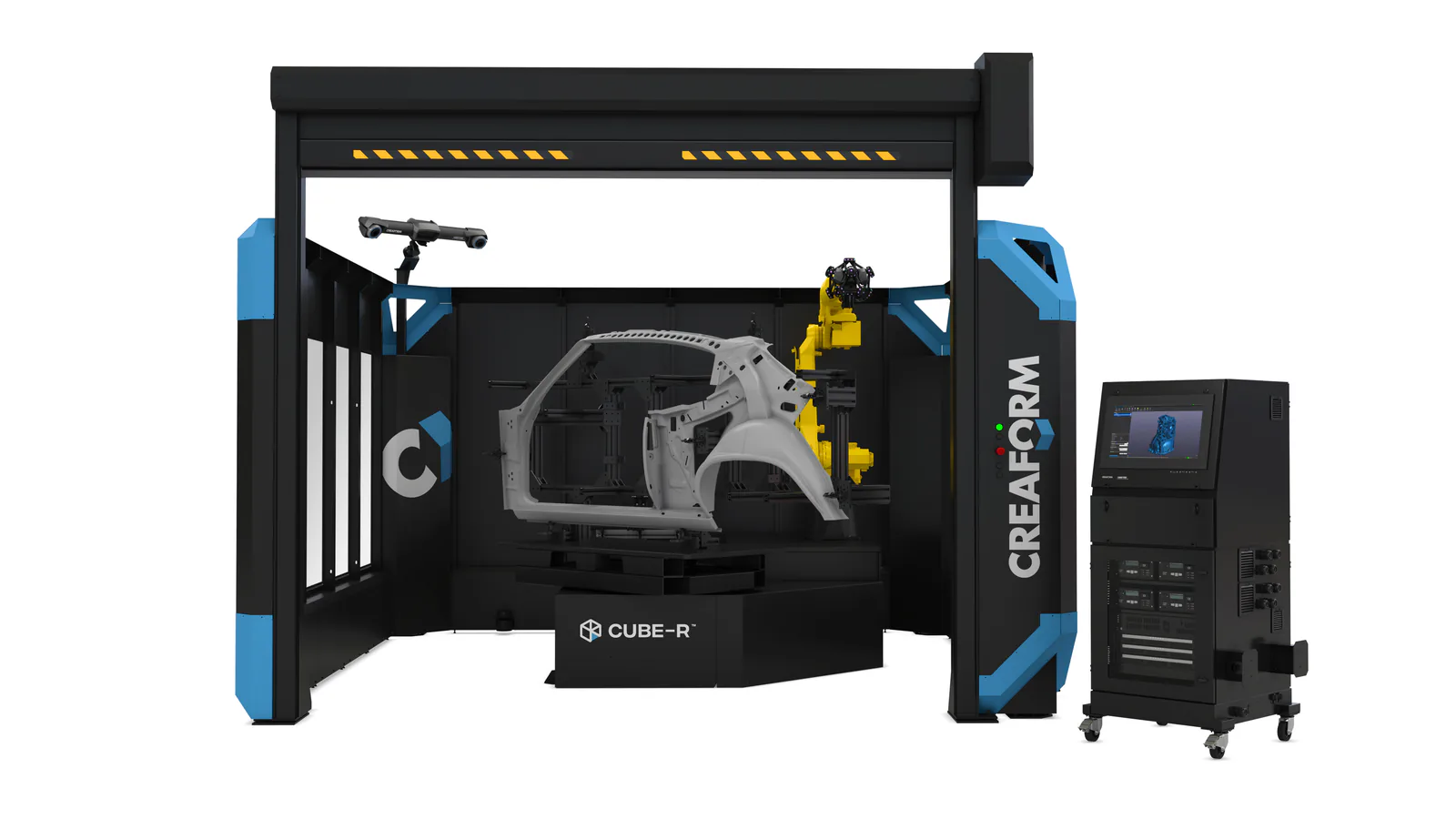
| Automated production inspection | Robot-mounted scanner, tracker and cell | R-Series and CUBE-R |
The tolerance at that size decides the row: a long part with a loose tolerance may need only a large-part scanner, and the same part with a tight one a MaxSHOT NEXT frame or a MetraSCAN. Our large-parts buyer's guide narrows the options.
How the software choice changes a quote
Acquisition software comes with the hardware: Creaform.OS for Creaform scanners, Artec Studio for Artec's. The modules after the scan are where quotes diverge. For CAD rebuilds, the standard Scan-to-CAD module suits teams that finish parts in their own CAD system, since it transfers entities straight into SOLIDWORKS, Inventor, Fusion 360 or Solid Edge; Scan-to-CAD Pro adds sketching and solid modeling for teams that want solids without leaving it. A HandySCAN 3D PRO quote already includes Pro, while an EVO quote for the same job needs the module named.
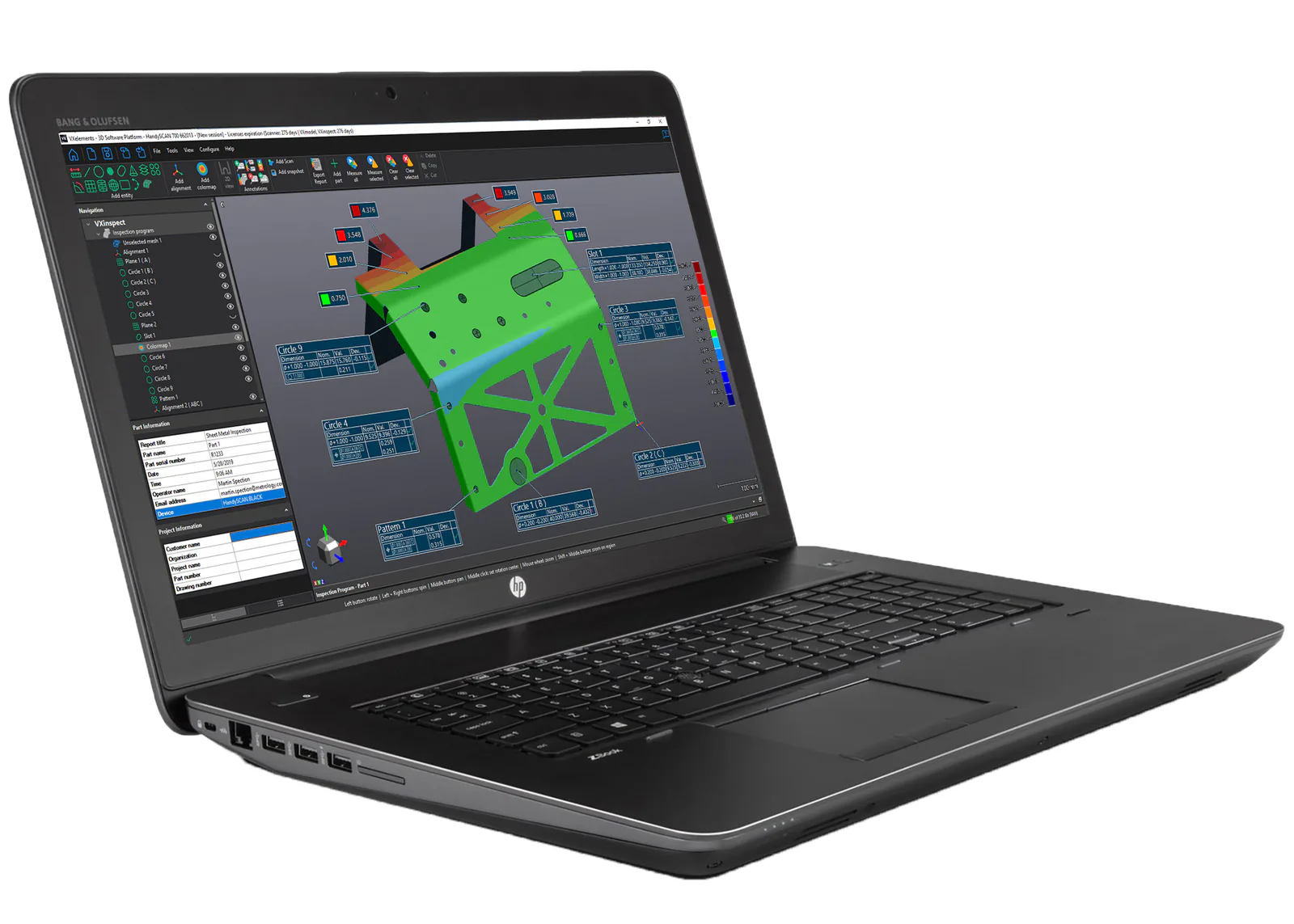
For inspection, Creaform Inspection - Analysis compares scans with CAD for root-cause work, and Quality Control is the version to quote if customers expect GD&T or a HandyPROBE or MaxSHOT NEXT will feed it point measurements. Artec Studio Lite does not support scanning, so Artec scanning workflows call for Artec Studio Pro. Tell suppliers which CAD and inspection software you already own, so nothing is quoted twice.
Which other costs belong in the budget?
The computer, training, accessories and upkeep. Scanning software needs a capable workstation: for Artec Studio, Artec recommends a 13th or 14th Gen Intel Core i7 or i9 with an NVIDIA RTX 4070 8 GB. Training turns a purchase into a working process, and we offer it self-paced, online, on-site or in a classroom, so the format and the number of people both shape the quote. Accessories add capability, and periodic accuracy checks keep the figures your reports rely on true over the scanner's working life.
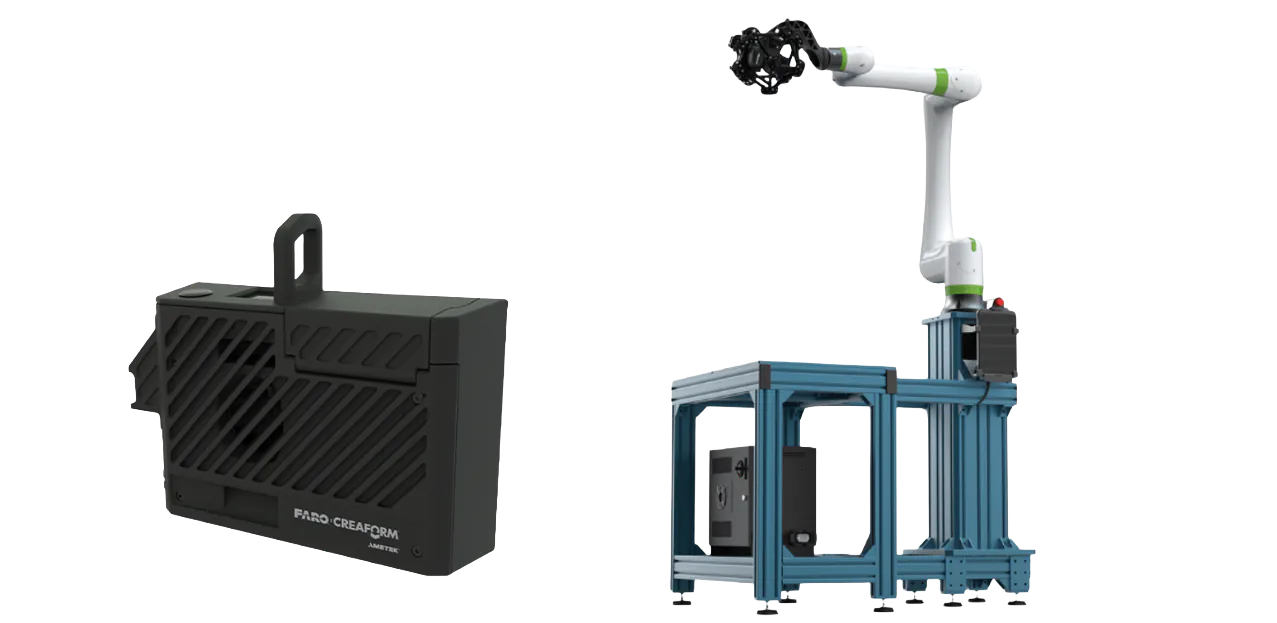
Accessories fit specific models: the 644 g Mobility Kit makes only the HandySCAN EVO and MAX Series wireless, and the Accu+ Kit figure applies to the EVO Plus and Elite. The Creaform accessories page lists what fits each scanner.
A complete budget usually covers:
- The scanner model and variant.
- Trackers, probes or photogrammetry, if the job needs them.
- Software modules for the results you deliver.
- A workstation that meets the maker's requirements.
- Training for the people who will own the workflow.
- Accessories for wireless use, scale bars or automation.
- Support and periodic accuracy checks.
Automated inspection: a cobot kit or a turnkey cell
The Automation Kit puts a HandySCAN 3D on a FANUC CRX-5iA cobot for parts up to 0.75 m, or a HandySCAN 3D or MetraSCAN 3D on a CRX-10iA/L for parts up to 1.5 m and 100 kg, and the scanner still lifts off for handheld use. For production lines, Creaform's R-Series is quoted as a MetraSCAN-R for your own robot or as a turnkey CUBE-R, whose M2, M3 and M4 sizes take parts up to 2, 3 and 4 m; options such as a Productivity Kit are separate lines. Size a cell by your largest part.
How do you get quotes you can compare?
Describe the job, not only the product, and describe it the same way to every supplier. With what you scan, your tolerances and your deliverables in hand, our specialists recommend the model and variant, the software modules and the accessories that fit, and quote that configuration. When every supplier answers the same brief, a missing module or a different variant shows up at once instead of hiding inside a total.
What to put in the brief:
- The parts: materials, finishes, and the smallest and largest sizes.
- The tightest tolerance, and whether results need an accredited accuracy figure.
- The deliverable: a mesh, a CAD model, a color map or a GD&T report.
- Where scanning happens: a lab, the shop floor, a line or customer sites.
- The CAD and inspection software you already own.
- Who will scan, and how many people need training in which format.
- A request that every quote itemizes model, variant, software, accessories and training.
When we bring a scanner to your facility, our specialists scan a part you choose and show the result you would deliver. On-site demos are available in most areas; ask when you request one. The on-site demo page explains how to prepare, and our Artec vs Creaform comparison helps you shortlist models.
Frequently asked questions
Why don't you publish a cost for each scanner?
Because the right figure depends on the configuration. The model and variant, the software modules, accessories, automation, training and support all change what you would buy, and a single number would mislead more often than it helped. We quote each setup for the parts it will measure, so the figure you receive covers what your work actually needs.
Is software included with a 3D scanner?
Acquisition software is: Creaform's scanners come with Creaform.OS, and Artec's scanners run in Artec Studio. The modules for CAD rebuilds and inspection reports are chosen to the job, with one bundle worth knowing: the HandySCAN 3D PRO includes Scan-to-CAD Pro. Name the results you need, such as CAD models or GD&T reports, so the quote includes the right modules.
How does a 3D scanner pay back its cost?
Through measuring hours and scrap you no longer lose. A scanner takes over many caliper, gauge and CMM checks with full-surface data, catches deviations before a part is machined wrong twice, and recovers geometry from parts that have no CAD. The payback depends on how often you measure, what scrap costs you and how long parts wait today, which a demo on your own work helps you estimate.
Can a scanning system be expanded later?
Often, yes. The HandyPROBE and the MetraSCAN 3D share the C-Track, so you can begin with probing and add scanning. A MaxSHOT NEXT pairs with HandySCAN BLACK, EVO and PRO scanners, and the Mobility Kit adds wireless use to the EVO and MAX Series. Ask which add-ons fit your exact model before you buy.
Products in this article
 Creaform
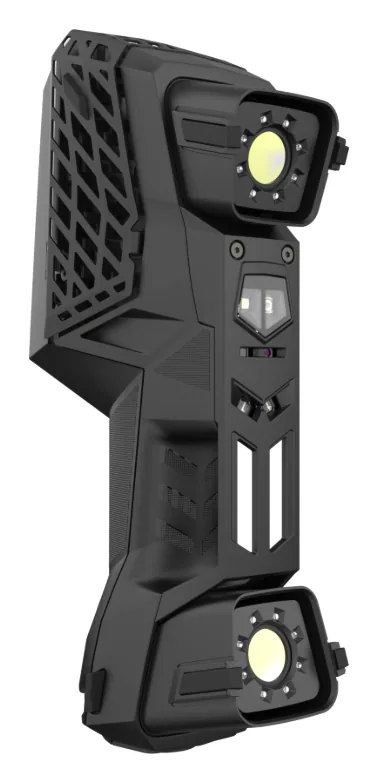
HandySCAN EVO
Handheld metrology-grade blue-laser 3D scanner
0.020 mmBest accuracy
Creaform's flagship handheld laser scanner, with a touchscreen on the scanner, AR guidance on the EVO Plus and Elite, and a wireless option with the Mobility Kit.
- Part size
- 0.05–4 m
- Targets
- Required
 Creaform
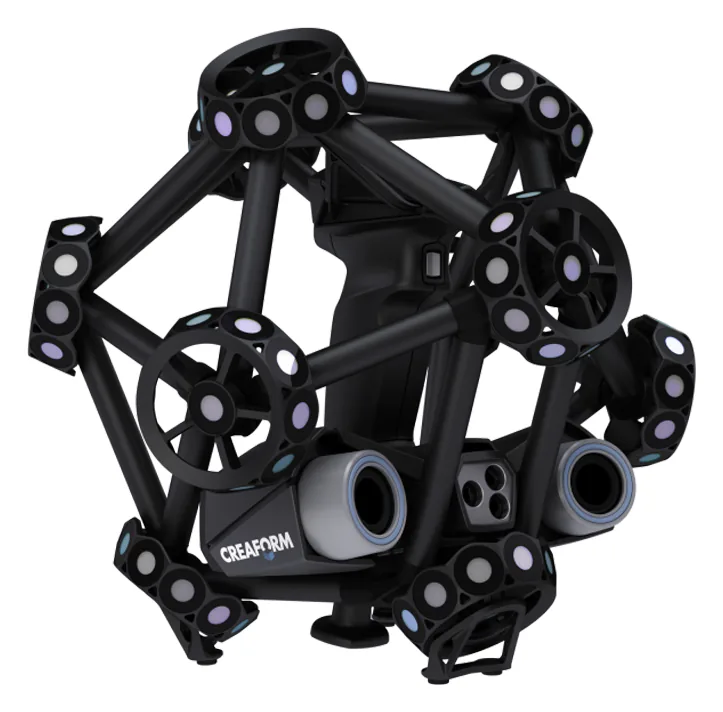
MetraSCAN 3D
Optical CMM 3D scanner with C-Track optical tracker
0.025 mmBest accuracy
Optical CMM scanner tracked by the C-Track for target-free shop-floor inspection; the BLACK2 also scans stand-alone.
- Part size
- 0.2–10 m
- Targets
- Not needed
- Creaform
Inspection
Dimensional inspection software module
Dimensional inspection module for scan, probe and photogrammetry data, from root-cause checks to full first-article inspection.
- CAD import
- IGES, STEP
- Mesh inspection (scanning)
- Included
 Artec
Artec Studio
3D scan capture and processing software
The capture and processing software for current Artec scanners, with scan-to-CAD and inspection tools built in.
- Runs on
- Windows 10 x64, Windows 11
- Artec Neo support
- Native in Artec Studio